
TP-Link Tapo - Security Camera
TP-Link Tapo C120 Security Camera
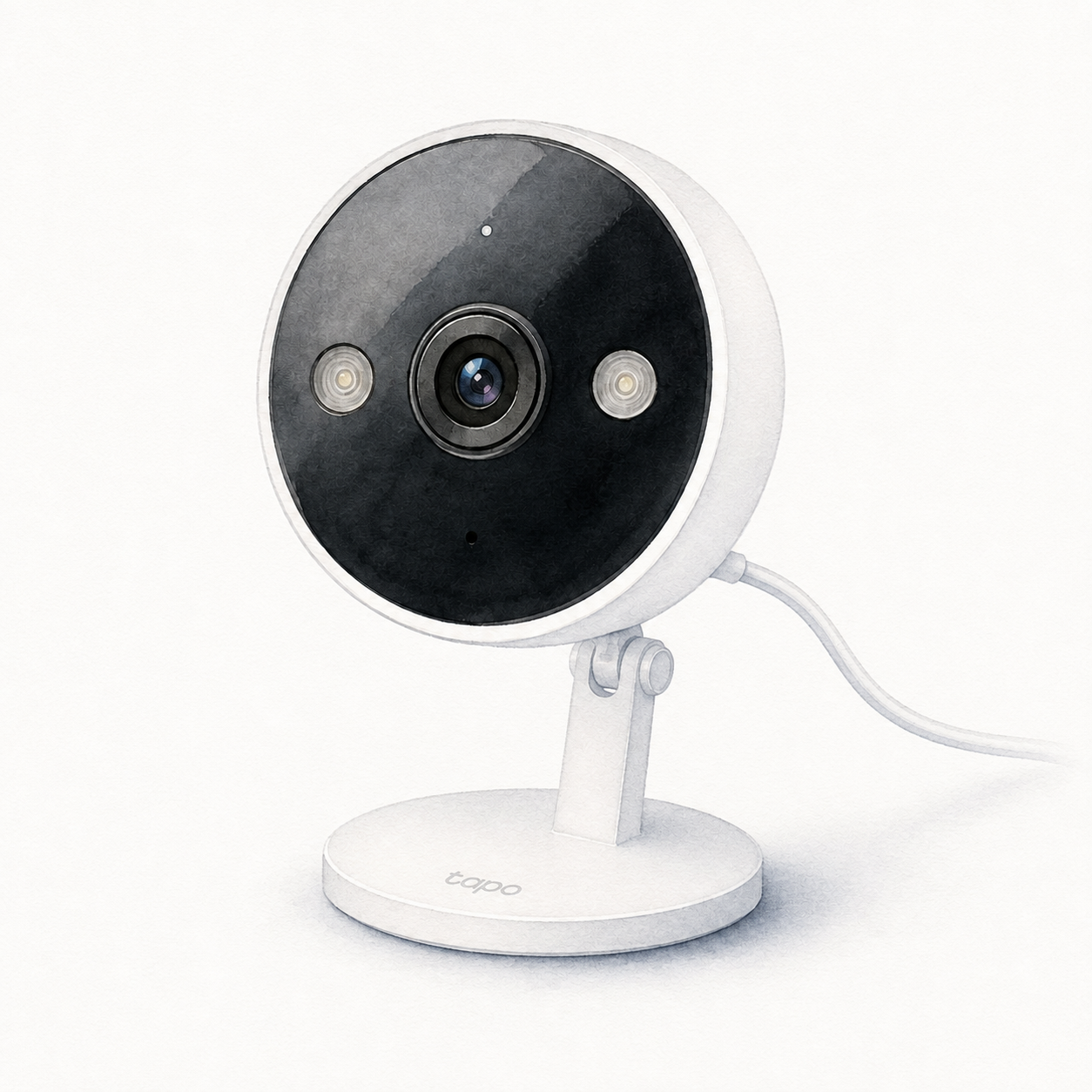
Tapo C120 illustration — not a product photo or full kit
Is it right for your home?
Monitoring a spot with an available power route and 2.4 GHz Wi-Fi, with the option of recording to a separately purchased microSD card. Tapo documents both indoor and outdoor camera placement; choose the position around the power and mounting requirements, not only the view.
Before you choose: conditions & sources
When to compare another option
This is not a battery-powered camera. The linked US guide requires the adapter to be used indoors, even when the camera is outside. Budget for a suitable card or check Tapo Care subscription terms; local recording does not establish free cloud storage or verify every alert and service feature.
FlowHome interpretation of the documentation below, not hands-on testing or a guarantee for your setup. Source dates are documentation checks, not confirmation of today's firmware or seller package.
- TP-Link US — Tapo C120 power, placement and storage options — consulted 2026-09-12
- Tapo — C120 US guide: indoor adapter and separate recording card — consulted 2026-09-12
First setup check
Set up with the Tapo app and 2.4 GHz Wi-Fi, using the manufacturer-supplied power adapter and cable. This camera is not battery-powered.
All setup checks & sourcesFrom model-specific documentation, not a hands-on test. This is one check, not a complete installation guide.
Catalog features and verification status
Sponsored affiliate link - price and availability may change.
By: FlowHome Editorial Team (Editorial organization)
Product data updated 2026-09-12. This is not a human review.
Key specifications
These are category-relevant catalog entries, not independent verification of each feature. Check the model-specific sources and limitations below; missing information remains unverified.
- Price: Check price on Amazon
- Amazon customer rating: Check current ratings on Amazon
- Night vision: Catalog: Yes (unverified)
- Two-way audio: Catalog: Yes (unverified)
Connectivity and platform checks
An unverified yes/no is a catalog record, not proof of support or incompatibility. Evidence-backed signals apply only to the supported function and conditions; they do not establish native connectivity, controller or bridge roles, firmware, or included hardware.
- Wi-Fi: Catalog: Yes (unverified)
- Bluetooth: Catalog: No (unverified)
- Zigbee: Catalog: No (unverified)
- Matter: Catalog: No (unverified)
- Alexa: Catalog: Yes (unverified)
- Google Home: Catalog: Yes (unverified)
- Apple HomeKit: Catalog: No (unverified)
- Thread role / integration: Not verified
- SmartThings role / integration: Not verified
Read the model-specific compatibility conditions and sources below before choosing a setup.
Service plan checks
Subscription requirements are not yet verified by feature for this catalog model. A single yes/no label cannot establish which functions work without a paid plan. Check the manufacturer's current terms for the recording, storage and alerts you need before buying.
Any documented storage or plan conditions in the installation notes below apply only to the functions described; they are not a complete review of current service plans.
Identity and evidence limits
Each documented statement below has its own source and conditions. Missing evidence means not verified, not that a feature is absent. These records do not certify the seller's current package or a physical unit.
- Model
Documented: Tapo C120. The cited manufacturer document covers this catalog model or family. It does not independently match the Amazon ASIN, seller package or hardware revision.
- TP-Link US Tapo C120 specifications and storage options — consulted 2026-09-05
- Amazon ASIN
Not verified for this catalog identity.
- Generation / hardware revision
Not verified for this catalog identity.
- Package contents
Not verified for this catalog identity.
- Market / regional variant
Not verified for this catalog identity.
- Firmware version
Not verified for this catalog identity.
- Device, bridge or controller role
Documented: Externally powered security camera. The C120 setup is not battery-powered; outdoor placement does not make the power adapter outdoor-rated.
- TP-Link US Tapo C120 specifications and storage options — consulted 2026-09-05
- Service / subscription conditions
Not verified for this catalog identity.
Installation checks
FlowHome setup assessment: Mounting or guided setup. This is our estimate from the requirements below, not a hands-on test or a guarantee of difficulty.
- Set up with the Tapo app and 2.4 GHz Wi-Fi, using the manufacturer-supplied power adapter and cable. This camera is not battery-powered.
- Plan the camera position and power-cable route. A table or shelf needs no wall mounting; magnetic, adhesive and screw mounting are other options. Follow the manual for your hardware version.
- The linked US setup guide specifies indoor use for the power adapter, even when the camera is outdoors. Check the exact installation instructions before choosing its location.
- For local recording, the guide calls for a separate microSD card initialized in the app; Tapo Care cloud storage is a subscription service.
Documented model: Tapo C120. Target market: US. Follow the manufacturer instructions for your exact hardware and household.
- TP-Link US Tapo C120 specifications and storage options — consulted 2026-09-05.
- Tapo C120 US quick installation guide, revision 1.3.1 — consulted 2026-09-05.
The Amazon ASIN, package contents and hardware revision have not been independently matched to these setup requirements. Confirm the exact listing before buying.
Editorial methodology
Author: FlowHome Editorial Team (Editorial organization).
Ratings source: A current authorized rating is not available here; check Amazon for customer feedback. FlowHome does not run controlled lab tests.
Price source: A current authorized price is not available here. Check Amazon for final pricing and availability. FlowHome may earn from qualifying purchases.
Specs source: Catalog records, with source references below when available. A recorded feature is not proof of independent verification; confirm the exact model, firmware and installation requirements with the manufacturer.
Disclosure: FlowHome may earn from qualifying purchases through affiliate links. Automation can assist with discovery and maintenance, but it does not replace editorial responsibility.
- TP-Link US Tapo C120 specifications and storage options — consulted 2026-09-05; documentary source, not a physical test.
- Tapo C120 US quick installation guide, revision 1.3.1 — consulted 2026-09-05; documentary source, not a physical test.
Check price on Amazon
A current authorized price is not available here. Open Amazon to check the price, availability, and any conditions before buying.
Price snapshot
Models to compare
These are research candidates, not confirmed drop-in replacements. Compare device roles, installation requirements and the exact functions you need before choosing.
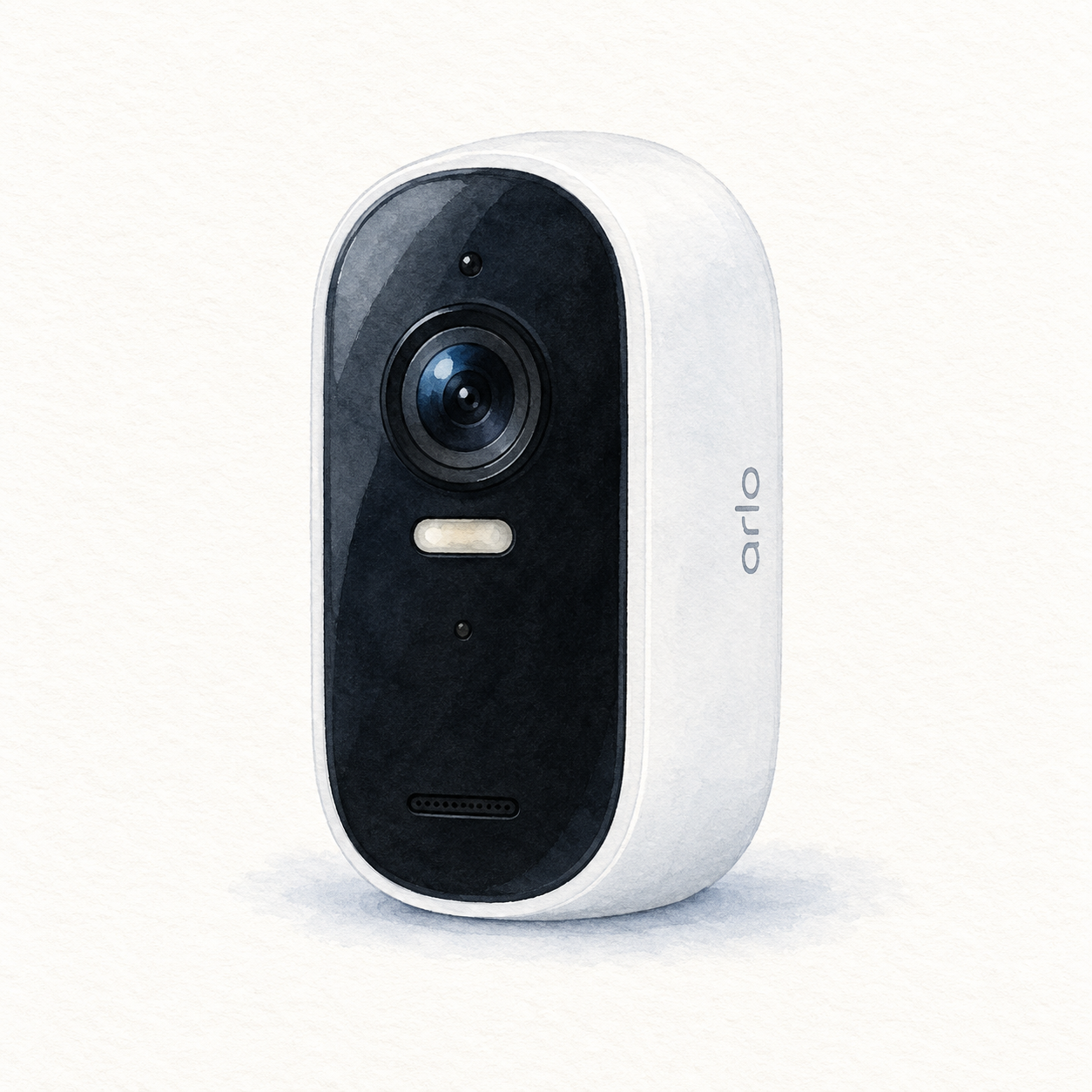
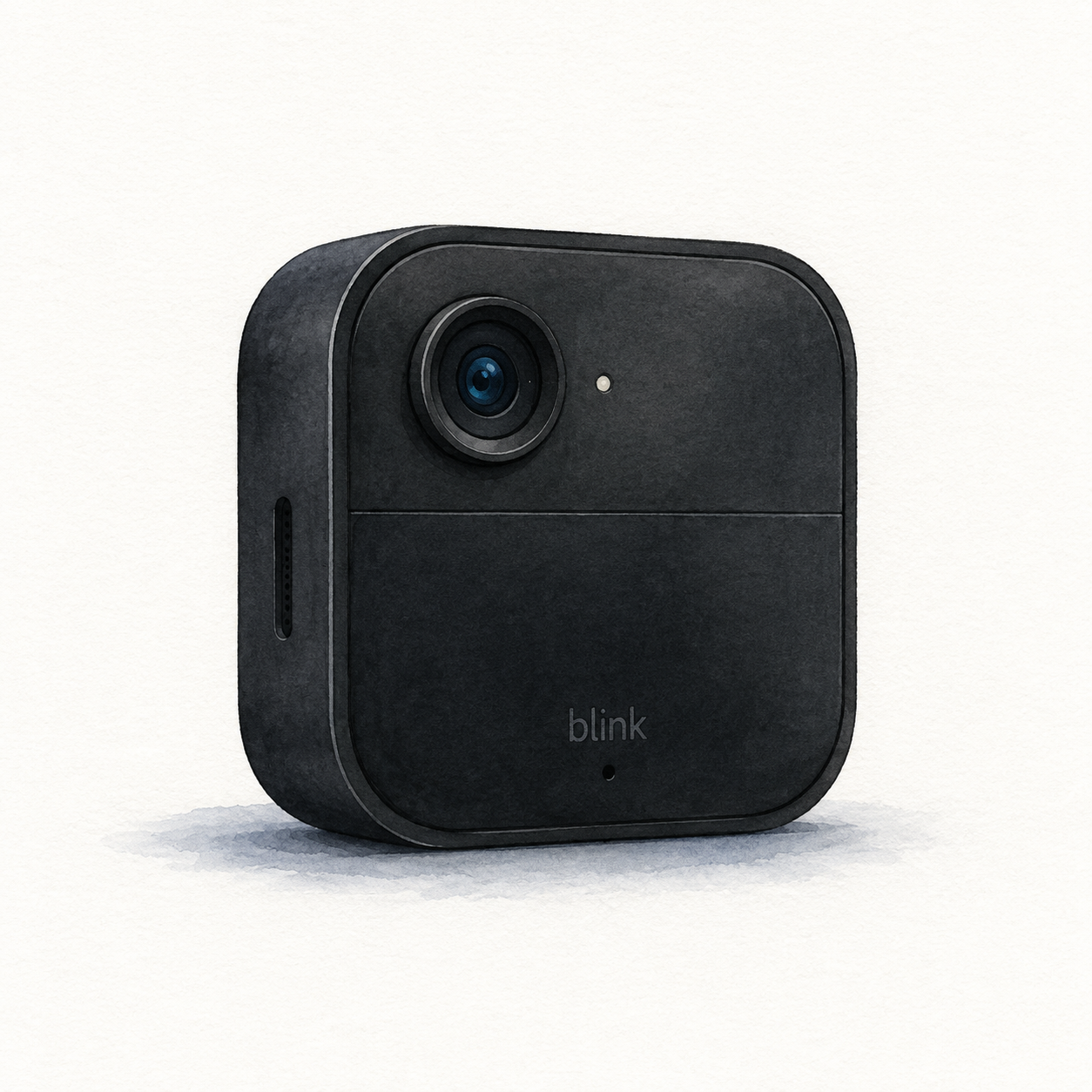
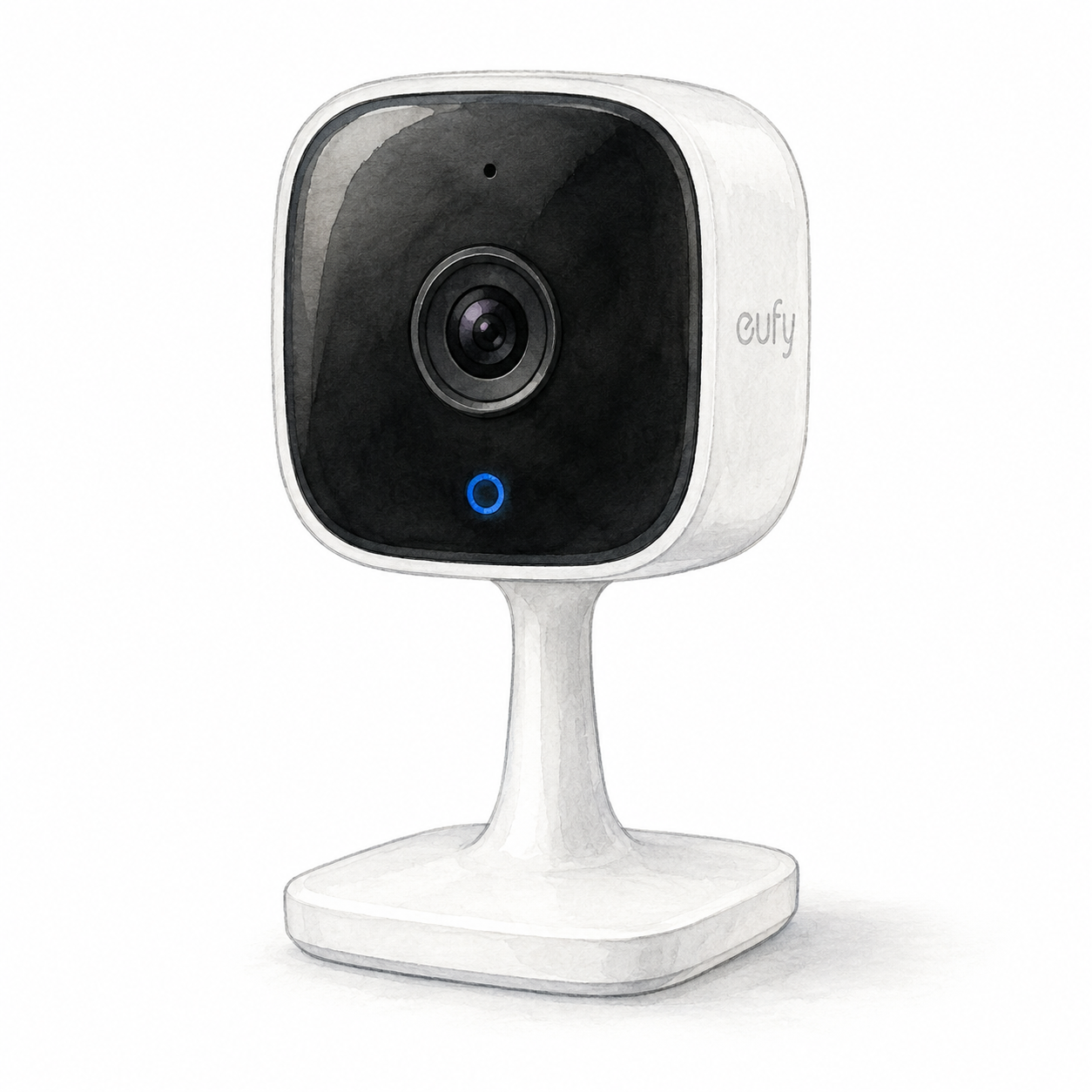
Documented product relationships
These source-attributed records are separate from editorial recommendations. A substitute applies only to its stated use case; a complement is not a compatibility guarantee.