Smart Speaker
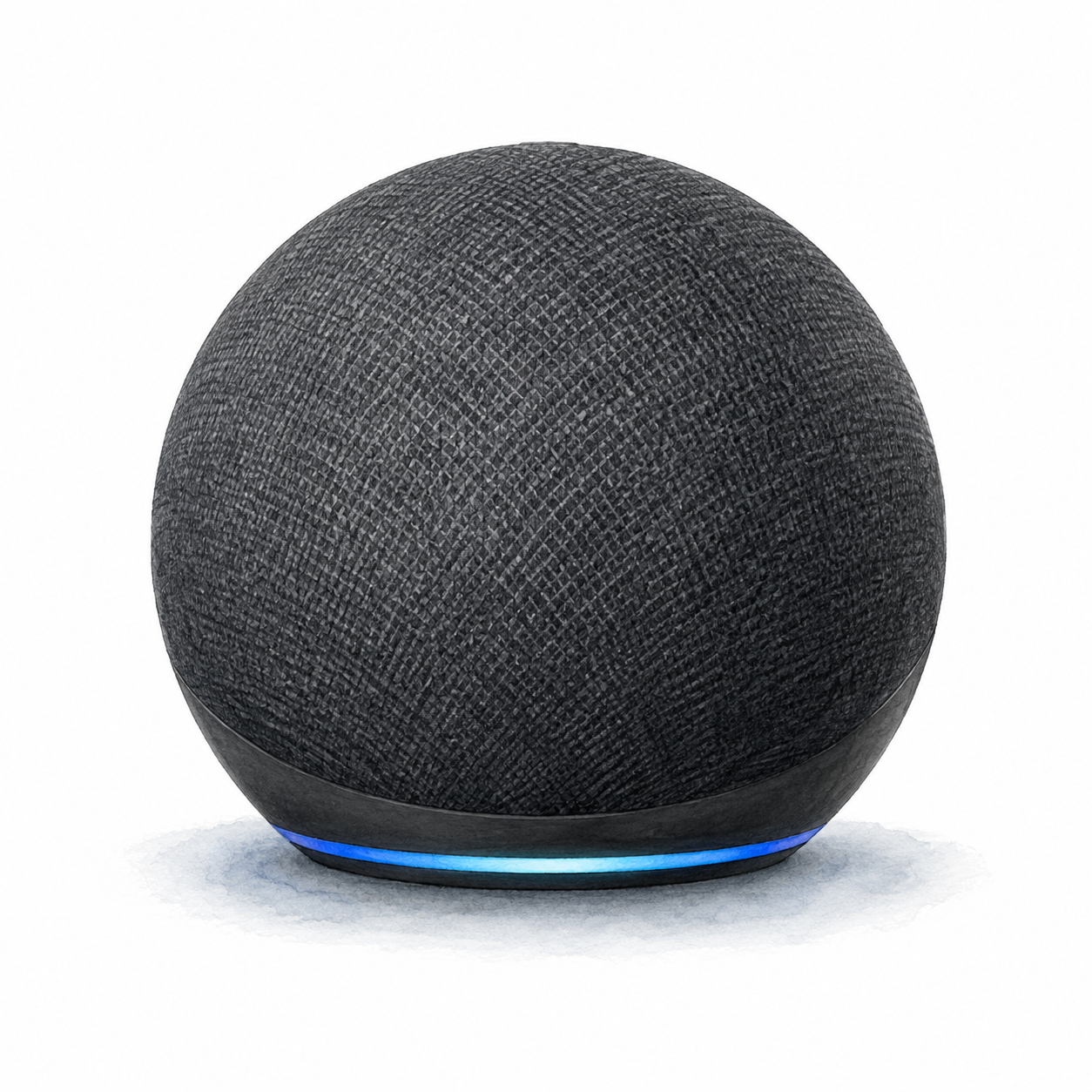
Echo Dot 5th Gen
On Amazon
Check current price
Current rating not verified
Before you chooseConnect the power adapter, then complete setup in the Alexa app with an Amazon account and Wi-Fi internet.Setup checks & sources
Smart buys, not smart-home noise
Start with one useful routine. Compare device requirements, check what else you need, and save a shortlist before checking current prices on Amazon.
Research-based guidance, not hands-on testing. How we evaluate products
Editorial shortlist
Smart Speaker
On Amazon
Check current price
Current rating not verified
Before you chooseConnect the power adapter, then complete setup in the Alexa app with an Amazon account and Wi-Fi internet.Setup checks & sources
Plan before you buy
More to explore
Selected to explore different smart-home tasks, not ranked by ratings or hands-on testing. Check each profile for requirements and limitations.

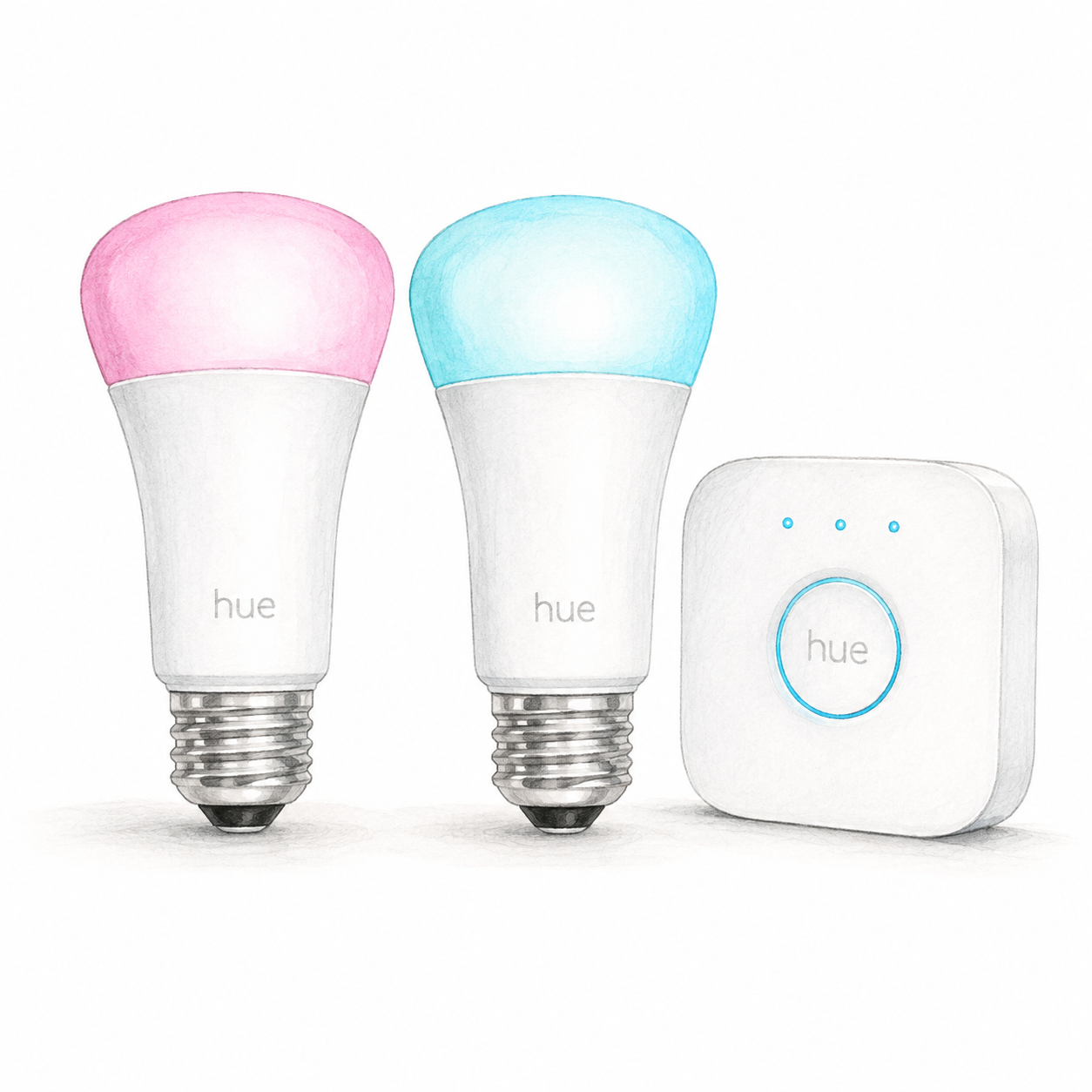
Hue 562918 device illustration — not a photo; accessories omitted
Philips Hue
Research a lighting kit and its required components.
Mounting or guided setup
Check suitable indoor E26 fixtures rated for these 110–130 V bulbs. The included Bridge needs power and a router Ethernet port.
First setup check
Check suitable indoor E26 fixtures rated for these 110–130 V bulbs. The included Bridge needs power and a router Ethernet port.

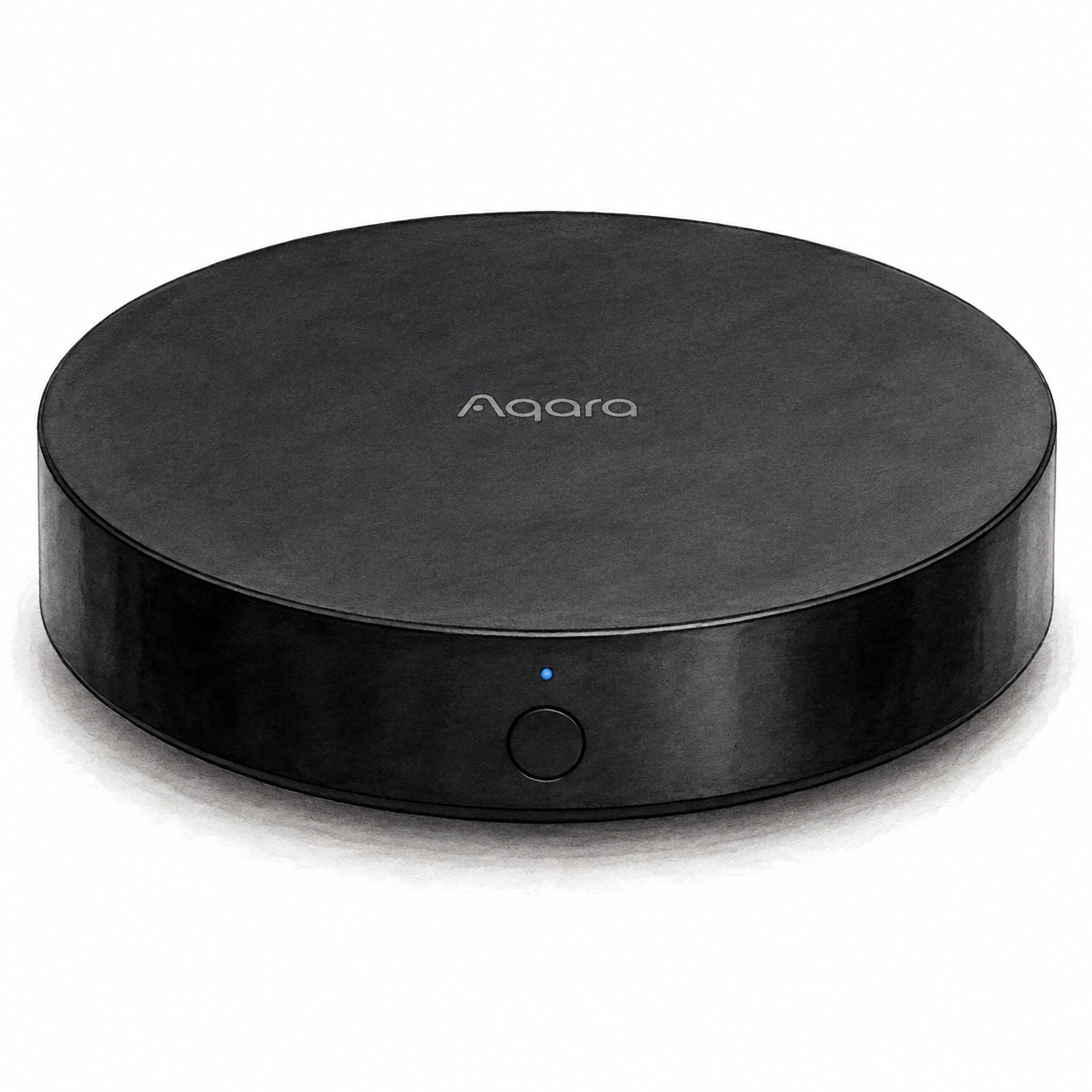
Aqara Hub M2 illustration — not a product photo
Aqara
Explore the role of a hub before selecting accessories.
Aqara hub for compatible accessories
Power and app setup
Plan for a separate 5 V USB power adapter; check the exact package. Ethernet does not replace USB power.
First setup check
Plan for a separate 5 V USB power adapter; check the exact package. Ethernet does not replace USB power.
The setup document covers HM2-G01. It does not certify every accessory or the firmware of a seller's unit.

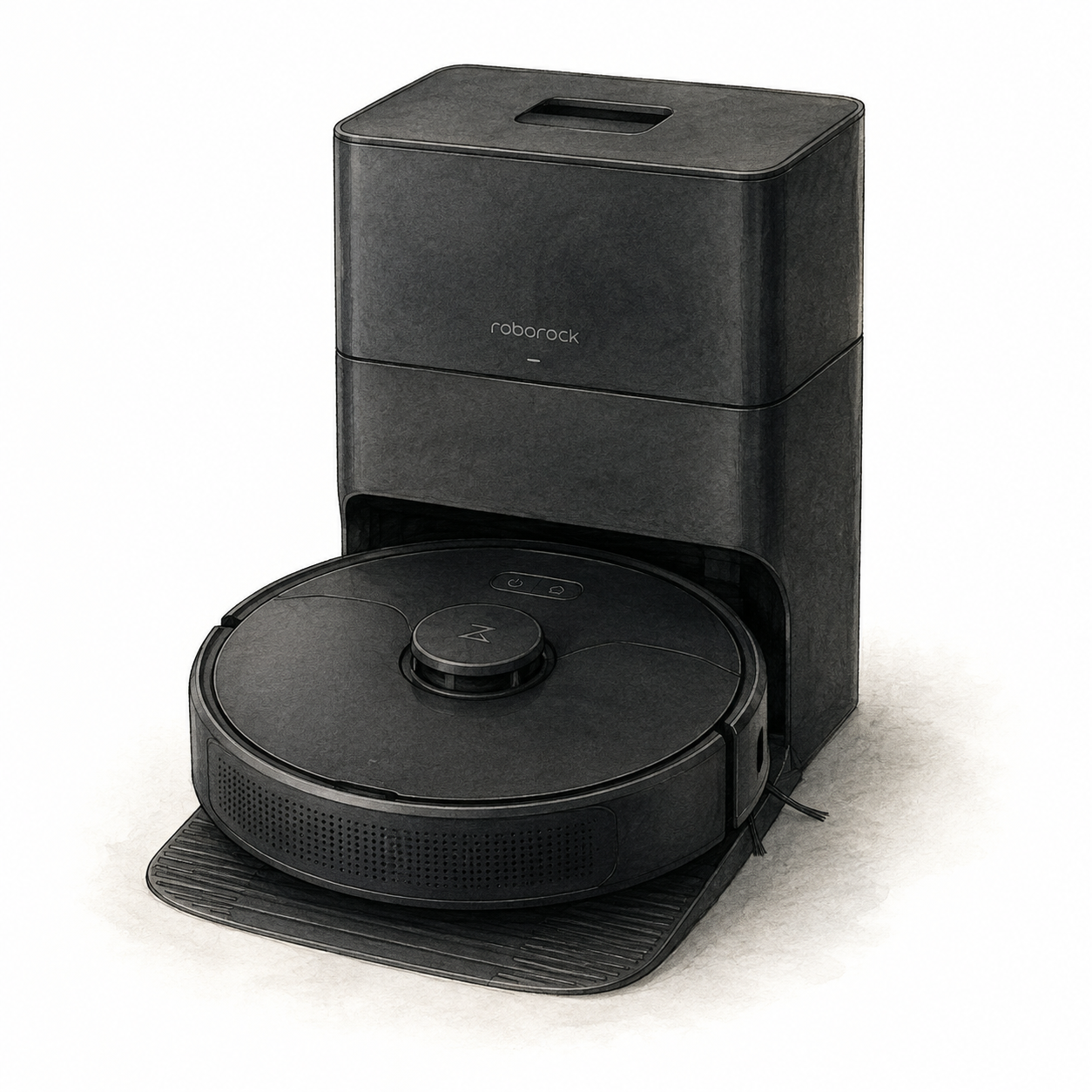
Roborock Q5+ and dock illustration — not a product photo
Mounting or guided setup
Allow room for the original Q5+ dock and assemble its base before connecting power. Supervise the first cleaning route; raised areas require a secure physical barrier. Mapping does not replace that barrier.
First setup check
Allow 0.5 m on each side of the dock, 1.5 m in front and 1 m above. Raised areas need a secure physical barrier, not just mapping.

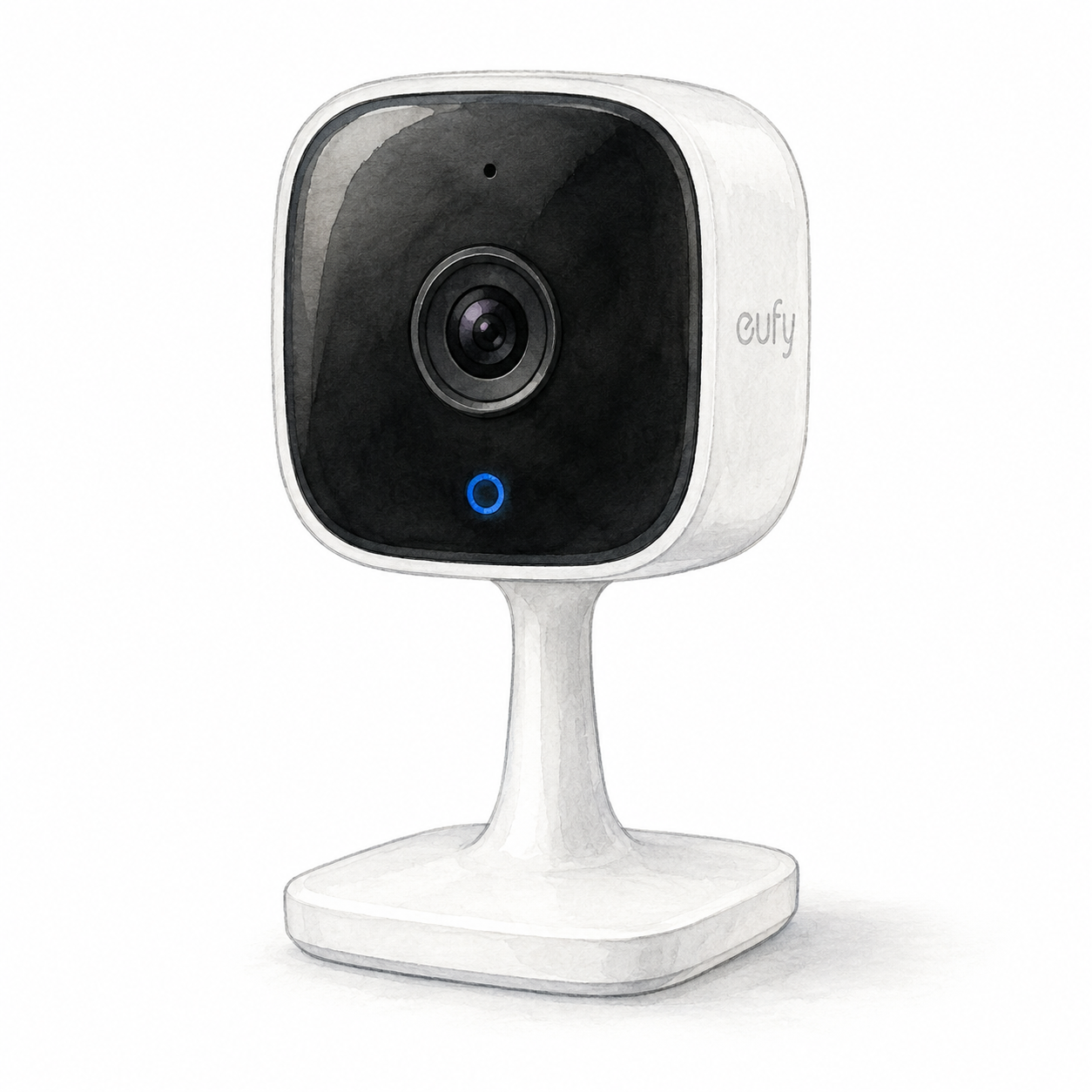
eufy Indoor Cam C120 illustration — not a product photo
Mounting or guided setup
Indoor-only, plug-in camera with 2.4 GHz Wi-Fi. Local on-camera recording needs a separately purchased microSD card; this does not establish cloud-free operation.
First setup check
Indoor-only, plug-in camera with 2.4 GHz Wi-Fi. Local on-camera recording needs a separately purchased microSD card; this does not establish cloud-free operation.
Shortlist confidence
Compare setup requirements and feature records, save your picks, and check current buying details on Amazon.
Review notes
smart hub
Document-based Aeotec GP-AEOHUBV3US review: SmartThings controller role, US regional hardware, and setup checks—not Smart Home Hub 2.
Read notessmart hub
Document-based Aqara Hub M2 review: Matter bridging for supported Zigbee accessories, power requirements, and firmware limits.
Read notessmart hub
Document-based SwitchBot Hub 2 review: Matter bridge roles, supported actions, and the sensor-equipped cable required for setup.
Read notesYour shortlist
Save products in this browser without an account. Your list stays here between visits; clearing browser data can remove it.
Estimate simple monthly savings from plugs, thermostats, lights, and sensors.
Side-by-side specs for curated smart home decisions.
Answer a few questions and pick a practical smart home path.
FlowHome RSS
Add FlowHome to your RSS reader to see reviews, guides, and published deal updates as they appear.
RSS brings updates from websites into a reader app. This is a feed link, not an email subscription.
Follow via RSS