Quick verdict
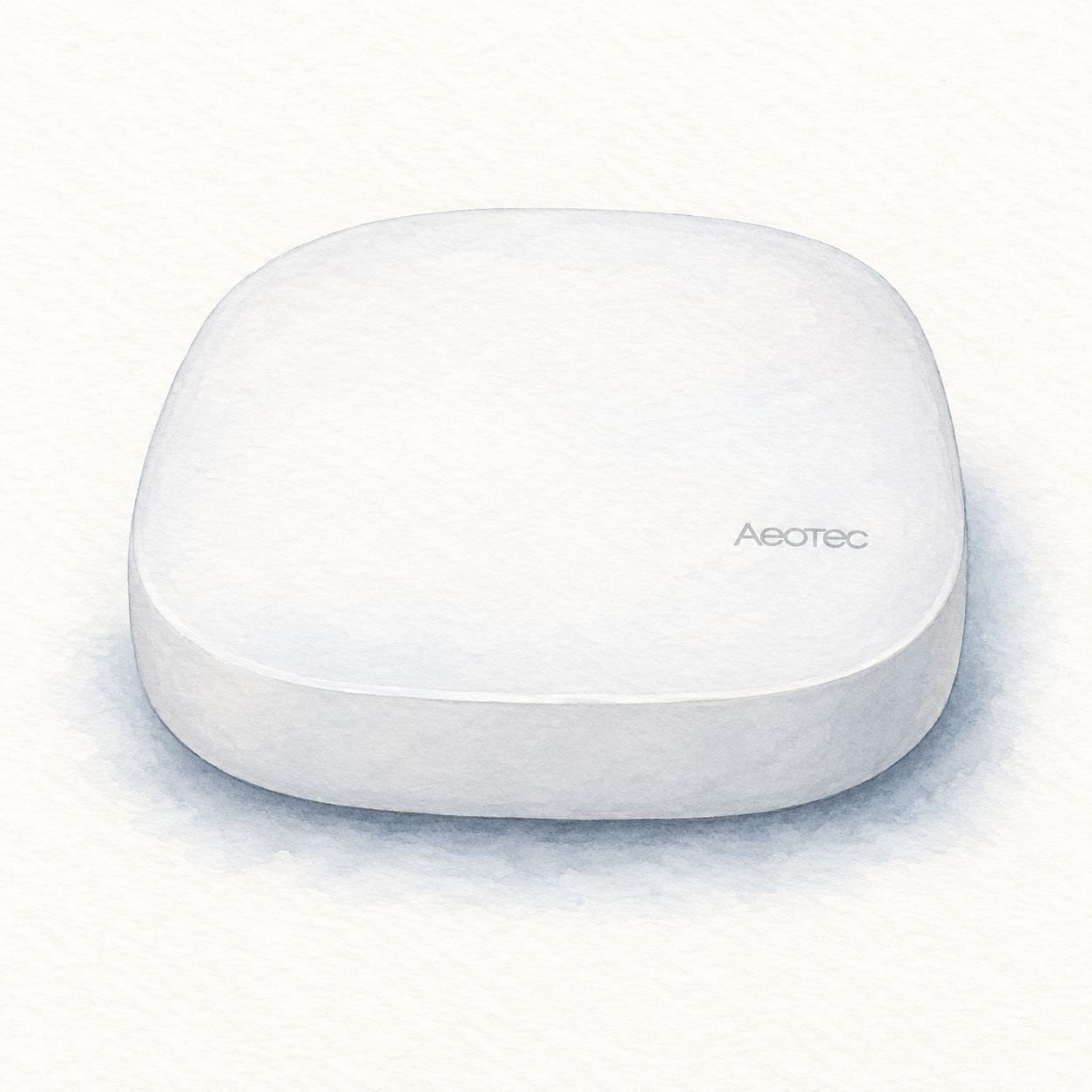
Aeotec SmartThings Hub is a controller candidate for a SmartThings-based home. Aeotec documents Zigbee, Z-Wave, Matter, and Thread support for its Smart Home Hub, alongside Alexa and Google Home integration through SmartThings. This is a useful starting point, not evidence that every device using one of those protocols will work.
This review is document-based guidance, not a physical evaluation. Current prices, customer ratings, seller bundles, and individual device pairings were not verified. Check the exact hardware generation and regional model; Aeotec also sells a newer Smart Home Hub 2, whose specifications should not be transferred to the older hub automatically.
Key specifications and features
Aeotec describes the hub as a SmartThings controller, including a Matter-controller role and Thread-border-router functionality. That is different from a bridge that exposes a limited set of another manufacturer’s accessories to an existing Matter platform.
The manufacturer’s FAQ directs buyers to compatible devices in the SmartThings app. Make a list of the actual models you need, not just their protocol names. Regional radio versions, firmware, the available device integration, and the particular command or sensor event all matter. This article does not certify those combinations.
Installation and regional model checks
The catalog’s documented US identity is GP-AEOHUBV3US, not Smart Home Hub 2. Regional Z-Wave versions are not interchangeable. Check the model evidence and the actual unit label; the documented destination does not certify the current seller package or installed firmware.
Aeotec recommends Ethernet for initial setup; its wireless connection uses 2.4 GHz Wi-Fi with WPA2. Registration requires the SmartThings app, a Samsung account, and the hub’s QR code or serial number. Allow registration and updates to finish. The installation checklist covers initial setup, not the separate work of migrating devices and validating household routines.
Strengths and tradeoffs
The documented controller role is relevant if the household wants SmartThings to coordinate devices rather than merely import one accessory family into another app. Protocol coverage can be a useful selection criterion once exact device support is confirmed.
The tradeoffs are integration scope and operating conditions. Aeotec distinguishes some local automation capability from functions requiring internet access, such as remote control and cloud services. Do not infer that the complete home will keep working offline. Plan which routines are essential and confirm their dependencies before migrating devices.
Comparison context and buyer fit
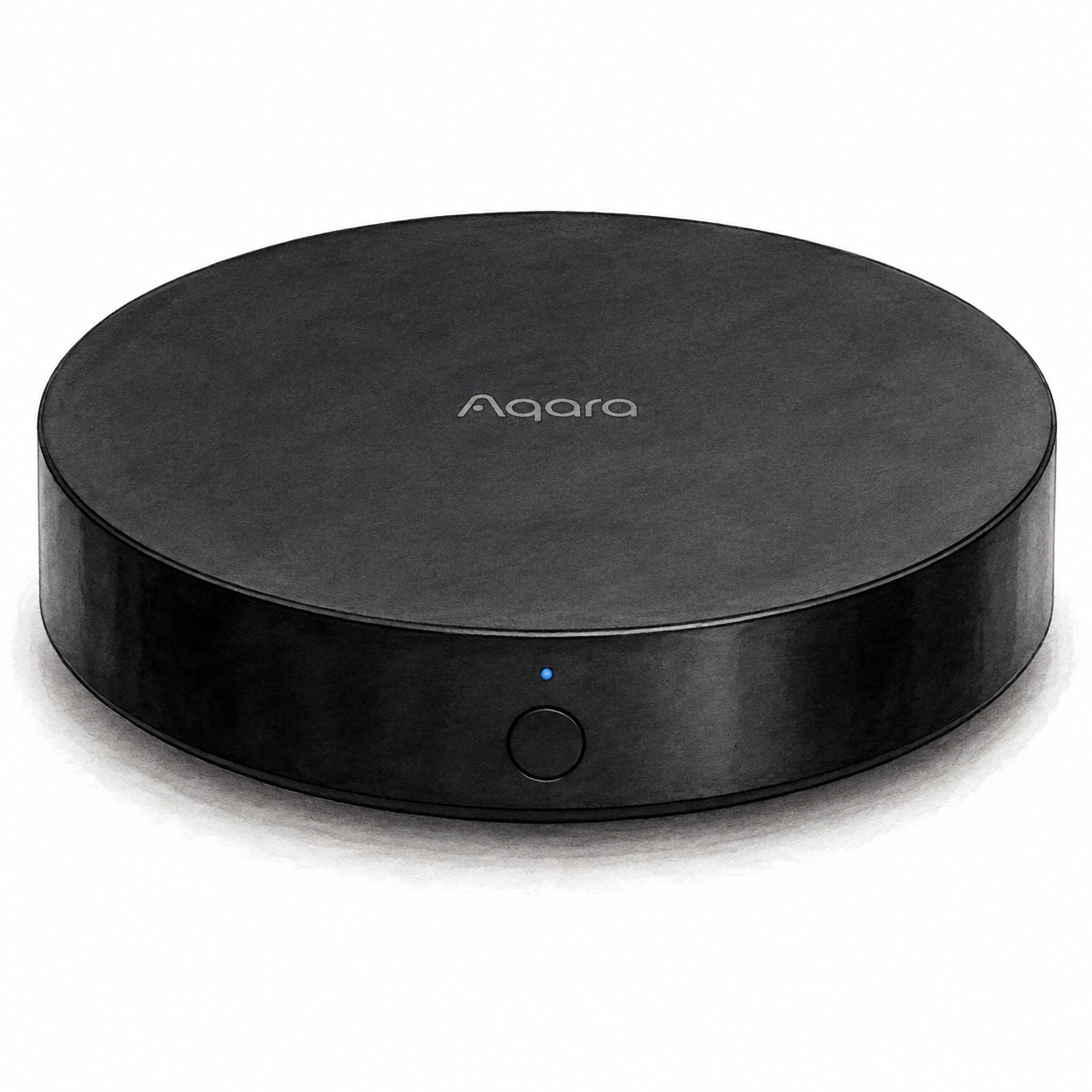
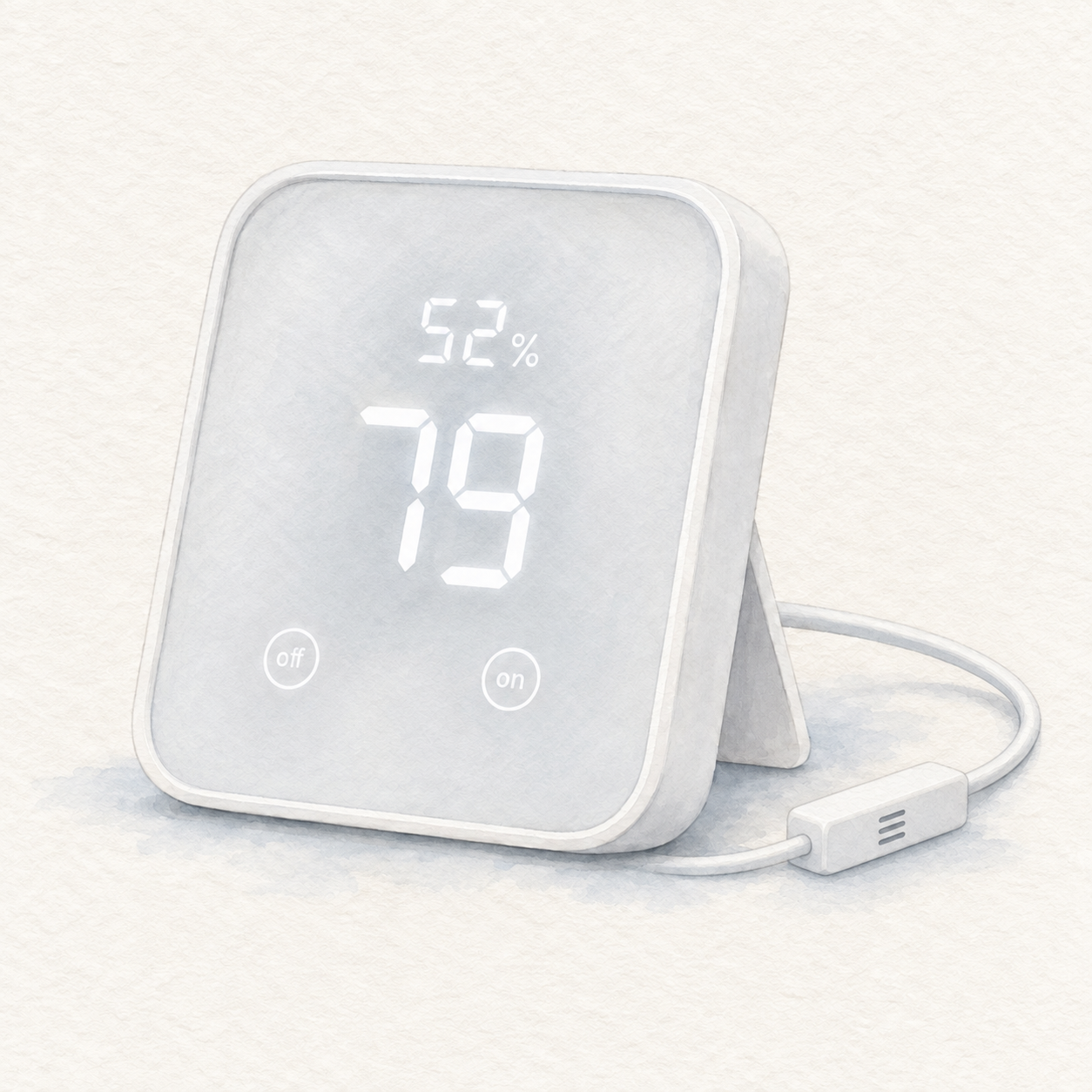
Aqara Hub M2 and SwitchBot Hub 2 provide documented bridge paths for particular supported accessory families. Aeotec’s controller role is a different choice. This review has no current evidence that one option is cheapest, fastest, most reliable, or universally compatible.
Use the three-way hub comparison and smart-hub buying guide to organize the shortlist. Before purchase, identify the current hub model, confirm the device list, and document how household members will access the app. Consider migration effort as well as hardware.
FAQ
Does Aeotec document Matter and Zigbee? Yes, on its Smart Home Hub product page. Model and firmware verification are still required for the actual purchase.
Does a supported protocol guarantee a supported device? No. Consult the integration and device list for the exact model and function.
Who should consider it? Buyers who want a SmartThings controller and have checked their intended devices.
Does FlowHome earn a commission? As an Amazon Associate, FlowHome may earn from qualifying purchases.