
Aqara - Smart Hub
Aqara Hub M2
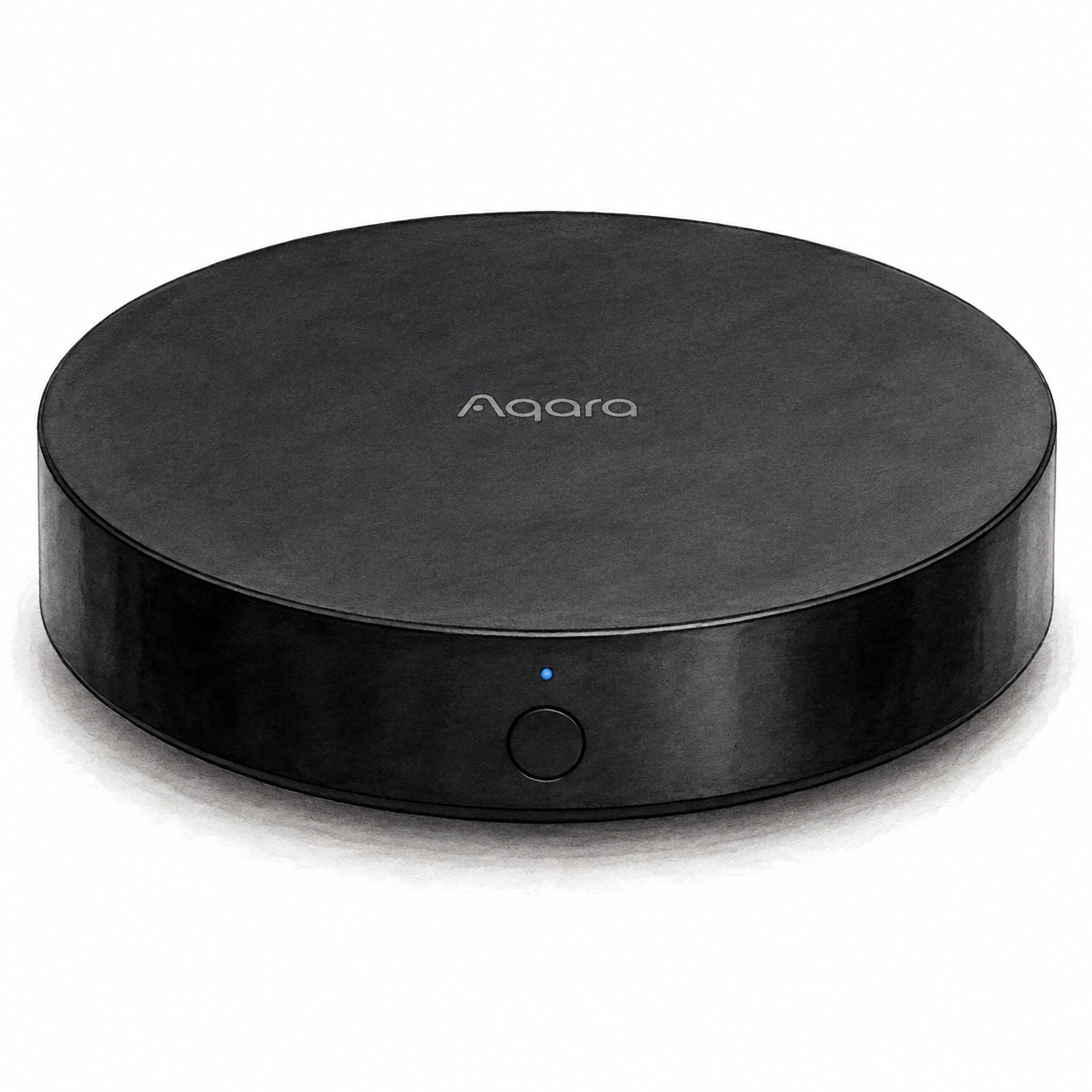
Aqara Hub M2 illustration — not a product photo
Is it right for your home?
Consider it for an existing or planned set of supported Aqara Zigbee accessories. Confirm each accessory and required action before relying on the documented Matter bridge path to another ecosystem.
Before you choose: conditions & sources
When to compare another option
Do not choose M2 on the assumption that any brand's Zigbee device will pair or that it is a general-purpose Matter controller. Check firmware, region and receiving-platform support; the cited Matter rollout announcement is historical, not a test of a seller's unit.
FlowHome interpretation of the documentation below, not hands-on testing or a guarantee for your setup. Source dates are documentation checks, not confirmation of today's firmware or seller package.
- Aqara Hub M2 Matter firmware announcement — consulted 2026-09-04
- Aqara Hub M2 support and device requirements — consulted 2026-09-04
First setup check
For the documented HM2-G01 model, connect Micro-USB power using a 5 V, 1 A or 2 A adapter. The manual says the adapter is purchased separately; check the exact package before buying.
All setup checks & sourcesFrom model-specific documentation, not a hands-on test. This is one check, not a complete installation guide.
Catalog features and verification status
Sponsored affiliate link - price and availability may change.
By: FlowHome Editorial Team (Editorial organization)
Product data updated 2026-09-12. This is not a human review.
Key specifications
These are category-relevant catalog entries, not independent verification of each feature. Check the model-specific sources and limitations below; missing information remains unverified.
- Price: Check price on Amazon
- Amazon customer rating: Check current ratings on Amazon
Connectivity and platform checks
An unverified yes/no is a catalog record, not proof of support or incompatibility. Evidence-backed signals apply only to the supported function and conditions; they do not establish native connectivity, controller or bridge roles, firmware, or included hardware.
- Wi-Fi: Catalog: Yes (unverified)
- Bluetooth: Catalog: Yes (unverified)
- Zigbee: Catalog: Yes (unverified)
- Matter: Catalog: Yes (unverified)
- Alexa: Catalog: Yes (unverified)
- Google Home: Catalog: Yes (unverified)
- Apple HomeKit: Catalog: Yes (unverified)
- Thread role / integration: Not verified
- SmartThings role / integration: Not verified
Read the model-specific compatibility conditions and sources below before choosing a setup.
Identity and evidence limits
Each documented statement below has its own source and conditions. Missing evidence means not verified, not that a feature is absent. These records do not certify the seller's current package or a physical unit.
- Model
Documented: Aqara Hub M2. The cited manufacturer document covers this catalog model or family. It does not independently match the Amazon ASIN, seller package or hardware revision.
- Aqara Hub M2 US specifications — HM2-G01 and power — consulted 2026-09-05
- Amazon ASIN
Not verified for this catalog identity.
- Generation / hardware revision
Not verified for this catalog identity.
- Package contents
Not verified for this catalog identity.
- Market / regional variant
Not verified for this catalog identity.
- Firmware version
Not verified for this catalog identity.
- Device, bridge or controller role
Documented: Aqara hub for compatible accessories. The setup document covers HM2-G01. It does not certify every accessory or the firmware of a seller's unit.
- Aqara Hub M2 US specifications — HM2-G01 and power — consulted 2026-09-05
- Service / subscription conditions
Not verified for this catalog identity.
Installation checks
FlowHome setup assessment: Power and app setup. This is our estimate from the requirements below, not a hands-on test or a guarantee of difficulty.
- For the documented HM2-G01 model, connect Micro-USB power using a 5 V, 1 A or 2 A adapter. The manual says the adapter is purchased separately; check the exact package before buying.
- Use the Aqara Home app with your phone on 2.4 GHz Wi-Fi for setup. An RJ45 Ethernet cable can connect the hub to the router's LAN port; USB power is still required.
- Place the hub indoors and avoid metal obstructions around it. Follow the manufacturer placement and accessory-pairing instructions for your exact hardware.
Documented model: Aqara Hub M2. Target market: US. Follow the manufacturer instructions for your exact hardware and household.
- Aqara Hub M2 US specifications — HM2-G01 and power — consulted 2026-09-05.
- Aqara Hub M2 manual linked by US support — setup pages 01-05 — consulted 2026-09-05.
The Amazon ASIN, package contents and hardware revision have not been independently matched to these setup requirements. Confirm the exact listing before buying.
Editorial methodology
Author: FlowHome Editorial Team (Editorial organization).
Ratings source: A current authorized rating is not available here; check Amazon for customer feedback. FlowHome does not run controlled lab tests.
Price source: A current authorized price is not available here. Check Amazon for final pricing and availability. FlowHome may earn from qualifying purchases.
Specs source: Catalog records, with source references below when available. A recorded feature is not proof of independent verification; confirm the exact model, firmware and installation requirements with the manufacturer.
Disclosure: FlowHome may earn from qualifying purchases through affiliate links. Automation can assist with discovery and maintenance, but it does not replace editorial responsibility.
- Aqara M2 Matter update announcement — bridge scope and firmware conditions — consulted 2026-09-04; documentary source, not a physical test.
- Aqara Hub M2 US specifications — HM2-G01 and power — consulted 2026-09-05; documentary source, not a physical test.
- Aqara Hub M2 manual linked by US support — setup pages 01-05 — consulted 2026-09-05; documentary source, not a physical test.
Check price on Amazon
A current authorized price is not available here. Open Amazon to check the price, availability, and any conditions before buying.
Price snapshot
Models to compare
These are research candidates, not confirmed drop-in replacements. Compare device roles, installation requirements and the exact functions you need before choosing.
Comparison candidate
Aeotec V3 hub illustration — not a product photo or full kit
Comparison candidate
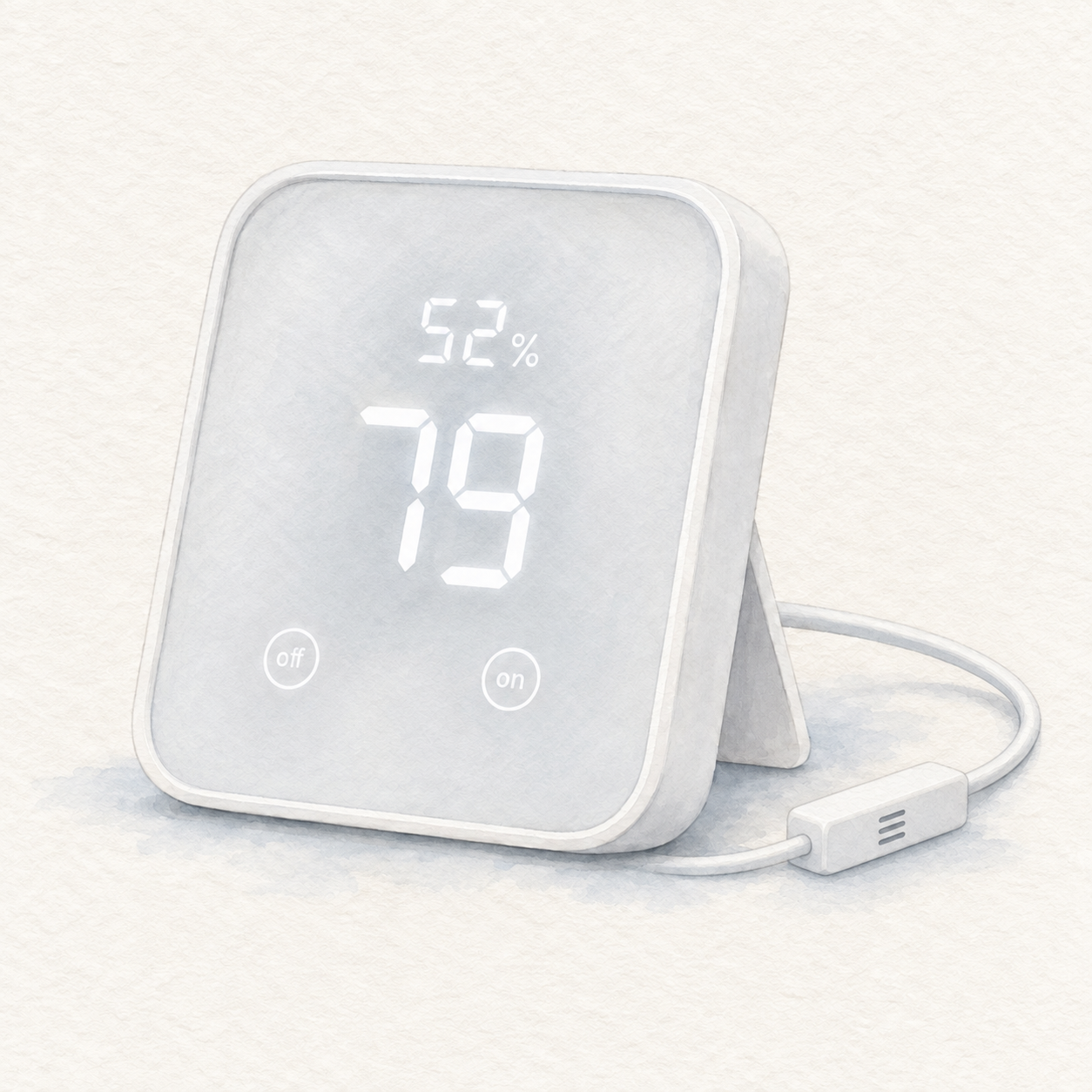
SwitchBot Hub 2 illustration — not a photo; sample readings
SwitchBot
SwitchBot Hub 2
Documented product relationships
These source-attributed records are separate from editorial recommendations. A substitute applies only to its stated use case; a complement is not a compatibility guarantee.