Quick verdict
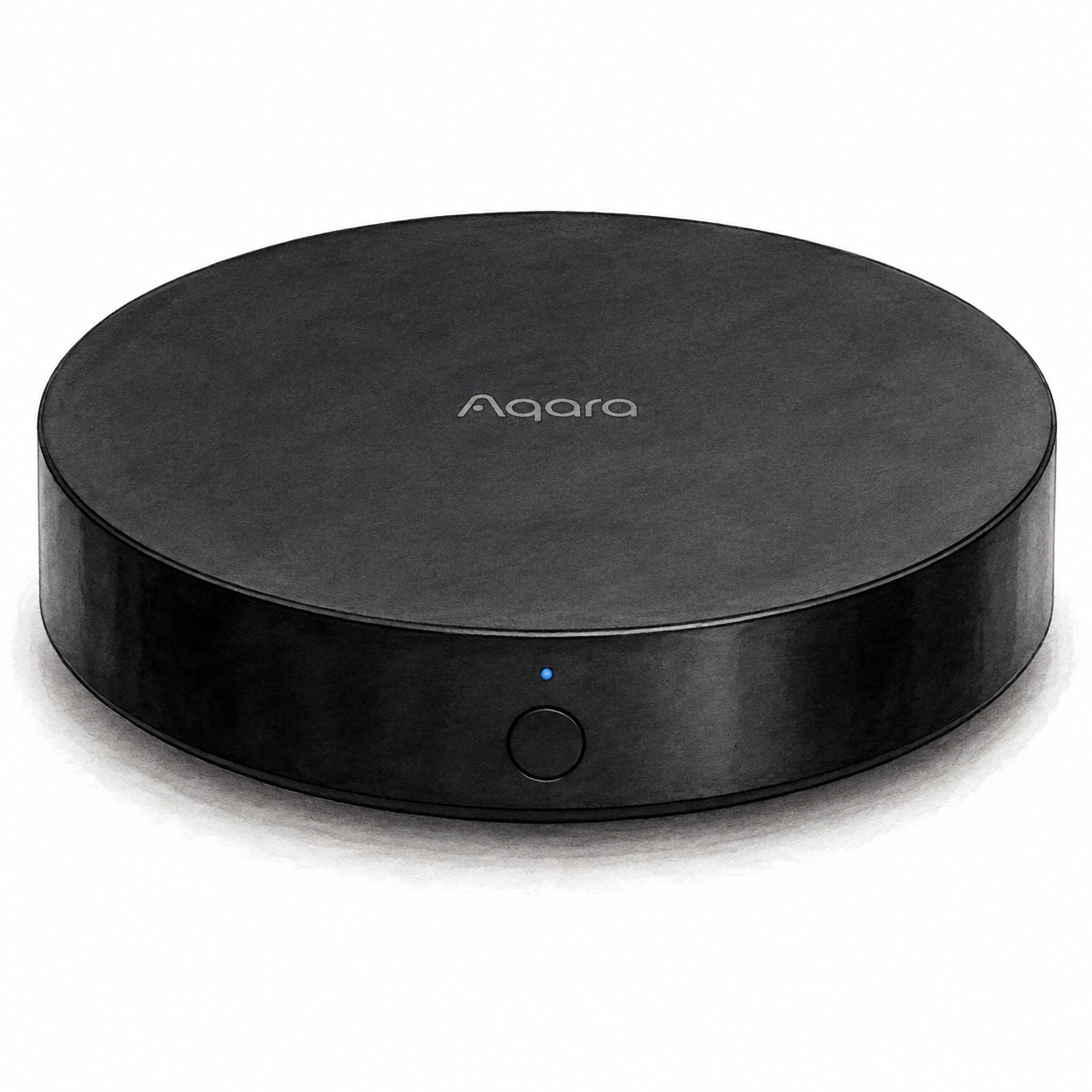
Aqara Hub M2 is a candidate for connecting supported Aqara Zigbee devices and exposing supported accessories to a Matter ecosystem. Aqara’s firmware announcement documents Matter bridging over Wi-Fi; the old FlowHome catalog statement that M2 has no Matter support is not an adequate description. Bridging does not convert Zigbee accessories into Thread devices.
This is document-based buying guidance, not a physical evaluation. Current price, customer ratings, subscription terms, and the exact seller bundle were not verified. The source-access date records this documentation check, not a human review or the installation of firmware on a test unit.
Key specifications and features
Aqara’s M2 support material describes an Aqara Zigbee hub. Its Matter announcement explains how compatible connected Zigbee devices can be exposed to another platform. The announcement is a historical beta-firmware document, so use current app instructions and supported-device lists when setting up an actual unit; this review does not certify the installed firmware.
The important distinction is the role in the network. Do not buy M2 assuming it is a general-purpose Matter controller or that any brand’s Zigbee device can be paired. Confirm the exact accessory model, hub region, firmware, receiving ecosystem, and supported control functions.
Installation and package checks
The M2 manual covers HM2-G01 and specifies Micro-USB power with a 5 V, 1 A or 2 A adapter, purchased separately. Ethernet is an optional network connection, not a replacement for USB power. Setup uses Aqara Home and a phone on 2.4 GHz Wi-Fi. Check the installation requirements before choosing a location.
The identity evidence documents the model family, but does not independently match this catalog’s Amazon ASIN or the current seller package. Confirm the model label, included power accessories, and receiving platform before ordering.
Strengths and tradeoffs
The documented bridge path can matter if the household already owns supported Aqara sensors or controls. It avoids treating the existing Zigbee inventory as automatically incompatible with a Matter-based platform.
The tradeoff is conditional support. A product-family badge does not establish every accessory or every function. If a lock, curtain motor, or sensor is critical to a routine, find that specific model in the manufacturer’s supported-device documentation before purchasing. Network or firmware requirements are part of the decision, not optional details.
Comparison context and buyer fit
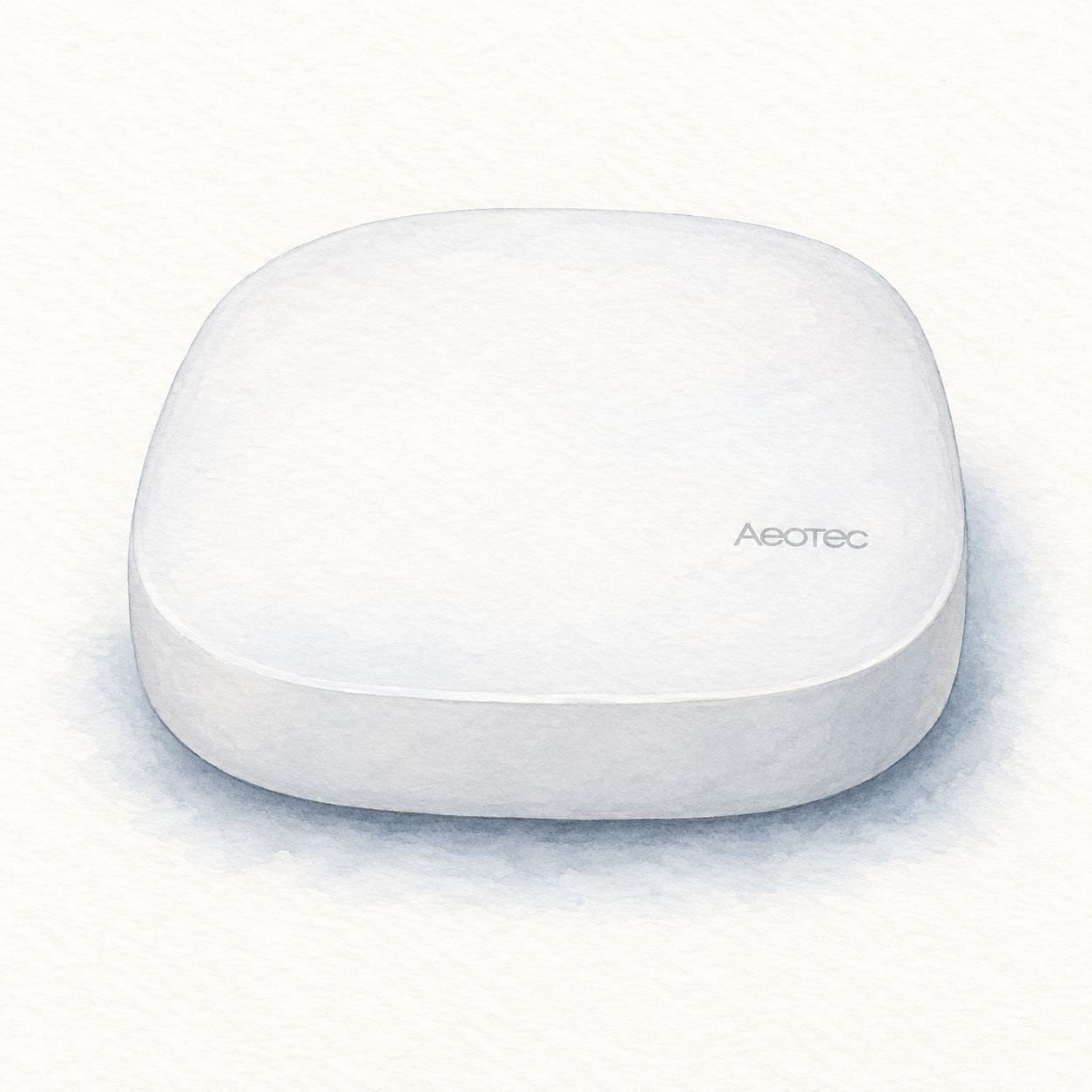
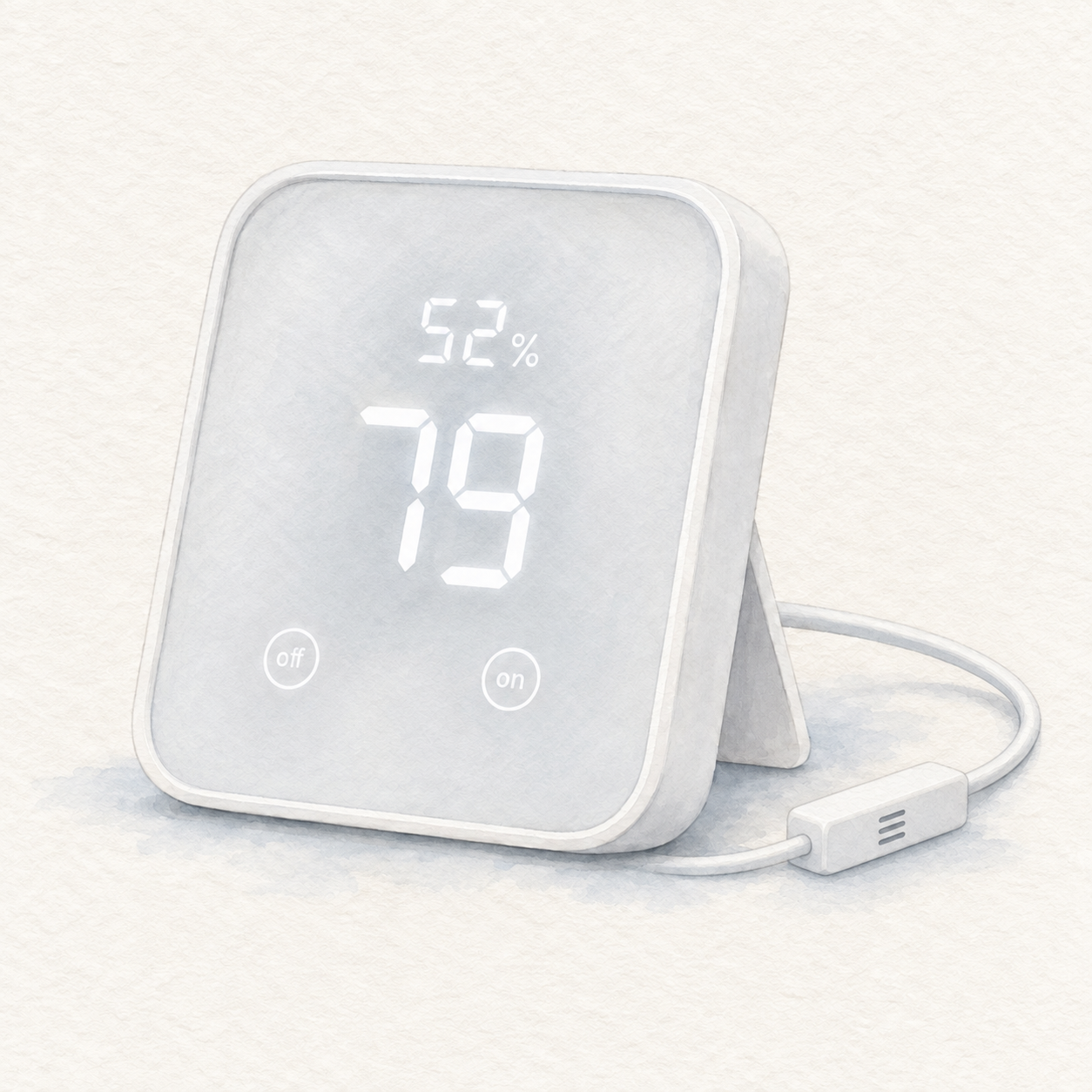
Compare roles before comparing prices. SwitchBot Hub 2 documents a bridge for supported SwitchBot and infrared devices. Aeotec SmartThings Hub documents a SmartThings controller. These are different selection paths, not a verified cheapest-to-most-expensive ranking.
Use the three-way comparison and smart-hub buying guide for navigation, but do not rely on an unqualified catalog boolean when it conflicts with the source notes here. List the actual accessories and desired actions first.
FAQ
Does M2 have a Matter path? Aqara documents Matter bridging through firmware for supported connected Zigbee accessories. Check the current device list and setup requirements.
Does that make Zigbee into Thread? No. Aqara explicitly distinguishes the protocols.
Who should consider it? Buyers with a supported Aqara accessory inventory and a confirmed path to the receiving ecosystem.
Does FlowHome earn a commission? As an Amazon Associate, FlowHome may earn from qualifying purchases.