Robot Vacuum
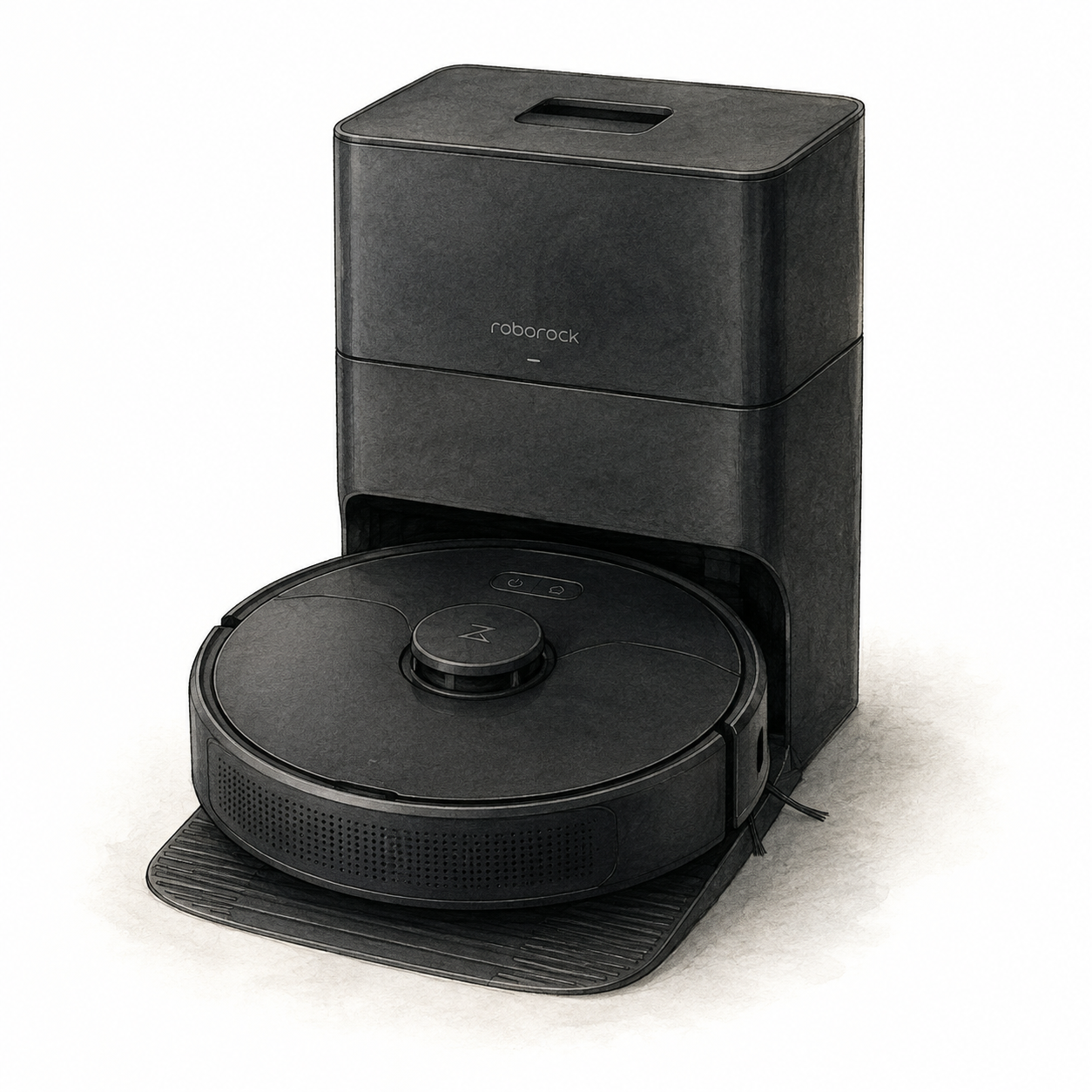
Roborock Q5+ and dock illustration — not a product photo
Roborock
Roborock Q5+ Robot Vacuum
Mounting or guided setup
Allow room for the original Q5+ dock and assemble its base before connecting power. Supervise the first cleaning route; raised areas require a secure physical barrier. Mapping does not replace that barrier.
Setup checks & conditions
First setup check
Allow 0.5 m on each side of the dock, 1.5 m in front and 1 m above. Raised areas need a secure physical barrier, not just mapping.
- Original Q5+ dock: attach the base with the six supplied screws before connecting power. Use a hard, level floor with at least 1.6 ft / 0.5 m clear on each side, 4.9 ft / 1.5 m in front and 3.3 ft / 1 m above.
- Clear loose cables and fragile or unstable items, supervise the entire first cleaning route, and use a secure physical barrier in raised areas. Mapping is not a substitute for that barrier.
- Charge on the dock and follow the Roborock or Mi Home app setup with 2.4 GHz Wi-Fi. These instructions cover the original Q5+, not Q5 Pro or other later variants.