FlowHome may earn from qualifying Amazon purchases. Recommendations focus on intended use, documented requirements, and explicit limitations.

Best of FlowHome

Smart Security Buying Guide: Camera, Doorbell, and Lock Roles

Compare monitoring and access-control roles with storage, power, privacy, and installation checks.

The devices serve different roles and have not been tested here as a combined security system. A camera or connected lock is not a guarantee against intrusion. Plan the event you need to observe or the access you need to manage.

By FlowHome Editorial Team

Published

Evidence basis: data evaluated

Video Doorbell
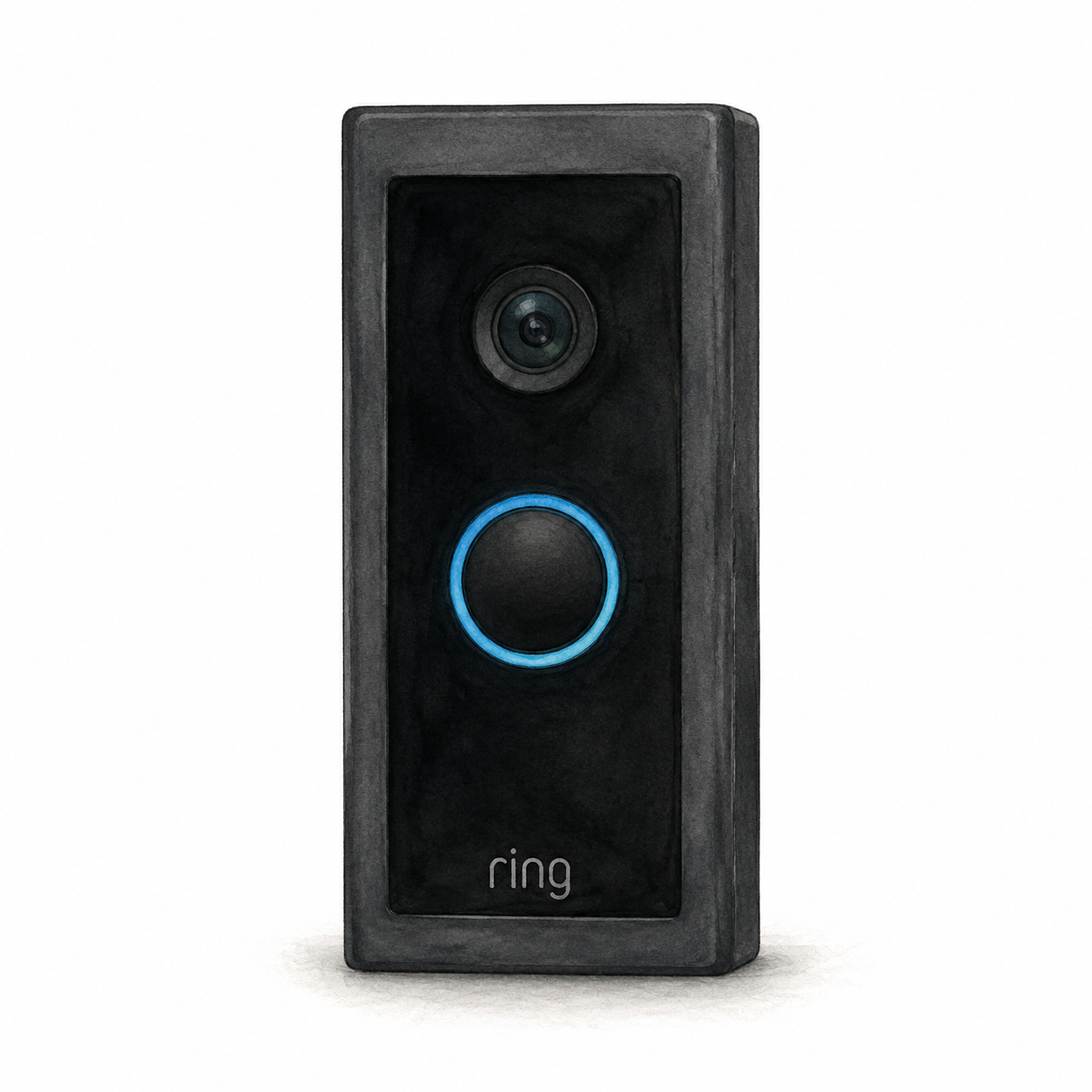
Illustration of the original black Ring Video Doorbell Wired with an upper camera and blue-ringed round button; not a product photo or full installation kit

Ring Video Doorbell Wired illustration — not a product photo

Ring

Ring Video Doorbell Wired

Original wired video doorbell

Wiring or detailed installation checks

Original Wired: verify the specified 10–24 VAC transformer or compatible Ring adapter, not arbitrary DC power. Hardwiring requires breaker isolation and disables the existing chime. Use a licensed electrician if inexperienced or unsure, and follow local requirements.

Setup checks & conditions

First setup check

Original Wired model: verify compatible power before buying. Hardwiring bypasses the existing chime; use a licensed electrician if inexperienced or unsure.

This is not a newer 2K or Pro model. The existing chime and power arrangement require separate checks.

  • Original Video Doorbell Wired: check the transformer and exact regional manual before buying. Ring's US hardwiring guidance specifies 10-24 VAC, 50/60 Hz, 8-40 VA. A compatible Ring Plug-In Adapter is an alternative sold separately; do not assume an arbitrary DC supply is suitable.
  • For hardwiring, disconnect power at the breaker before touching wires. Use a licensed electrician if inexperienced or unsure; local requirements may also require professional installation. With an existing in-home chime, the required jumper bypasses and disables that chime.
  • Plan the mounting surface and cable route, use the supplied mounting and security screws in their designated positions, and follow the Ring app setup. These checks apply to the original Wired model, not newer 2K or Pro models; this is not a step-by-step electrical installation guide.
All setup checks & sources
Security Camera
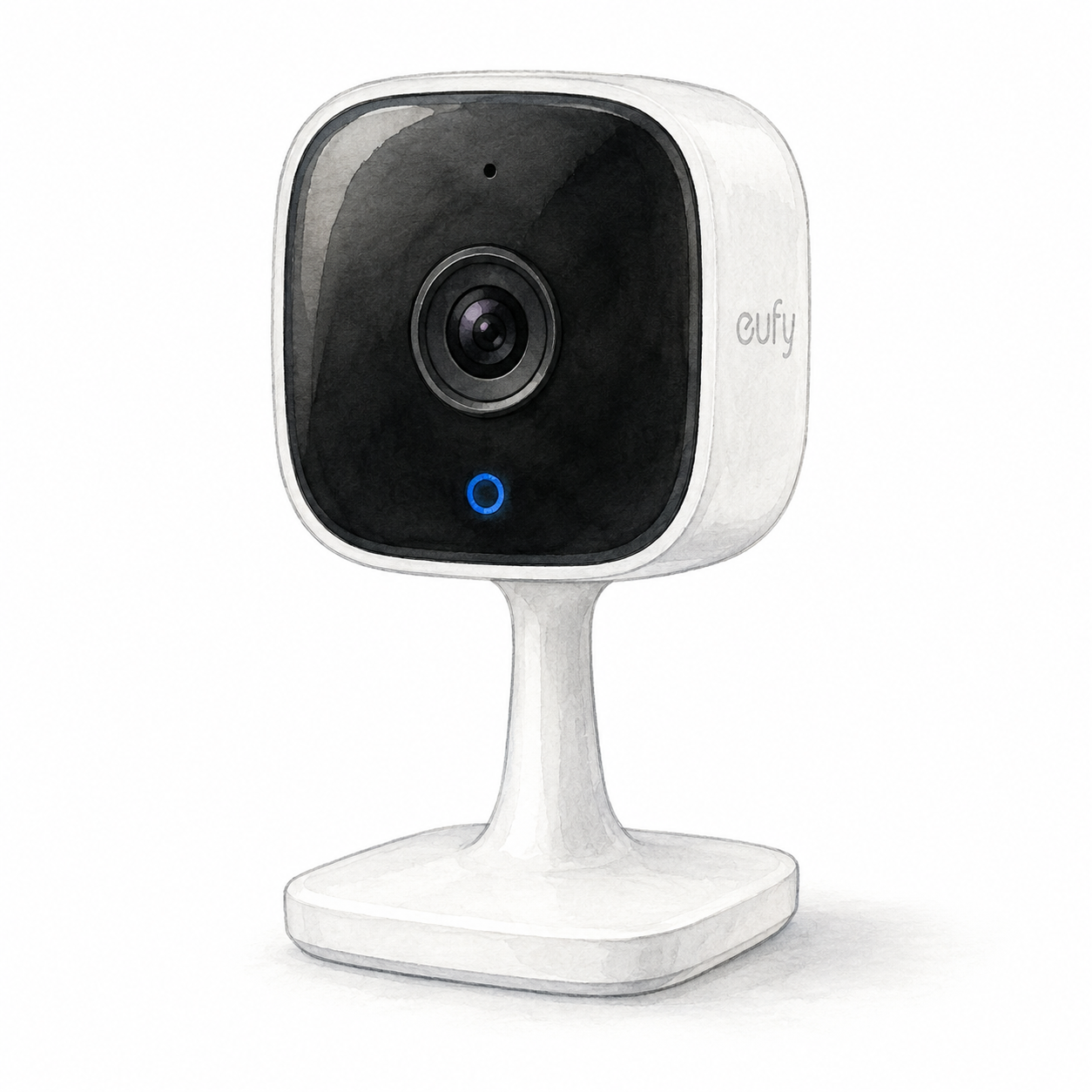
Illustration of the fixed eufy Indoor Cam C120 family with a black rounded-square camera face and white pedestal; not a product photo, cables and accessories omitted

eufy Indoor Cam C120 illustration — not a product photo

Eufy

Eufy Security Indoor Cam C120

Mounting or guided setup

Indoor-only, plug-in camera with 2.4 GHz Wi-Fi. Local on-camera recording needs a separately purchased microSD card; this does not establish cloud-free operation.

Setup checks & conditions

First setup check

Indoor-only, plug-in camera with 2.4 GHz Wi-Fi. Local on-camera recording needs a separately purchased microSD card; this does not establish cloud-free operation.

  • For the fixed T8400 Indoor Cam family, plan indoor-only placement and plug-in power: eufy specifies 5 V / 1 A and 2.4 GHz Wi-Fi. This is not a battery-powered outdoor camera or the T8410 pan-and-tilt model. Confirm the supplied US power adapter and exact hardware before buying.
  • Create or sign in to the eufy app account and complete network setup before mounting. Plan cable routing and any mounting-bracket work using the unit's guide, and agree on camera placement with the people sharing the room.
  • For on-camera local recording, eufy specifies a microSD card up to 128 GB, purchased separately. Check the chosen recording service and settings; local storage does not establish cloud-free operation. The Amazon listing uses T8400X / T84001W1 identifiers; FlowHome has not inspected that hardware or its firmware.
All setup checks & sources
Smart Lock
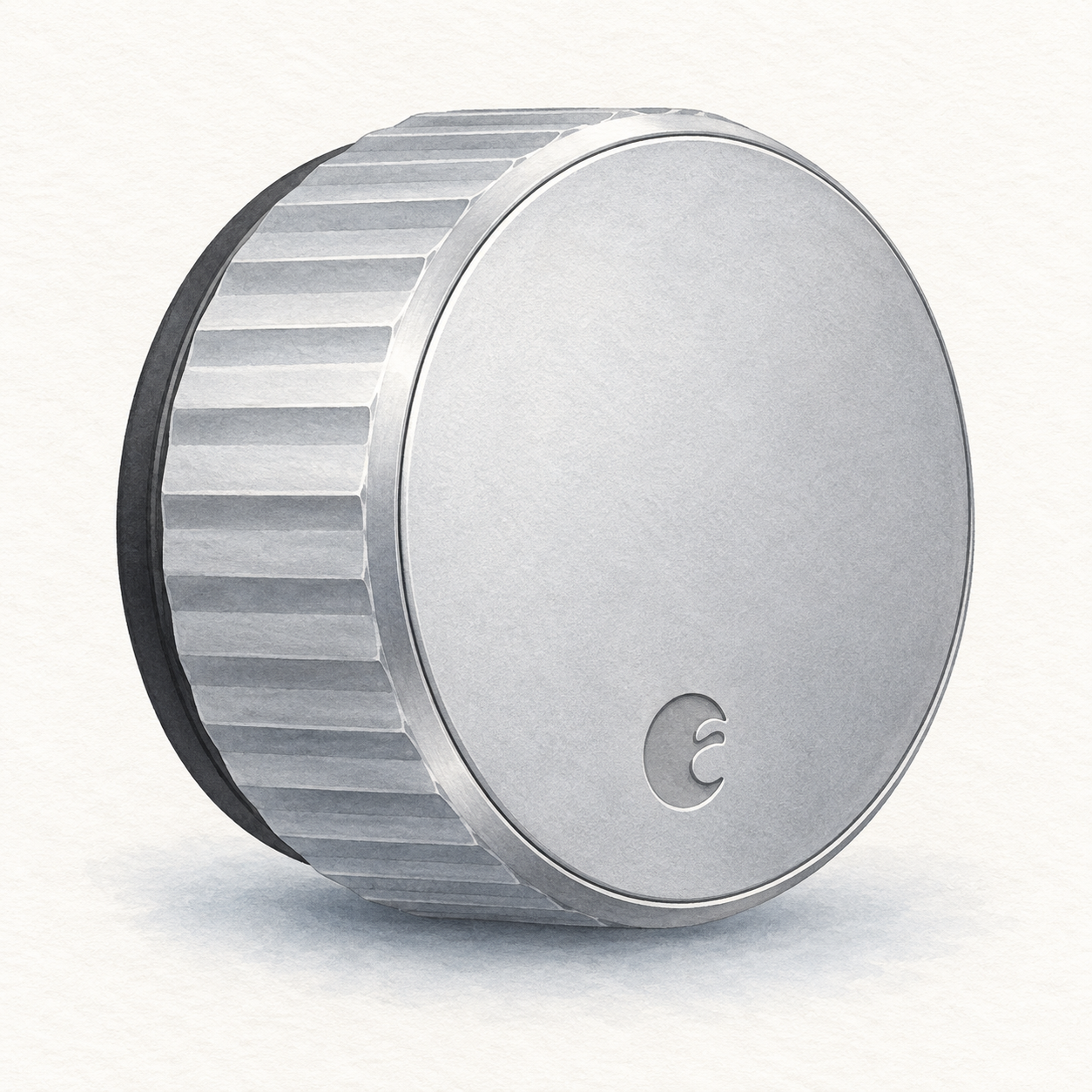
Illustration of one silver circular August Wi-Fi Smart Lock interior retrofit unit with a fluted grip; not a product photo, seller finish unverified, DoorSense, batteries and mounting hardware omitted

August Wi-Fi lock illustration — interior unit, not a photo or full kit

August

August Wi-Fi Smart Lock

Interior retrofit for a compatible single-cylinder deadbolt

Mounting or guided setup

Mounts on the inside of a compatible existing single-cylinder deadbolt; check August's deadbolt compatibility list first.

Setup checks & conditions

This retains the exterior lock rather than replacing the entire deadbolt; consult the compatibility list.

  • Mounts on the inside of a compatible existing single-cylinder deadbolt; check August's deadbolt compatibility list first.
  • Requires batteries, the August app on a supported phone and Wi-Fi internet. This is a retrofit installation, not just app pairing.
All setup checks & sources
Security Camera
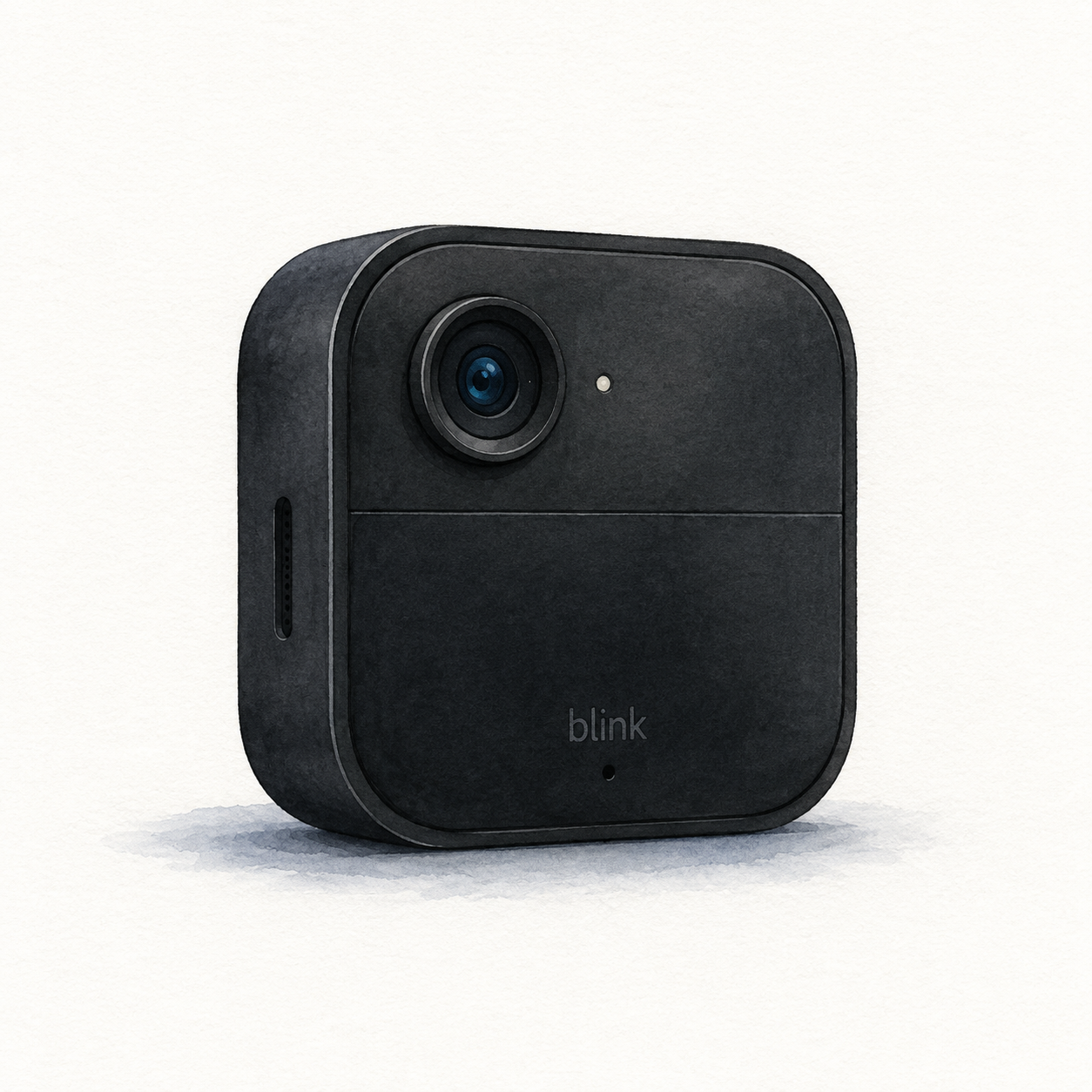
Illustration of one black rounded-square Blink Outdoor 4 with an offset upper lens; not a product photo, required Sync Module, mount and batteries not shown

Blink Outdoor 4 illustration — one camera, not a photo or full kit

Blink

Blink Outdoor 4

Camera requiring a compatible Blink Sync Module

Mounting or guided setup

Needs a Sync Module; check the bundle. Standard battery power uses non-rechargeable AA lithium batteries. Keep the port cover closed unless using Blink's weather-resistant USB-C adapter; an ordinary exposed connection is not equivalent.

Setup checks & conditions

Module inclusion depends on the package and is not verified by this camera-family document.

  • Requires a Blink Sync Module, home Wi-Fi and setup in the Blink app. Check whether the exact camera bundle includes the module or whether you need one separately.
  • The standard battery option uses two AA 1.5 V non-rechargeable lithium batteries. Choose a mounting position and follow Blink's installation instructions.
  • Keep the port cover closed for weather resistance unless using Blink's weather-resistant USB-C power adapter; an ordinary uncovered connection is not equivalent.
  • Local recording needs compatible storage hardware: Sync Module 2 with a USB drive or Sync Module XR with a microSD card. Cloud storage and Person Detection have subscription or trial conditions.
All setup checks & sources

Buying considerations

Editorial methodology and sources

We compare model-specific documentation, setup requirements, intended uses, and stated limitations. The sources and scope are recorded on each page. Commercial data is separate: current prices or customer ratings are not implied by a product recommendation. We do not run controlled lab tests or claim hands-on testing unless that is explicitly documented on the page.

No hands-on test or human review is recorded for this guide. Publication is not a verification date; check the linked product profiles for recorded price and rating dates.

References named in this guide are listed below. Their presence does not mean every claim has been independently reverified.

FlowHome may earn from qualifying purchases through affiliate links. Automation can assist with discovery and maintenance, but it does not replace editorial responsibility.

Read our editorial and corrections policy
Browse security camera category →August Wi-Fi Smart Lock Review: Retrofit Access Without Replacing Keys review →Blink Outdoor 4 Review: Wireless Security for Alexa Homes review →Eufy Indoor Cam C120 Review: Indoor Placement and Storage Choices review →Ring Video Doorbell Wired Review: Installation and Recording Tradeoffs review →