Smart Hub
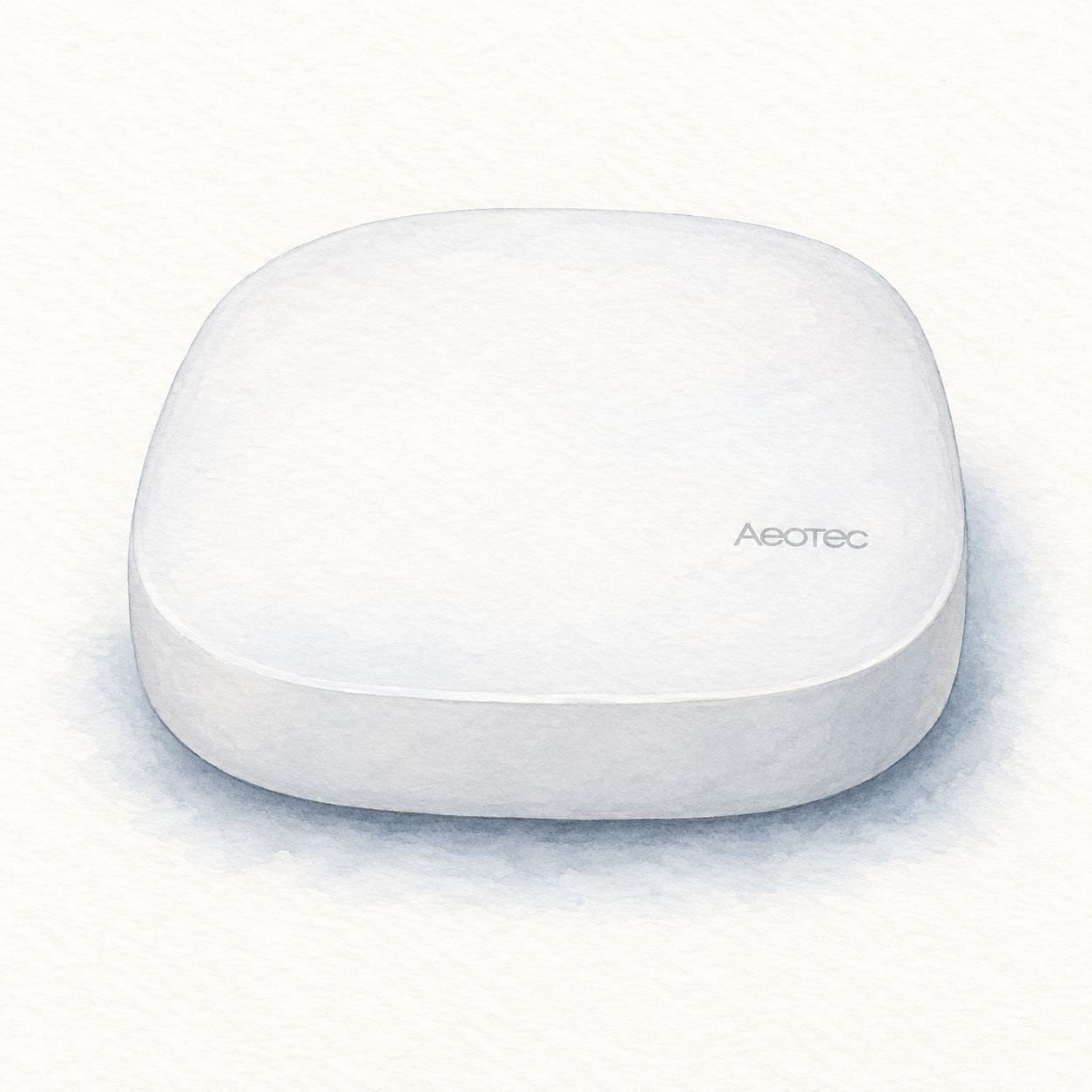
Aeotec V3 hub illustration — not a product photo or full kit
Power and app setup
Confirm US model GP-AEOHUBV3US: regional Z-Wave radios differ. Initial setup needs power, broadband internet, SmartThings and a Samsung account; Ethernet is recommended. Setup does not verify every accessory or establish cloud-free operation.
Setup checks & conditions
Initial setup uses the Samsung account and SmartThings app. This role does not certify an accessory pairing, routine or migration.
- For initial hub setup, use the supplied power adapter and a broadband internet connection. Aeotec recommends Ethernet for initial setup; wireless connection uses 2.4 GHz Wi-Fi with WPA2. Place the hub centrally, away from large metal objects, and check the connection at its final location.
- Use the SmartThings app and a Samsung account to register the hub with its QR code or serial number. Allow registration and firmware updates to finish. This assessment covers powering and registering the hub, not migrating an existing home or pairing and validating every accessory and routine.
- Confirm the US model GP-AEOHUBV3US before buying; regional Z-Wave radios differ. These requirements do not cover Smart Home Hub 2. The unit, firmware and individual device integrations have not been physically verified, and successful setup does not establish cloud-free operation.