
FlowHome may earn from qualifying Amazon purchases. Recommendations focus on intended use, documented requirements, and explicit limitations.

Best of FlowHome

Google Home Starter Buying Guide: Display, Controls, and Fit

Compare a Google-oriented device shortlist with exact-model, permissions, installation, and integration checks.

The selection below is a starting point for research, not proof that every device and function works together. Documentation was reviewed for selected capabilities; actual pairings and current seller terms remain unverified.

By FlowHome Editorial Team

Published

Evidence basis: data evaluated

Smart Display
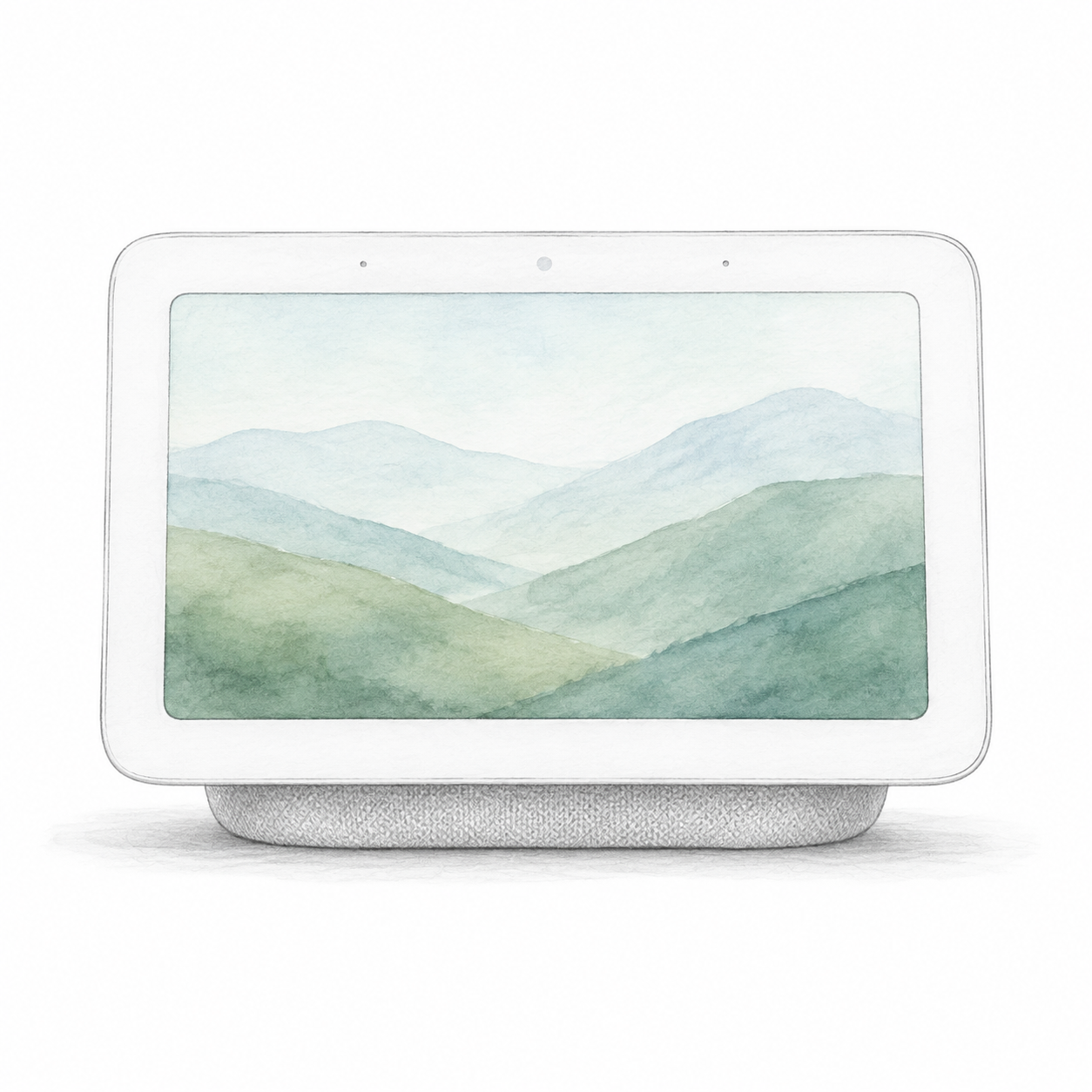
Illustration of the white Nest Hub second-generation family with a low fabric speaker base and no camera; not a product photo, screen artwork is illustrative and accessories are omitted

Nest Hub 2nd Gen illustration — not a photo; sample screen

Google

Google Nest Hub 2nd Gen

Powered smart display

Power and app setup

Needs wall-outlet power and setup in the Google Home app with a Google Account, a supported phone or tablet, and Wi-Fi internet.
Setup checks & conditions

Google Home app setup is separate from verifying a particular Matter accessory, service or firmware.

  • Needs wall-outlet power and setup in the Google Home app with a Google Account, a supported phone or tablet, and Wi-Fi internet.
All setup checks & sources
Smart Thermostat
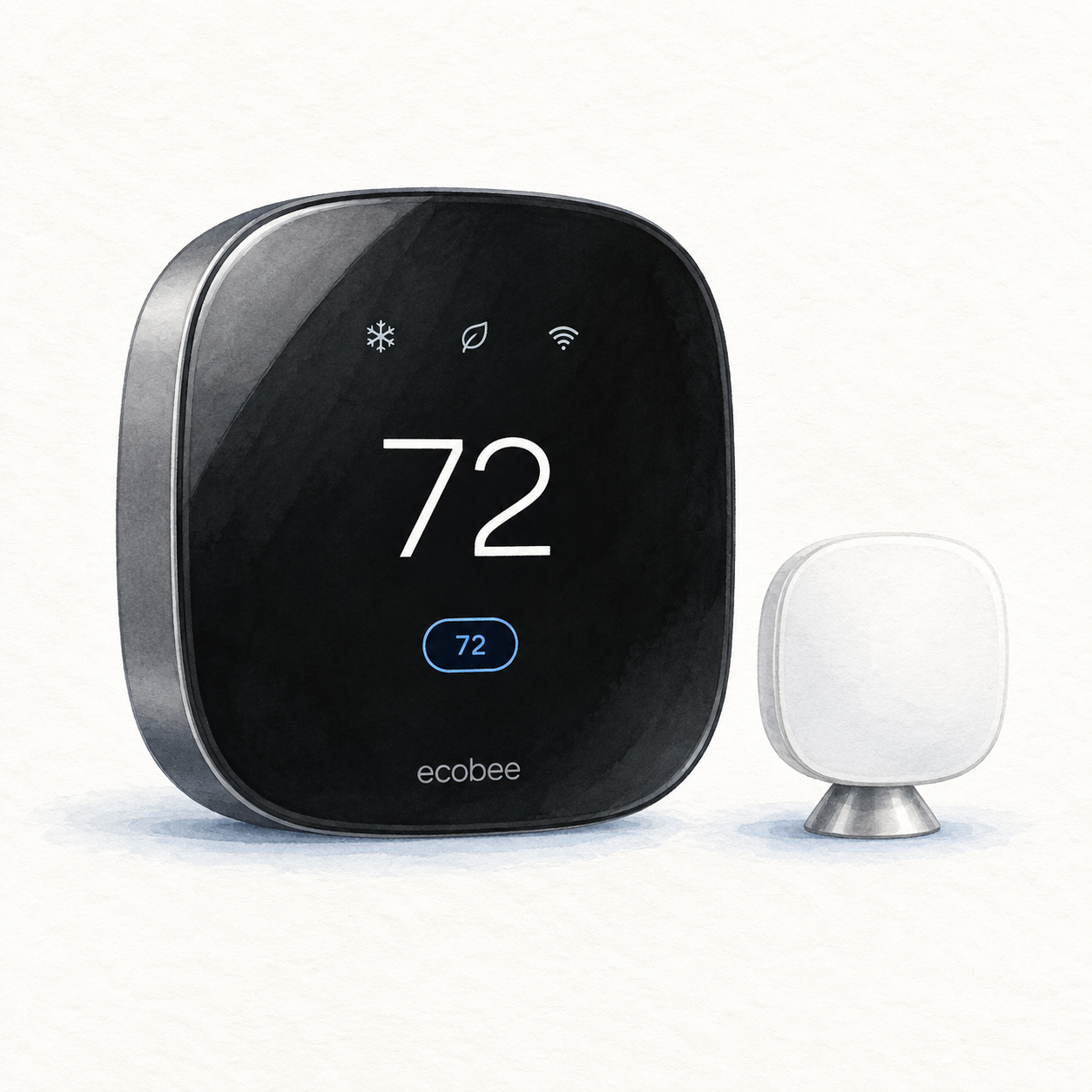
Illustration of the black ecobee Smart Thermostat Premium with one white room SmartSensor and a sample 72 display; not a product photo or complete installation kit

ecobee Premium illustration — not a photo; sample screen, accessories omitted

ecobee

ecobee Smart Thermostat Premium

Controller for compatible 24 VAC HVAC systems

Wiring or detailed installation checks

Check compatible 24 VAC HVAC wiring before buying. Power needs a C-wire or compatible Power Extender Kit installation; confirm the wiring and installation needs with ecobee or an HVAC professional.

Setup checks & conditions

Check wiring and powering method; the catalog identity does not establish compatibility with a household system.

  • Requires compatible 24 VAC HVAC wiring; check your system with ecobee's compatibility checker before purchase.
  • Power uses a C-wire or a compatible Power Extender Kit installation. Check wiring and installation needs with the manufacturer or an HVAC professional.
All setup checks & sources
Smart Plug
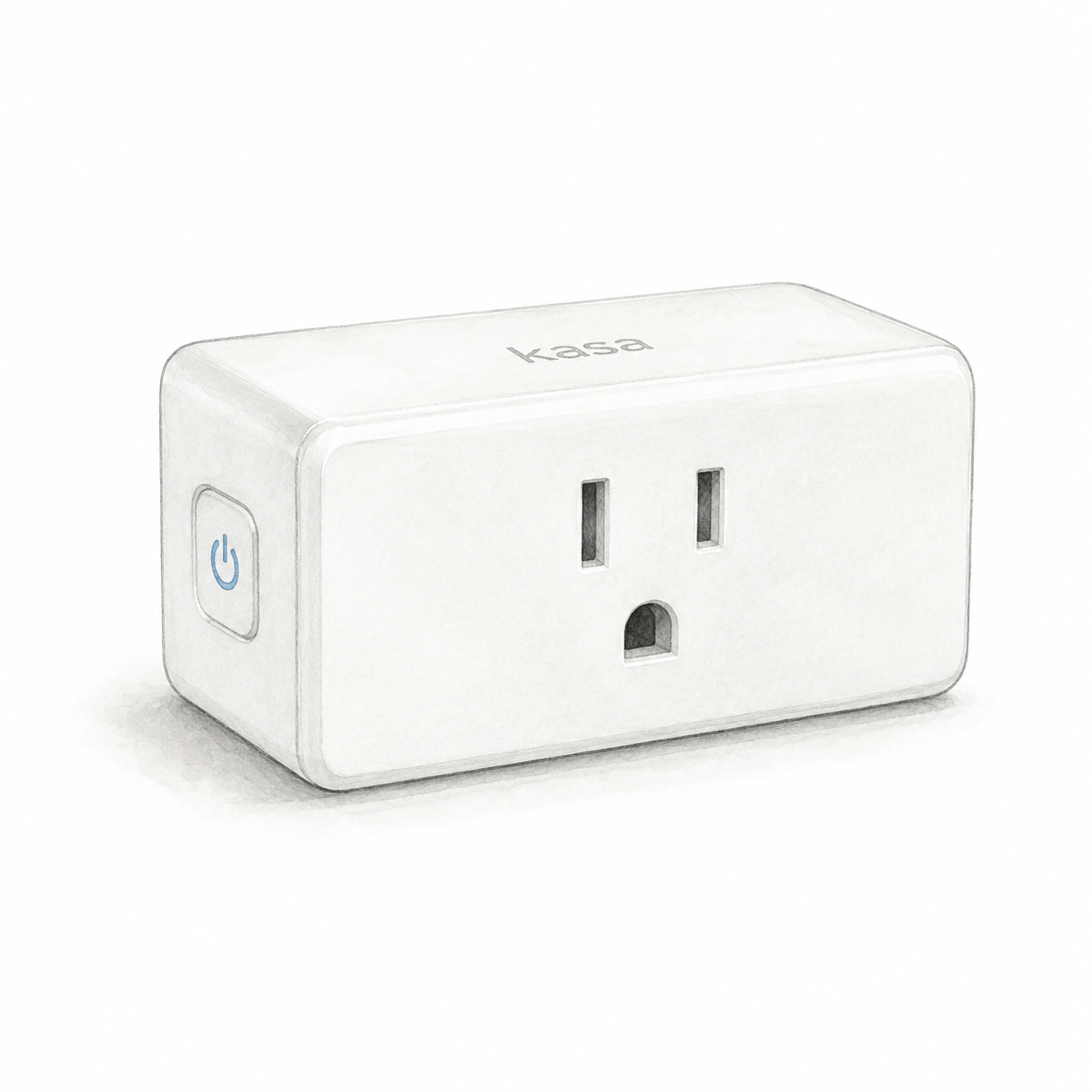
Illustration of one white rectangular Kasa EP10 US smart plug with a grounded front outlet and side button; not a product photo or the complete EP10P2 two-pack

Kasa EP10 illustration — one unit, not a product photo

TP-Link

TP-Link Kasa Smart Plug Mini

Power and app setup

EP10 US needs an indoor 100–120 V AC outlet, away from water, humidity and heat; do not stack adapters. Check appliance-specific load limits: the 15 A / 1800 W general/resistive rating is not a universal appliance limit.

Setup checks & conditions

First setup check

Use a dry indoor outlet and 2.4 GHz Wi-Fi. Check appliance-specific load limits; do not stack plug adapters.

  • For the documented EP10 US, use an accessible indoor outlet, away from water, humidity and heat. Do not stack plug adapters. Check the hardware label against the regional manual; the retail bundle's revision and firmware are not verified.
  • Use 2.4 GHz Wi-Fi and the Kasa Smart app with a TP-Link ID for the documented setup path. A separate hub is not required for that path; follow the app's model-selection instructions.
  • The EP10 US datasheet specifies 100-120 V AC, up to 15 A and 1800 W for general/resistive loads. Those are not universal appliance limits: check the manual's load-specific restrictions and the appliance instructions before connecting it.
All setup checks & sources
Smart Lock
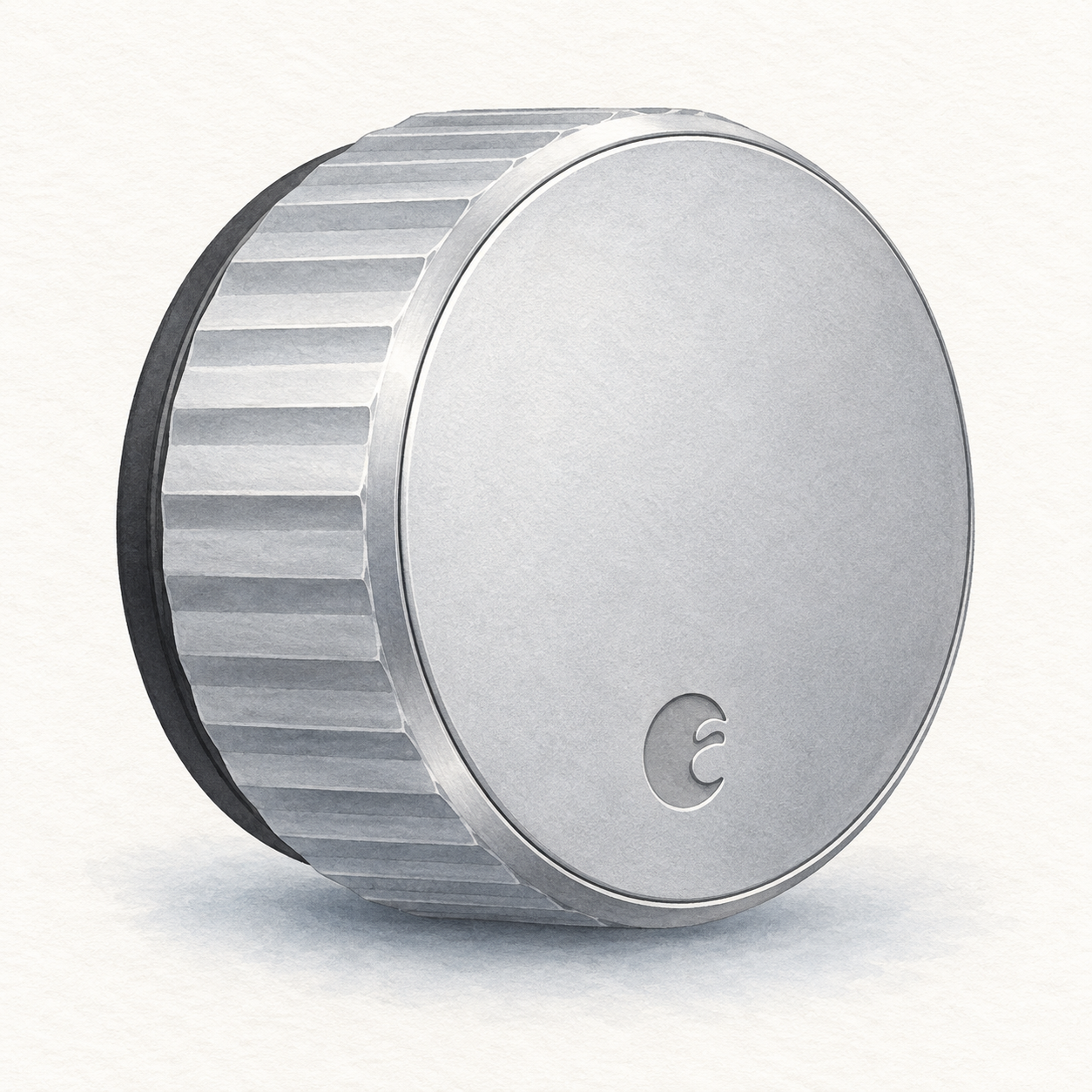
Illustration of one silver circular August Wi-Fi Smart Lock interior retrofit unit with a fluted grip; not a product photo, seller finish unverified, DoorSense, batteries and mounting hardware omitted

August Wi-Fi lock illustration — interior unit, not a photo or full kit

August

August Wi-Fi Smart Lock

Interior retrofit for a compatible single-cylinder deadbolt

Mounting or guided setup

Mounts on the inside of a compatible existing single-cylinder deadbolt; check August's deadbolt compatibility list first.

Setup checks & conditions

This retains the exterior lock rather than replacing the entire deadbolt; consult the compatibility list.

  • Mounts on the inside of a compatible existing single-cylinder deadbolt; check August's deadbolt compatibility list first.
  • Requires batteries, the August app on a supported phone and Wi-Fi internet. This is a retrofit installation, not just app pairing.
All setup checks & sources

Buying considerations

Editorial methodology and sources

We compare model-specific documentation, setup requirements, intended uses, and stated limitations. The sources and scope are recorded on each page. Commercial data is separate: current prices or customer ratings are not implied by a product recommendation. We do not run controlled lab tests or claim hands-on testing unless that is explicitly documented on the page.

No hands-on test or human review is recorded for this guide. Publication is not a verification date; check the linked product profiles for recorded price and rating dates.

References named in this guide are listed below. Their presence does not mean every claim has been independently reverified.

FlowHome may earn from qualifying purchases through affiliate links. Automation can assist with discovery and maintenance, but it does not replace editorial responsibility.

Read our editorial and corrections policy
Browse smart display category →August Wi-Fi Smart Lock Review: Retrofit Access Without Replacing Keys review →ecobee Smart Thermostat Premium Review: Room Sensors and HVAC Checks review →Google Nest Hub 2nd Gen Review: A Smart Display for Google Home Routines review →Kasa EP10P2 Review: Two-Pack Identity and On/Off Control Checks review →