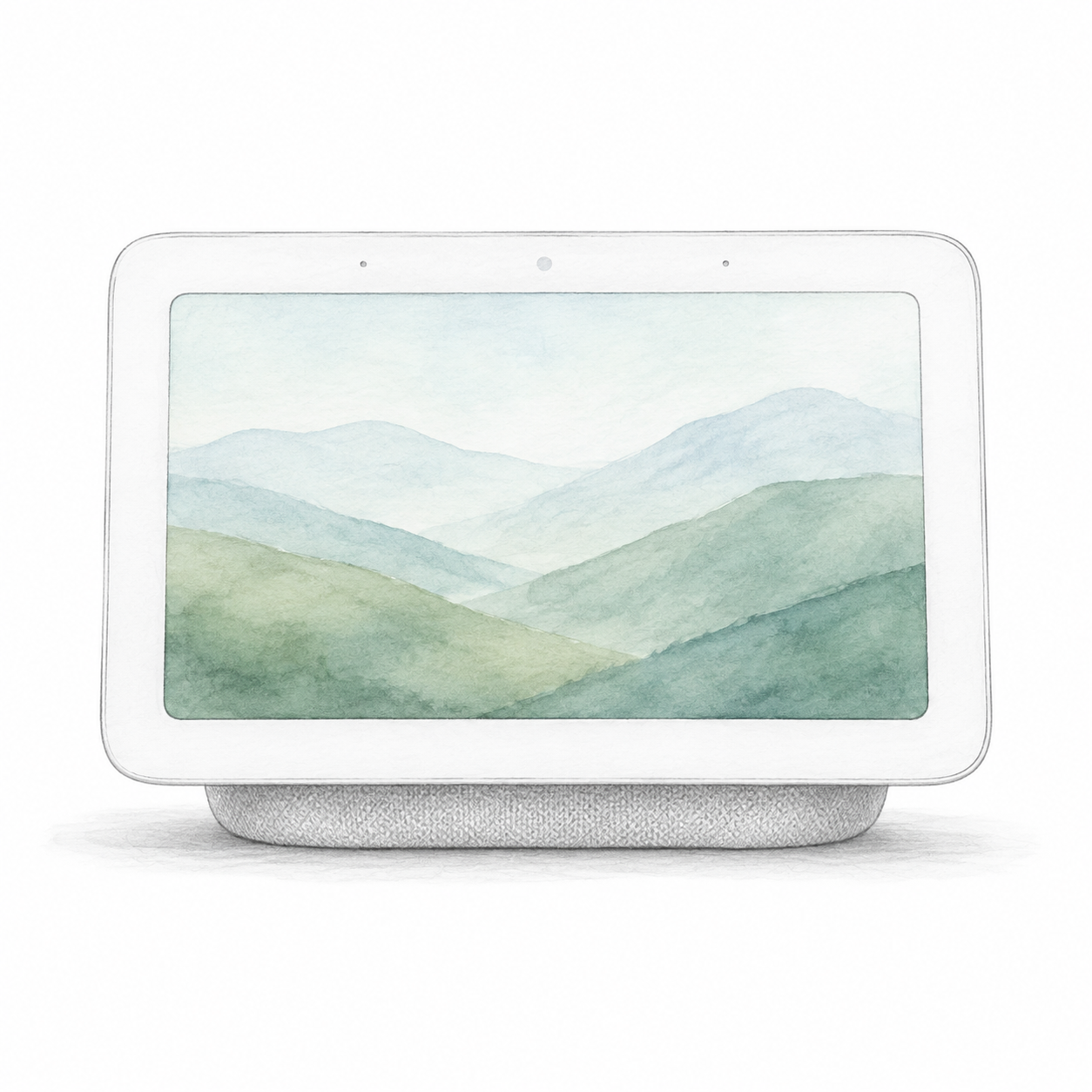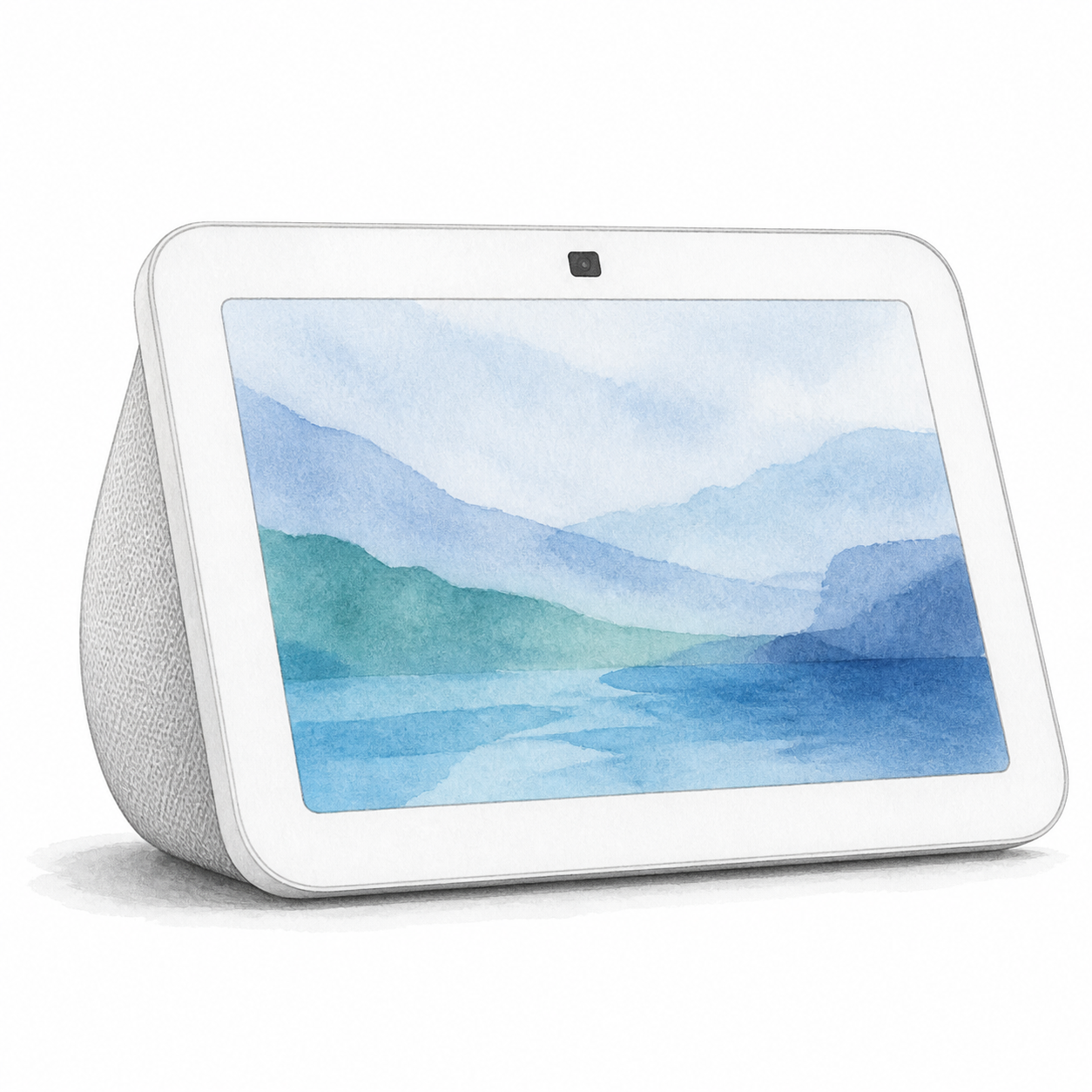
Quick verdict
Google Nest Hub 2nd Gen is a compact display to consider when visual controls suit a Google-based home. Google documents a seven-inch touchscreen, Wi-Fi, Bluetooth, and a microphone-off switch. This is document-based guidance, not a display, audio, or assistant performance test. Confirm the current availability of any specific service you plan to use.
Specifications and setup notes
Google documents this model as a Matter controller with a built-in Thread border router, supporting Matter over Wi-Fi and Thread. Check the supported device types, software and IPv6 network requirements. This controller role does not by itself establish that another ecosystem can control the display as an accessory; no cross-platform pairing was tested here.
Start with the specific Google Home control or linked service you need on the screen. An existing account is not evidence that every accessory or action will be supported. Check the model evidence and installation requirements before selecting a seller package.
The display introduces decisions about who can see information as well as who can issue commands. Review microphone settings, household account access, camera-feed permissions, and whether the room is appropriate for a connected assistant. This review has not compared privacy protections across product categories.
Pros and cons
The touchscreen and microphone switch are concrete features to evaluate. Account permissions, supported integrations, and room placement are tradeoffs. This article has not verified current prices, customer ratings, or comparative audio performance.
Comparison context
Compare the need for a visible screen against a voice-only device. Measure the intended space and verify the exact media, reminder, or camera-viewing service instead of assuming every historical assistant feature remains available.
Best fit in a real home
Nest Hub 2nd Gen is worth evaluating where the screen would be visible during a routine. Write down the specific timer, media, camera, or lighting task you want to perform, then verify current support in Google’s documentation and the linked service. This hardware-specification review does not establish that historical recipe, calendar, reminder, or media features remain available in your region or account.
If the display will sit somewhere nobody looks at it, compare a voice-only device. Choose the room first, then decide whether the screen solves a daily problem; no current price advantage is established here.
Setup and privacy notes
Because the device is account-connected, setup should include household permissions, microphone preferences, linked services, and which camera feeds or smart-home controls are visible. In shared spaces, review whether personal calendar data, reminders, or media accounts should appear on the display.
Buying advice
Shortlist it only after confirming that the required task is currently available for your account and that a visible screen addresses a specific need. Compare exact display models if screen size or media functions are decisive; do not infer support for video calls or any other service from display size. If only voice commands are needed, compare a voice-only device by supported actions, not an assumed price or convenience advantage.
FAQ
Does FlowHome earn a commission? Yes. As an Amazon Associate, FlowHome may earn from qualifying purchases.
Who should buy it? Google Home users who want a compact smart display for routines, timers, controls, and glanceable information.
What should I check first? Confirm Google Home is your preferred ecosystem, choose the room carefully, review privacy settings, and compare current price against larger smart displays.