FlowHome may earn from qualifying Amazon purchases. Recommendations focus on intended use, documented requirements, and explicit limitations.

Category

Smart locks

Keyless entry and access automation

Products are listed alphabetically, not ranked by ratings, price or compatibility.

← All products
Smart Lock
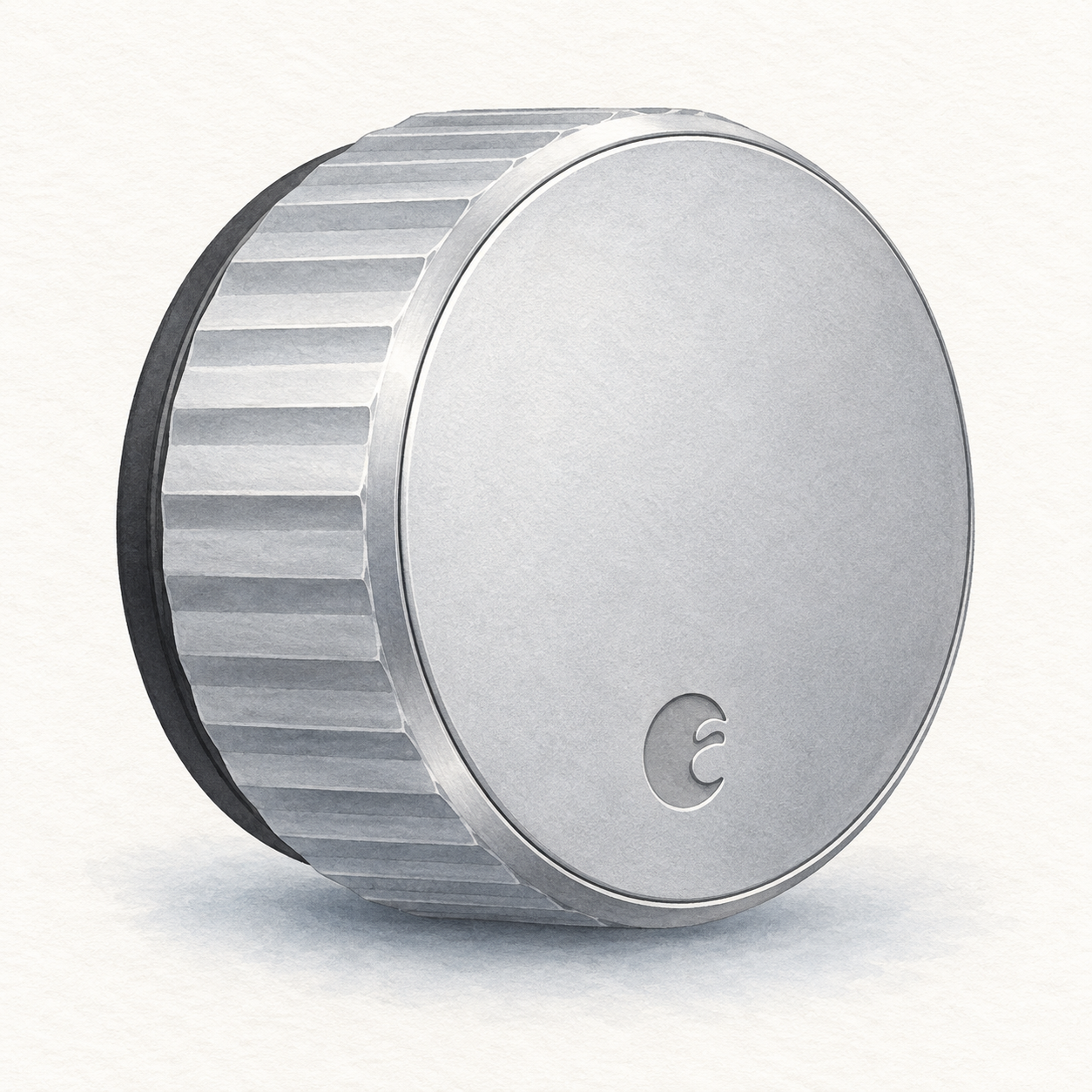
Illustration of one silver circular August Wi-Fi Smart Lock interior retrofit unit with a fluted grip; not a product photo, seller finish unverified, DoorSense, batteries and mounting hardware omitted

August Wi-Fi lock illustration — interior unit, not a photo or full kit

August

August Wi-Fi Smart Lock

Interior retrofit for a compatible single-cylinder deadbolt

Mounting or guided setup

Mounts on the inside of a compatible existing single-cylinder deadbolt; check August's deadbolt compatibility list first.

Setup checks & conditions

This retains the exterior lock rather than replacing the entire deadbolt; consult the compatibility list.

  • Mounts on the inside of a compatible existing single-cylinder deadbolt; check August's deadbolt compatibility list first.
  • Requires batteries, the August app on a supported phone and Wi-Fi internet. This is a retrofit installation, not just app pairing.
All setup checks & sources
Smart Lock
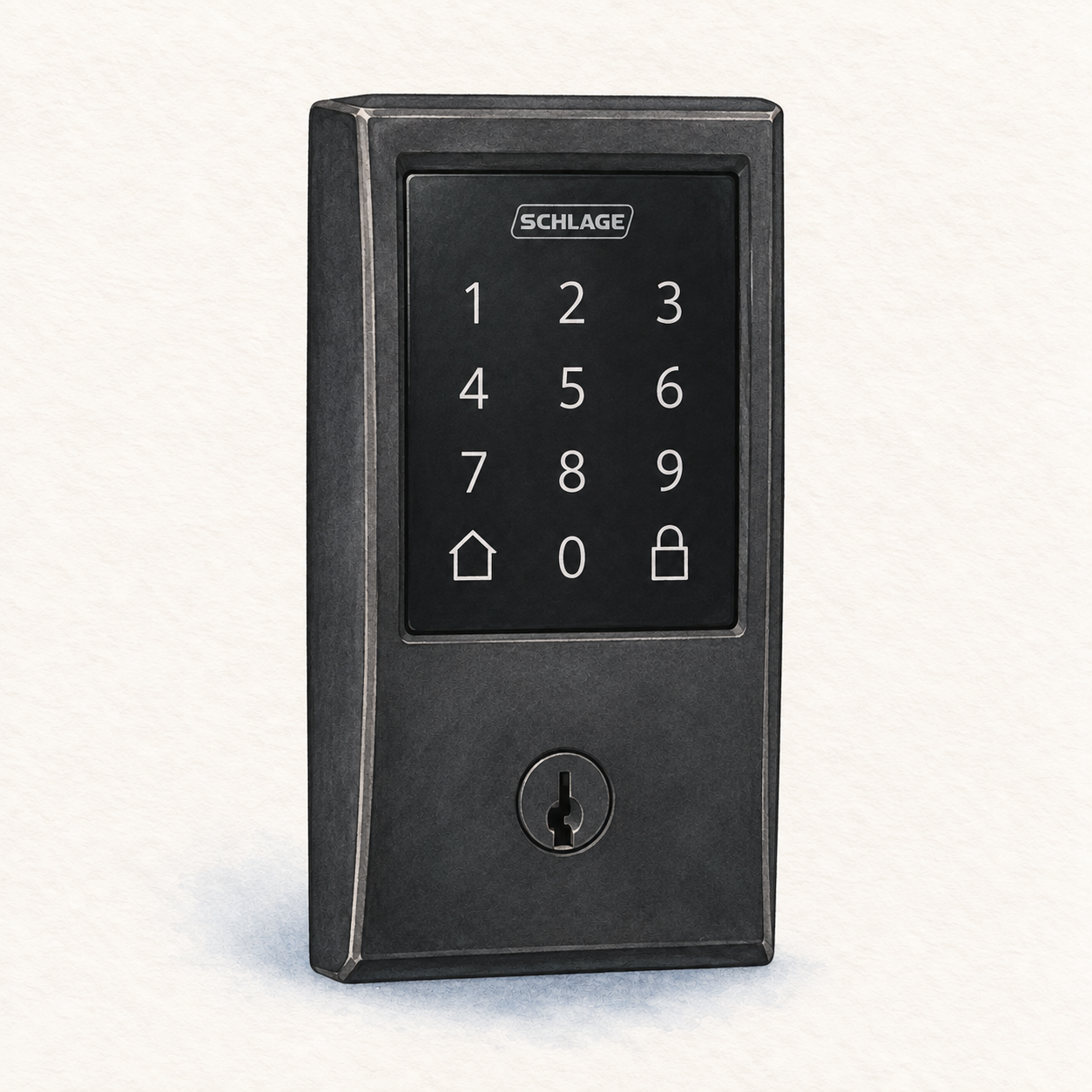
Illustration of the matte-black Schlage Encode BE489WB CEN 622 exterior with rectangular keypad and mechanical key cylinder; not a product photo, interior unit, bolt, batteries and installation hardware omitted

Schlage Encode Century illustration — exterior only, not a photo or full kit

Schlage

Schlage Encode Smart WiFi Deadbolt

Replacement deadbolt

Mounting or guided setup

Encode BE489 replaces the deadbolt rather than retaining it. Check door dimensions and bolt alignment; this assessment assumes a prepared, compatible door. Alterations need a separate assessment. Ask a locksmith if unsure, and confirm any thick-door kit.

Setup checks & conditions

This replaces the deadbolt rather than retaining the existing exterior lock. Door preparation remains a separate check.

  • Encode BE489 replaces the deadbolt; it does not retain the existing exterior lock like a retrofit accessory. Standard fit is a 1-3/8 to 1-3/4 inch thick door with a 2-3/8 or 2-3/4 inch backset (door edge to hole center). Measure before buying.
  • This guided-setup assessment assumes a compatible, already-prepared door. Check the manufacturer's door-preparation guide and bolt alignment; door or frame alterations need a separate assessment. Ask a locksmith if unsure, and confirm any thick-door kit with Schlage rather than assuming it is included.
  • The lock uses four AA alkaline batteries, not household hardwiring. Plan 2.4 GHz Wi-Fi coverage and Schlage Home app setup. These requirements concern Encode BE489, not Encode Plus; seller package contents and actual door fit have not been physically checked.
All setup checks & sources

Smart Lock
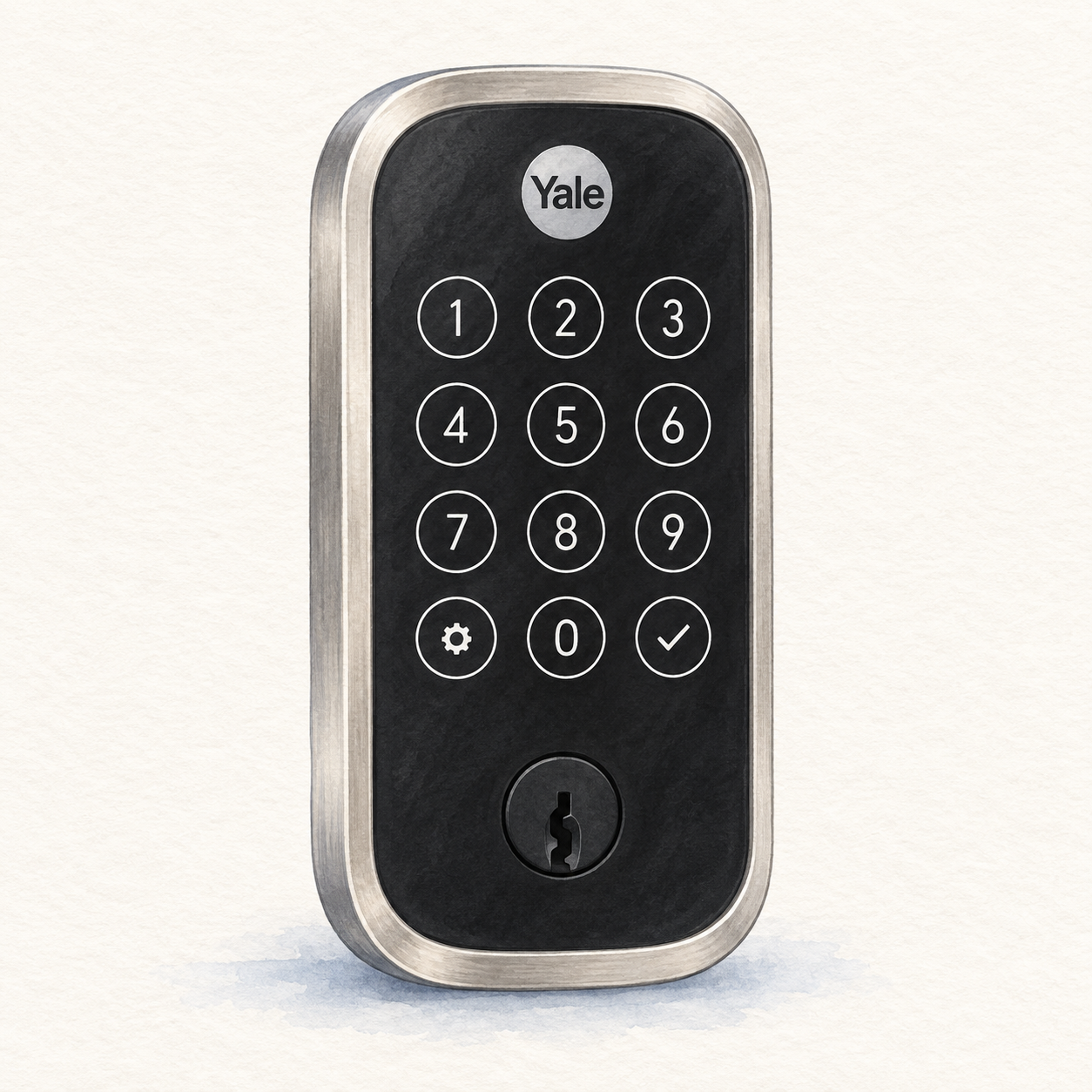
Illustration of the satin-nickel Yale Assure Lock 2 YRD420-WF1-619 keyed exterior with circular touchscreen digits; not a product photo, no fingerprint reader, interior unit, DoorSense and installation accessories omitted

Yale Assure Lock 2 illustration — keyed exterior, not a photo or full kit

Yale

Yale Assure Lock 2 Wi-Fi

Replacement keyed deadbolt with Wi-Fi module

Mounting or guided setup

Requires a compatible prepared door and replaces the deadbolt. Flush DoorSense mounting needs drilling. Use the correct Wi-Fi module and remove batteries before changing it; verify door fit and the exact keyed YRD420 kit.

Setup checks & conditions

The YRD410/YRD420 guide covers lock replacement and module setup. It does not inspect the user's door or certify other Yale variants.

  • This keyed YRD420 replaces the deadbolt, rather than retaining the existing exterior lock. Yale specifies 1-3/8 to 2-1/4 inch door thickness, 2-3/8 or 2-3/4 inch backset, and a 2-1/8 or 1-1/2 inch face bore. Verify the door and required adapter before buying.
  • The guided-setup assessment assumes a prepared, compatible door and surface-mounted DoorSense. Flush mounting the sensor requires drilling; door or frame alterations need a separate assessment. Confirm smooth bolt movement and follow the manual's mounting checks.
  • Use four AA batteries and the correct Wi-Fi module; remove batteries before inserting or removing a Yale Smart Module. Follow the Yale app setup, calibrate DoorSense and check open/closed readings. This is the standard keyed Assure Lock 2, not Touch, Plus or a key-free variant; the seller's hardware has not been inspected.
All setup checks & sources

More Smart locks resources