FlowHome may earn from qualifying Amazon purchases. Recommendations focus on intended use, documented requirements, and explicit limitations.

Category

Security cameras

Indoor and outdoor camera monitoring

Products are listed alphabetically, not ranked by ratings, price or compatibility.

← All products
Security Camera
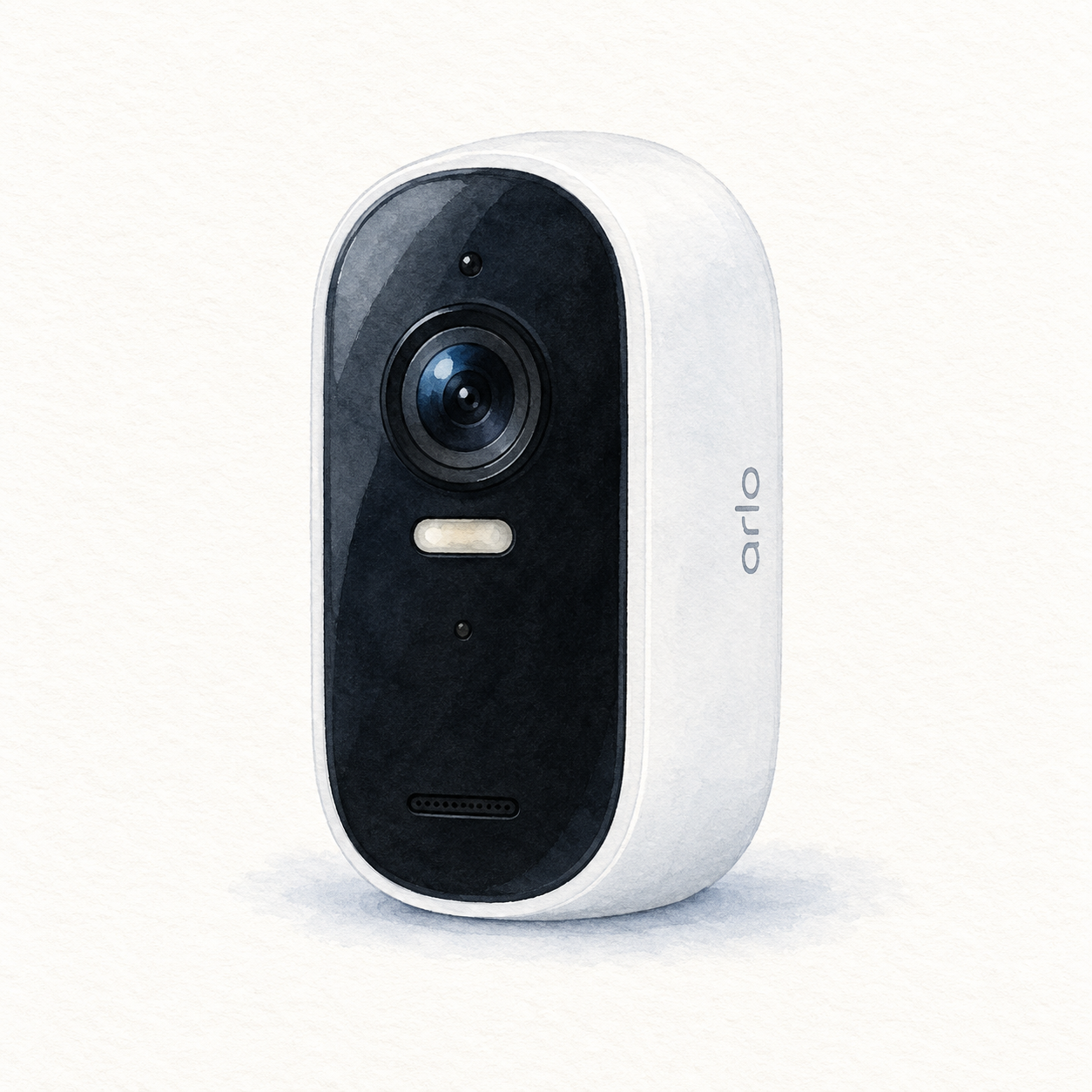
Illustration of one white Arlo Essential Outdoor second-generation camera with a black oblong face and spotlight below the lens; not a product photo, mount and charging accessories omitted, seller pack quantity unverified

Arlo Essential 2nd Gen illustration — one camera, not a photo or full kit

Arlo

Arlo Essential Outdoor Camera

Mounting or guided setup

Charge this second-generation camera indoors: the supplied USB-C charging cable is for indoor use only, and the battery is integrated rather than removable. An outdoor-rated camera does not make its charging cable suitable for outdoor use.

Setup checks & conditions
  • Charge this second-generation camera indoors: the supplied USB-C charging cable is for indoor use only, and the battery is integrated rather than removable. An outdoor-rated camera does not make its charging cable suitable for outdoor use.
  • Set up the camera in the Arlo Secure app on 2.4 GHz Wi-Fi and check signal strength at the intended location. Use the wall plate, mount and appropriate fixings, adjust the view, and test motion detection after placement; do not assume mounting alone verifies coverage.
  • These checks concern Essential Outdoor HD, 2nd Generation, not the 2K, XL or newer generations. Confirm the exact package: the consulted listing title says one camera but its bullets mention a three-pack. Hardware, included accessories and recording-plan terms have not been independently verified.
All setup checks & sources
Security Camera
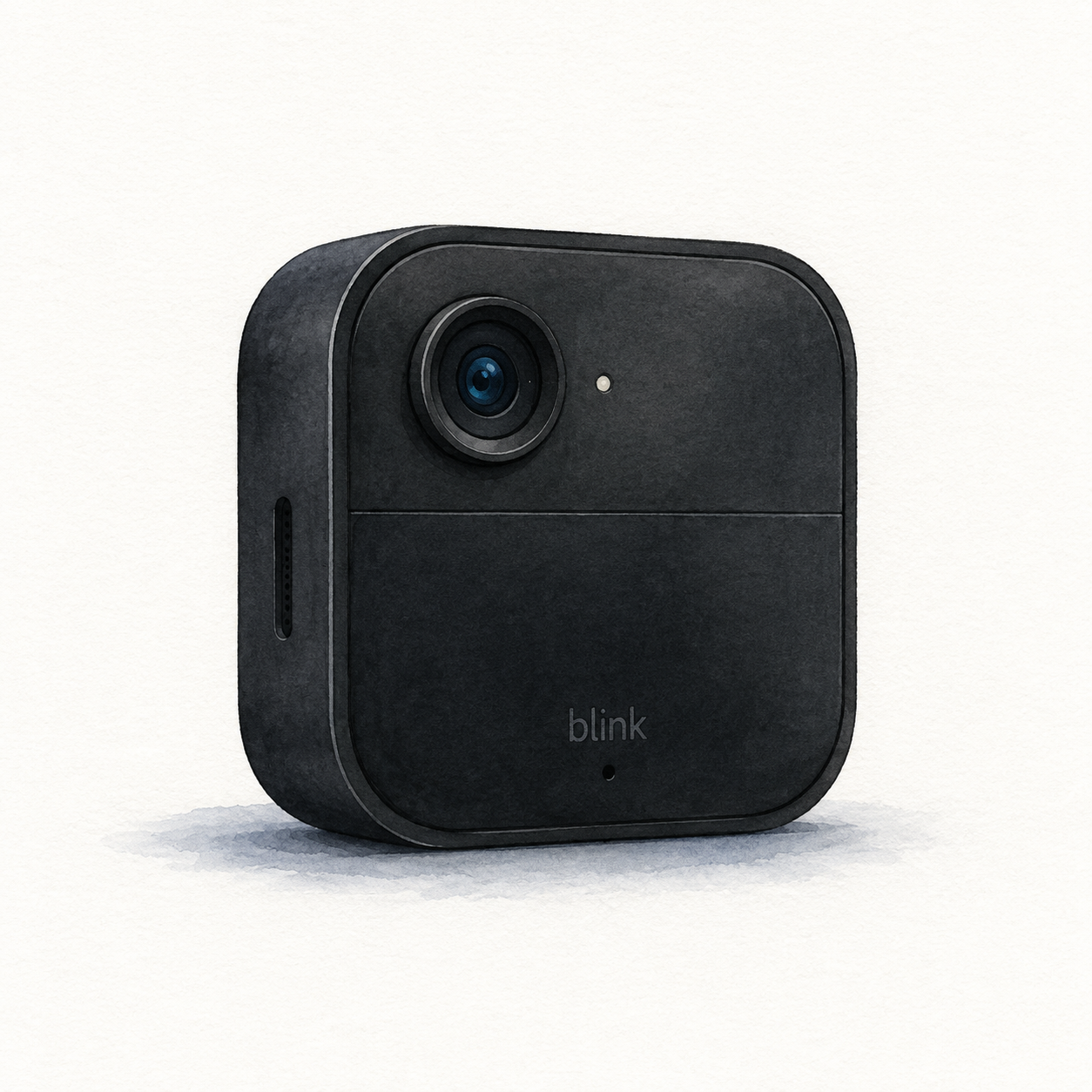
Illustration of one black rounded-square Blink Outdoor 4 with an offset upper lens; not a product photo, required Sync Module, mount and batteries not shown

Blink Outdoor 4 illustration — one camera, not a photo or full kit

Blink

Blink Outdoor 4

Camera requiring a compatible Blink Sync Module

Mounting or guided setup

Needs a Sync Module; check the bundle. Standard battery power uses non-rechargeable AA lithium batteries. Keep the port cover closed unless using Blink's weather-resistant USB-C adapter; an ordinary exposed connection is not equivalent.

Setup checks & conditions

Module inclusion depends on the package and is not verified by this camera-family document.

  • Requires a Blink Sync Module, home Wi-Fi and setup in the Blink app. Check whether the exact camera bundle includes the module or whether you need one separately.
  • The standard battery option uses two AA 1.5 V non-rechargeable lithium batteries. Choose a mounting position and follow Blink's installation instructions.
  • Keep the port cover closed for weather resistance unless using Blink's weather-resistant USB-C power adapter; an ordinary uncovered connection is not equivalent.
  • Local recording needs compatible storage hardware: Sync Module 2 with a USB drive or Sync Module XR with a microSD card. Cloud storage and Person Detection have subscription or trial conditions.
All setup checks & sources
Security Camera
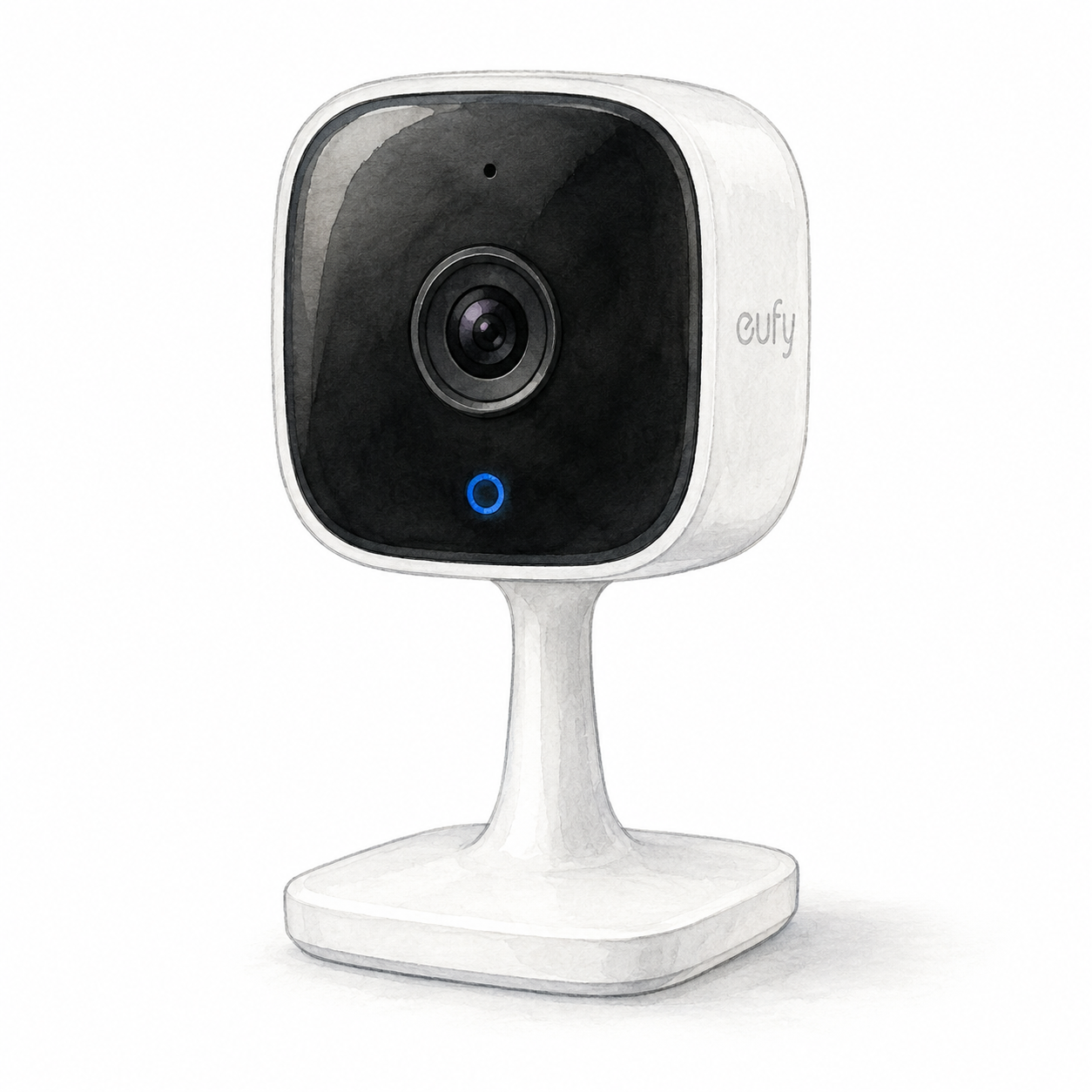
Illustration of the fixed eufy Indoor Cam C120 family with a black rounded-square camera face and white pedestal; not a product photo, cables and accessories omitted

eufy Indoor Cam C120 illustration — not a product photo

Eufy

Eufy Security Indoor Cam C120

Mounting or guided setup

Indoor-only, plug-in camera with 2.4 GHz Wi-Fi. Local on-camera recording needs a separately purchased microSD card; this does not establish cloud-free operation.

Setup checks & conditions

First setup check

Indoor-only, plug-in camera with 2.4 GHz Wi-Fi. Local on-camera recording needs a separately purchased microSD card; this does not establish cloud-free operation.

  • For the fixed T8400 Indoor Cam family, plan indoor-only placement and plug-in power: eufy specifies 5 V / 1 A and 2.4 GHz Wi-Fi. This is not a battery-powered outdoor camera or the T8410 pan-and-tilt model. Confirm the supplied US power adapter and exact hardware before buying.
  • Create or sign in to the eufy app account and complete network setup before mounting. Plan cable routing and any mounting-bracket work using the unit's guide, and agree on camera placement with the people sharing the room.
  • For on-camera local recording, eufy specifies a microSD card up to 128 GB, purchased separately. Check the chosen recording service and settings; local storage does not establish cloud-free operation. The Amazon listing uses T8400X / T84001W1 identifiers; FlowHome has not inspected that hardware or its firmware.
All setup checks & sources
Security Camera
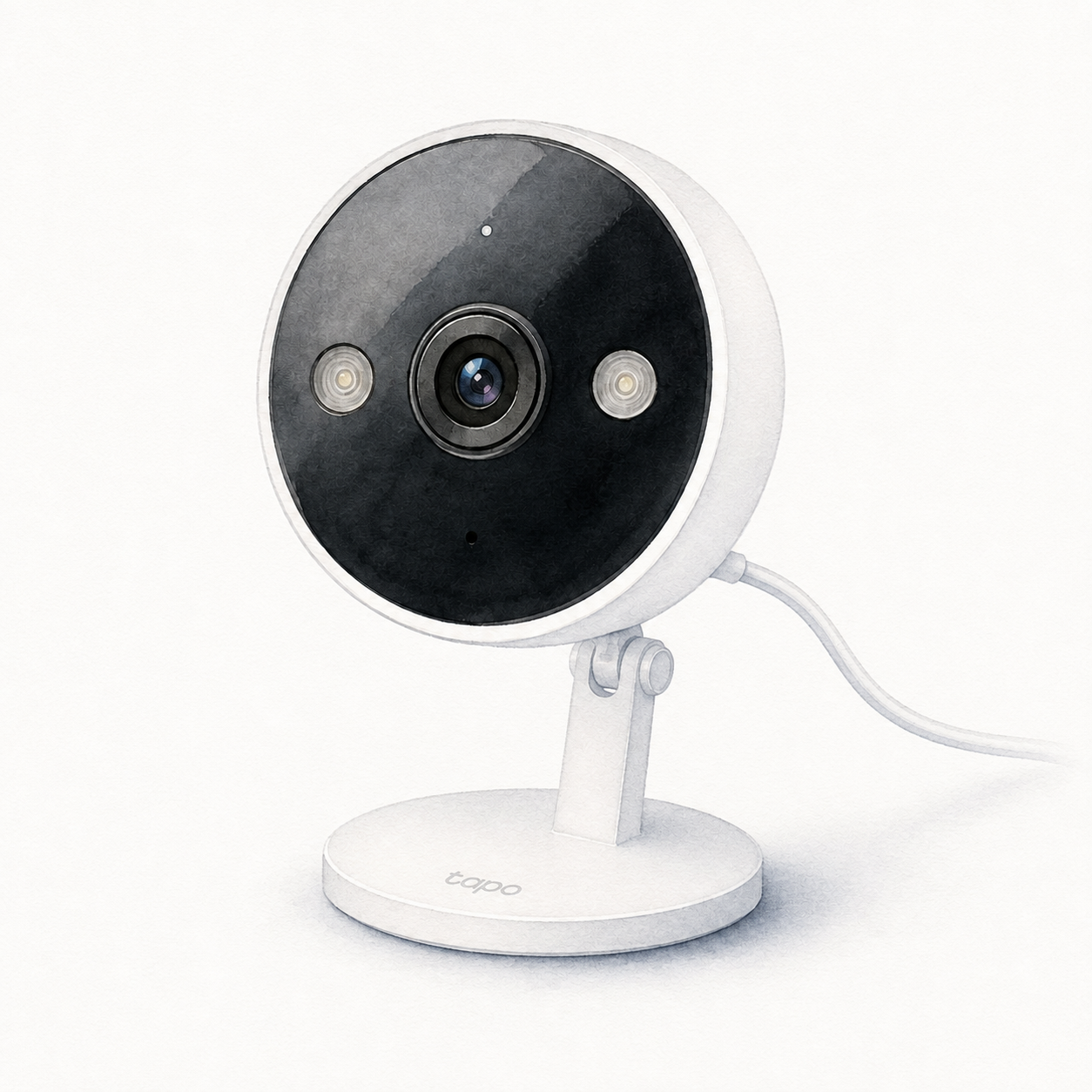
Illustration of the white Tapo C120 with a round black face, two lateral spotlights and a round magnetic base; not a product photo, power adapter and installation accessories omitted

Tapo C120 illustration — not a product photo or full kit

TP-Link Tapo

TP-Link Tapo C120 Security Camera

Externally powered security camera

Mounting or guided setup

This is not a battery camera: plan cable routing and use the supplied power hardware. The US guide requires the adapter to stay indoors even when the camera is outdoors. Setup uses Tapo and 2.4 GHz Wi-Fi.

Setup checks & conditions

The C120 setup is not battery-powered; outdoor placement does not make the power adapter outdoor-rated.

  • Set up with the Tapo app and 2.4 GHz Wi-Fi, using the manufacturer-supplied power adapter and cable. This camera is not battery-powered.
  • Plan the camera position and power-cable route. A table or shelf needs no wall mounting; magnetic, adhesive and screw mounting are other options. Follow the manual for your hardware version.
  • The linked US setup guide specifies indoor use for the power adapter, even when the camera is outdoors. Check the exact installation instructions before choosing its location.
  • For local recording, the guide calls for a separate microSD card initialized in the app; Tapo Care cloud storage is a subscription service.
All setup checks & sources

More Security cameras resources