
FlowHome may earn from qualifying Amazon purchases. Recommendations focus on intended use, documented requirements, and explicit limitations.

Category

Robot vacuums

Automated floor cleaning

Products are listed alphabetically, not ranked by ratings, price or compatibility.

← All products
Robot Vacuum
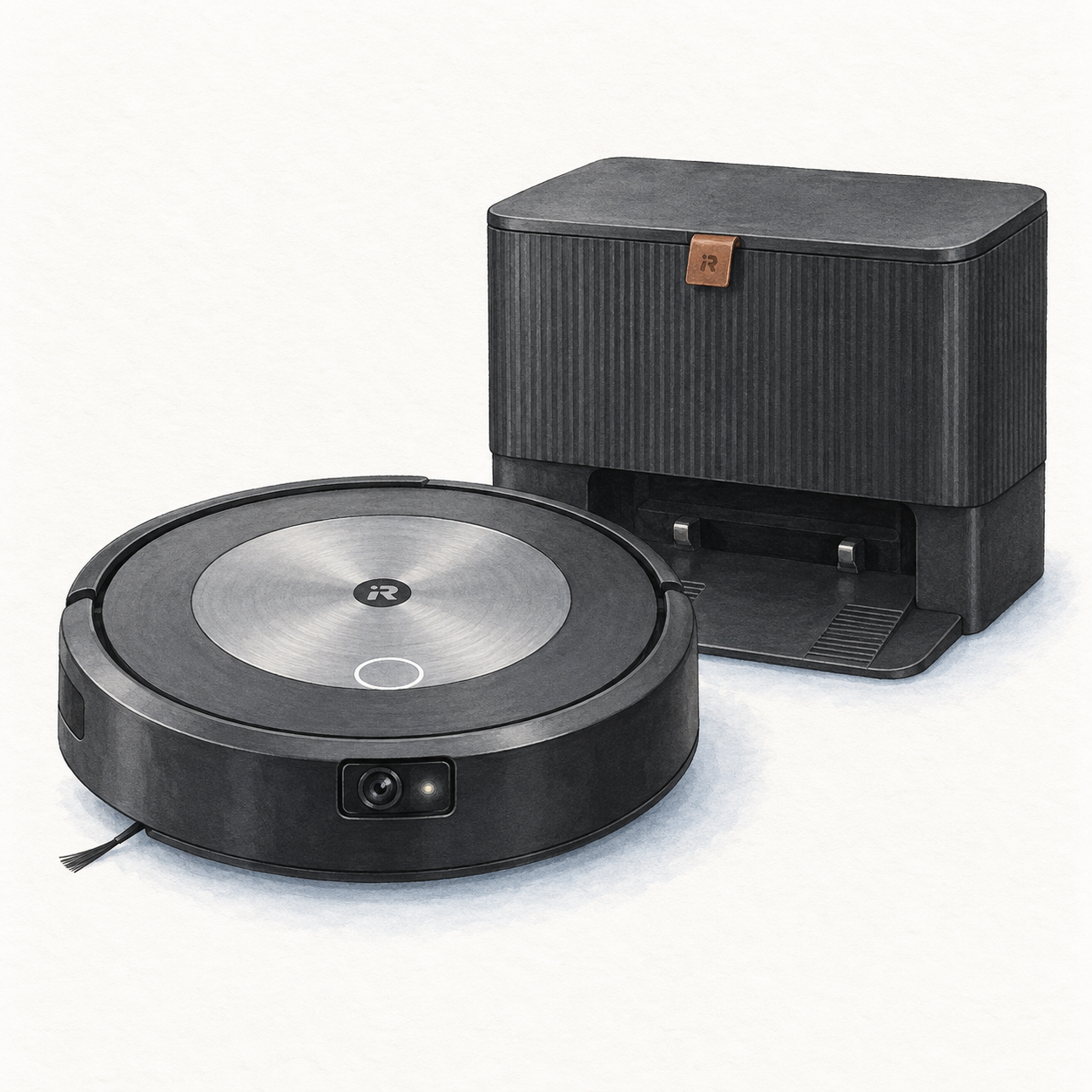
Illustration of the original flat-top Roomba j7+ vacuum with a front camera and black Clean Base; not a product photo, no mop, cables and spare accessories omitted

Roomba j7+ and Clean Base illustration — not a product photo

iRobot

iRobot Roomba j7+

Robot vacuum with Clean Base setup

Mounting or guided setup

Allow clearance around the original j7+ Clean Base and keep it at least 4 ft from stairs. Remove floor clutter even with obstacle avoidance. Confirm the original j7+ bundle, not a Combo model.

Setup checks & conditions

The guide covers original j7+, not Roomba Combo. Confirm the seller's bundle and regional power hardware.

  • For the original j7+ Clean Base, allow 1.5 ft / 0.5 m on both sides, 4 ft / 1.2 m in front and 1 ft / 0.3 m above. Keep the base at least 4 ft / 1.2 m from stairs, out of direct sunlight and within good Wi-Fi coverage.
  • Place the robot on the powered base to activate its battery. iRobot recommends a 3-hour charge before the first cleaning job; remove excess floor clutter even with obstacle avoidance.
  • Follow the iRobot Home app for Wi-Fi setup, maps and schedules. These instructions cover the original j7+ with Clean Base, not a Roomba Combo model; confirm the exact bundle before buying.
All setup checks & sources
Robot Vacuum
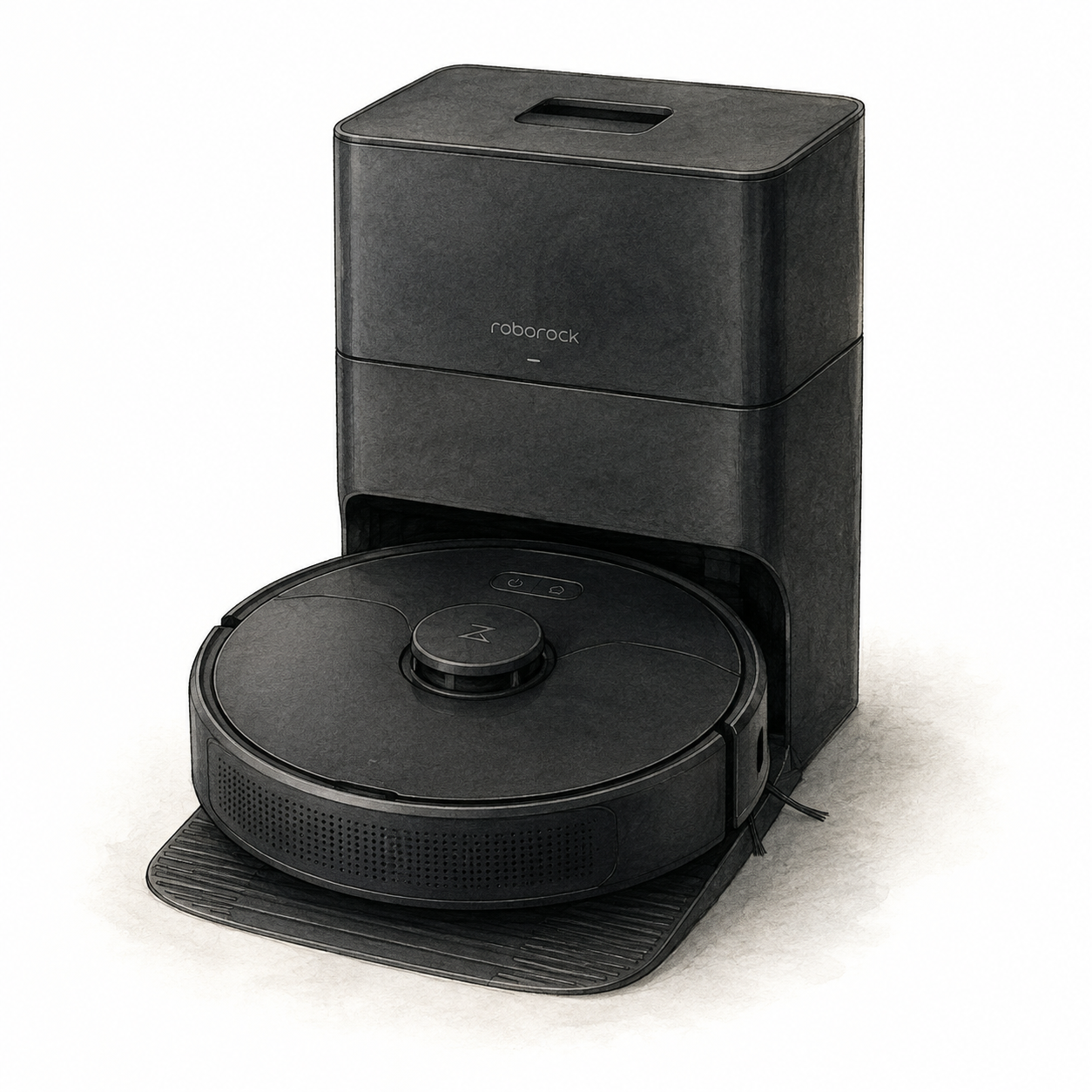
Illustration of the black Roborock Q5+ LiDAR robot vacuum with Auto-Empty Dock Pure; not a product photo, cables and spare accessories omitted

Roborock Q5+ and dock illustration — not a product photo

Roborock

Roborock Q5+ Robot Vacuum

Mounting or guided setup

Allow room for the original Q5+ dock and assemble its base before connecting power. Supervise the first cleaning route; raised areas require a secure physical barrier. Mapping does not replace that barrier.

Setup checks & conditions

First setup check

Allow 0.5 m on each side of the dock, 1.5 m in front and 1 m above. Raised areas need a secure physical barrier, not just mapping.

  • Original Q5+ dock: attach the base with the six supplied screws before connecting power. Use a hard, level floor with at least 1.6 ft / 0.5 m clear on each side, 4.9 ft / 1.5 m in front and 3.3 ft / 1 m above.
  • Clear loose cables and fragile or unstable items, supervise the entire first cleaning route, and use a secure physical barrier in raised areas. Mapping is not a substitute for that barrier.
  • Charge on the dock and follow the Roborock or Mi Home app setup with 2.4 GHz Wi-Fi. These instructions cover the original Q5+, not Q5 Pro or other later variants.
All setup checks & sources

More Robot vacuums resources