
Smart Plug
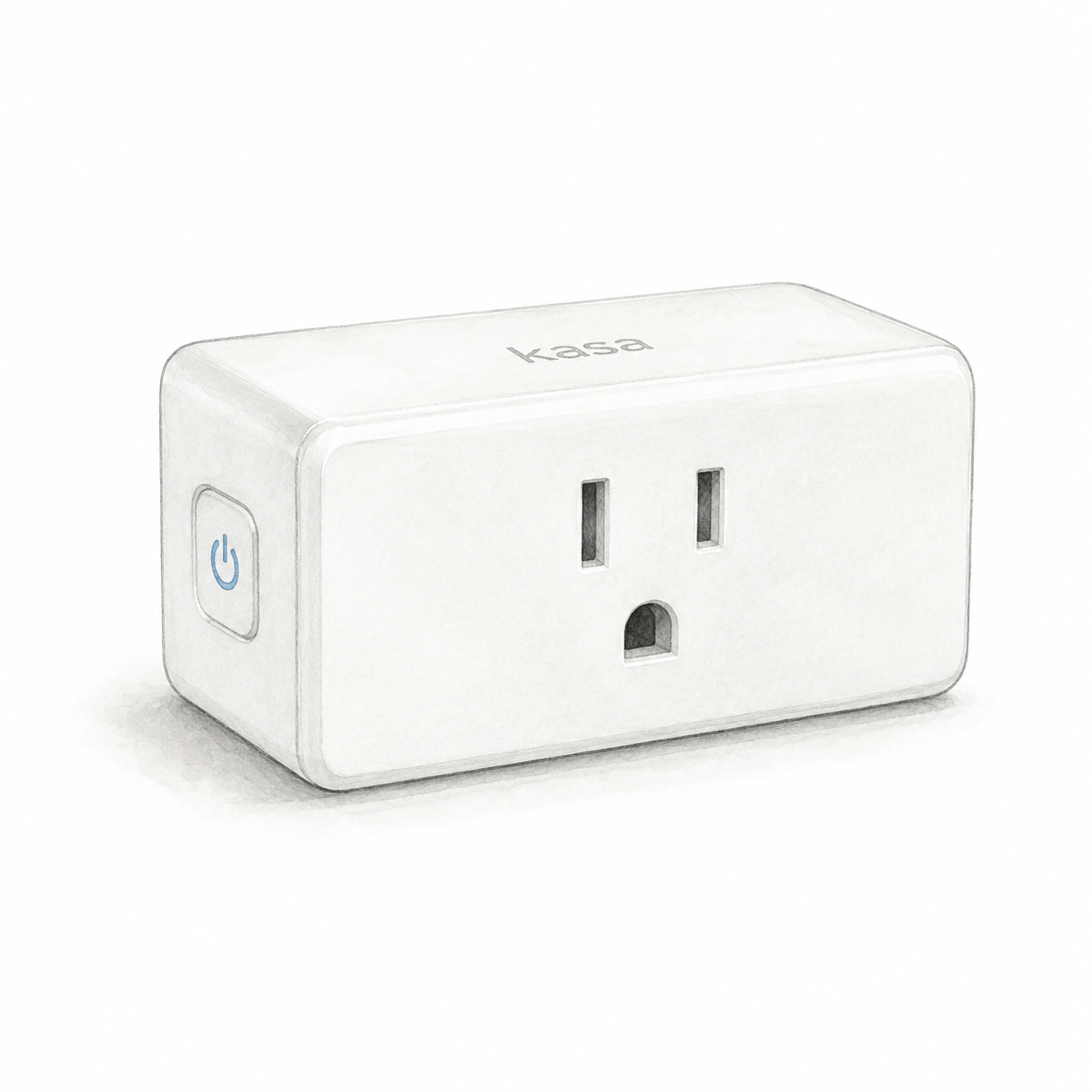
Kasa EP10 illustration — one unit, not a product photo
TP-Link
TP-Link Kasa Smart Plug Mini
Power and app setup
EP10 US needs an indoor 100–120 V AC outlet, away from water, humidity and heat; do not stack adapters. Check appliance-specific load limits: the 15 A / 1800 W general/resistive rating is not a universal appliance limit.
Setup checks & conditions
First setup check
Use a dry indoor outlet and 2.4 GHz Wi-Fi. Check appliance-specific load limits; do not stack plug adapters.
- For the documented EP10 US, use an accessible indoor outlet, away from water, humidity and heat. Do not stack plug adapters. Check the hardware label against the regional manual; the retail bundle's revision and firmware are not verified.
- Use 2.4 GHz Wi-Fi and the Kasa Smart app with a TP-Link ID for the documented setup path. A separate hub is not required for that path; follow the app's model-selection instructions.
- The EP10 US datasheet specifies 100-120 V AC, up to 15 A and 1800 W for general/resistive loads. Those are not universal appliance limits: check the manual's load-specific restrictions and the appliance instructions before connecting it.