Quick verdict
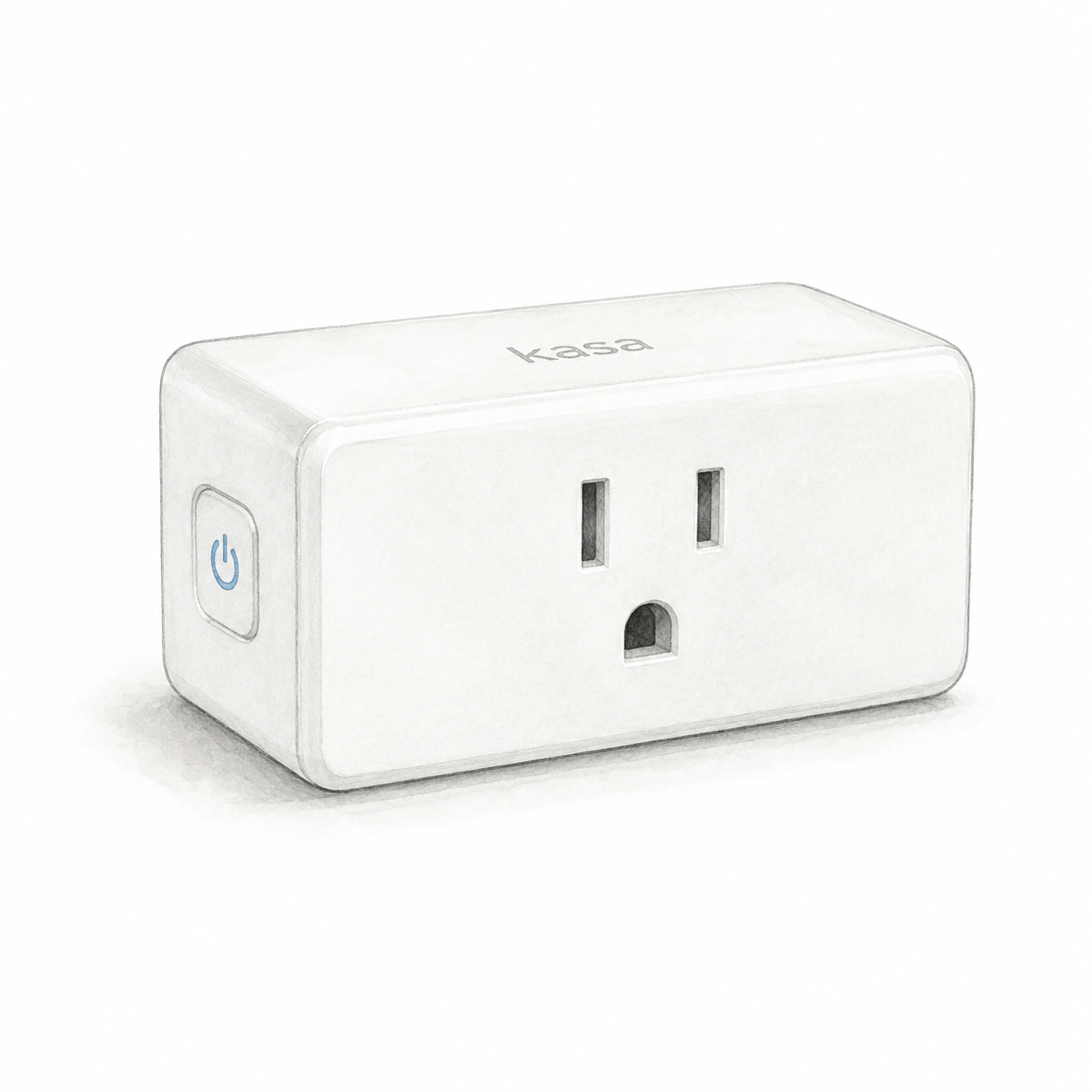
The linked ASIN B091FXQQMQ identifies an EP10P2 two-pack of Kasa EP10 plugs in the listing consulted on September 5, 2026. Consider it for on/off control; energy measurement remains unverified because the manufacturer’s documents conflict. This is document-based guidance, not an electrical safety test or a physical evaluation.
The selected listing can change. Confirm EP10P2 and the two-pack before ordering; the manufacturer’s general EP10 page describes one plug, not this retail bundle. Hardware revision, generation and installed firmware remain unverified. The listing check does not establish current stock, price or seller terms.
Specifications and setup notes
Check whether the appliance manufacturer permits the intended switched-power use and whether the device resumes the intended state when power is restored. A lamp is not automatically a suitable load merely because it plugs in. Review the EP10 installation and load checklist, outlet spacing, and Wi-Fi coverage before planning a routine.
Pros and cons
TP-Link documents a Kasa app and account setup path with model selection. The key tradeoffs are the connected load, power-restoration behavior, and model-specific features. A 2022 support response says EP10 has no energy monitoring, while page 10 of the 2024 user guide describes consumption but then directs users to check runtime. Runtime is not measured electrical consumption. Do not choose this listing for energy measurement without clarification for the exact hardware. Current price and customer ratings are not verified here.
Comparison context
Compare a plug with a wall switch according to what needs control: a removable plug-in load or a wired lighting circuit. Familiar branding alone is not evidence of better reliability, safety, or support.
Best fit in a real home
An on/off routine can be useful for a suitable lamp or another manufacturer-approved load. Do not treat a generic smart-plug recommendation as approval for heaters, cooking equipment, medical equipment, or unattended operation. Check both the appliance instructions and the exact plug’s load limits and restrictions.
The most important limitation is that a smart plug only controls power. It cannot press buttons, change modes, or safely automate devices that should not be left unattended. FlowHome would use it for predictable low-risk loads, not for anything where power cycling creates a safety issue.
Setup and ownership notes
Before buying, check outlet spacing, plug orientation, Wi-Fi coverage, and whether the connected device resumes its previous state after power is restored. Some devices turn back on automatically; others require a manual button press, which makes them poor smart-plug candidates.
Buying advice
Consider this EP10P2 listing after checking the model and bundle evidence and confirming load suitability. Compare a smart power strip for several outlets, or a wall switch for a wired lighting circuit, using each exact model’s requirements. No price advantage or reliability advantage has been established in this article.
FAQ
Does FlowHome earn a commission? Yes. As an Amazon Associate, FlowHome may earn from qualifying purchases.
Should I buy immediately? Confirm the model, load limits, power behavior, and current seller terms first. An old deal snapshot is not a buying threshold.
What should I check first? Confirm outlet fit, Wi-Fi coverage, device power behavior, the exact plug’s manufacturer-documented load limits and appliance restrictions, voice-assistant compatibility, and whether a smart plug or smart switch matches the job. Use the seller listing separately to check the package and commercial terms.