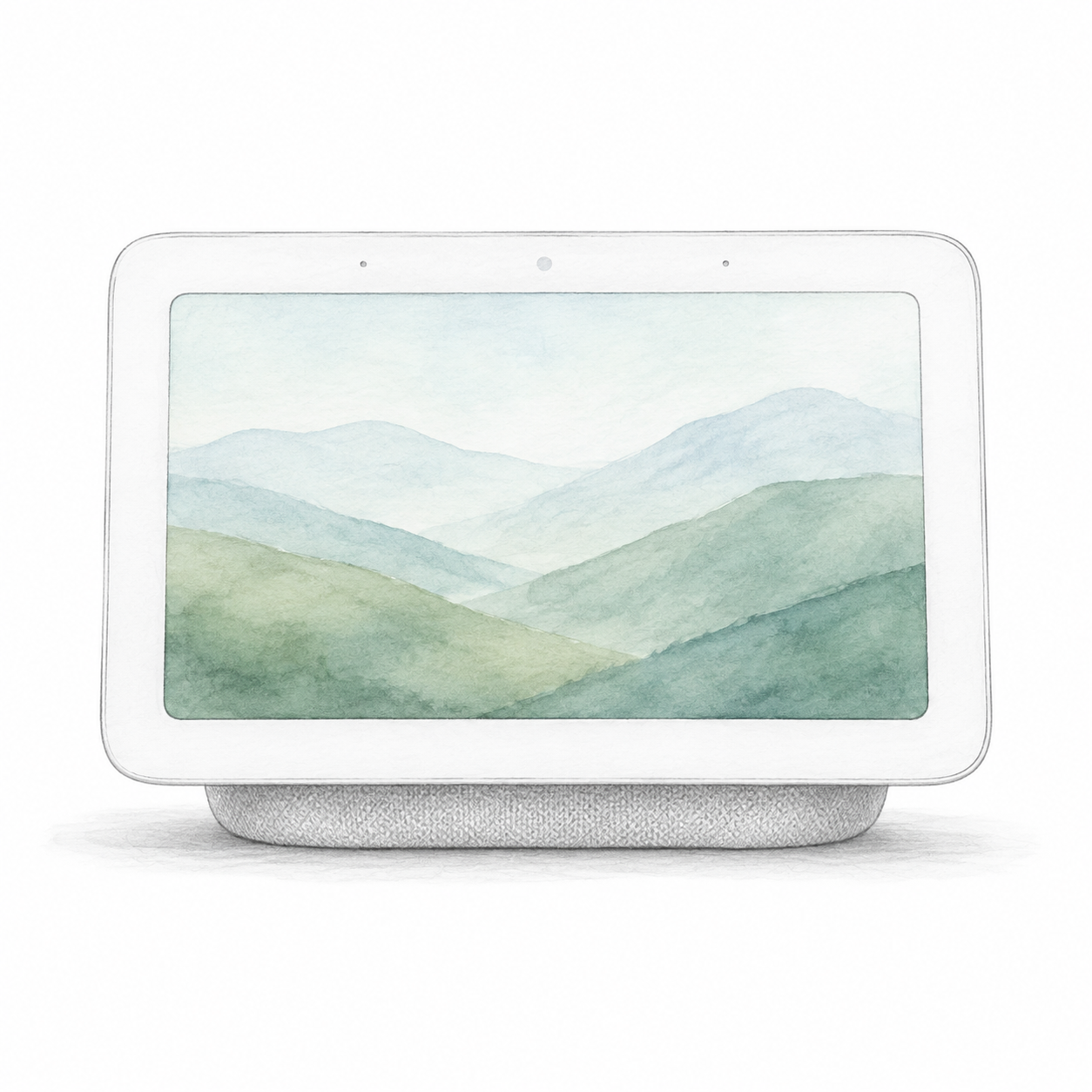
Smart Display
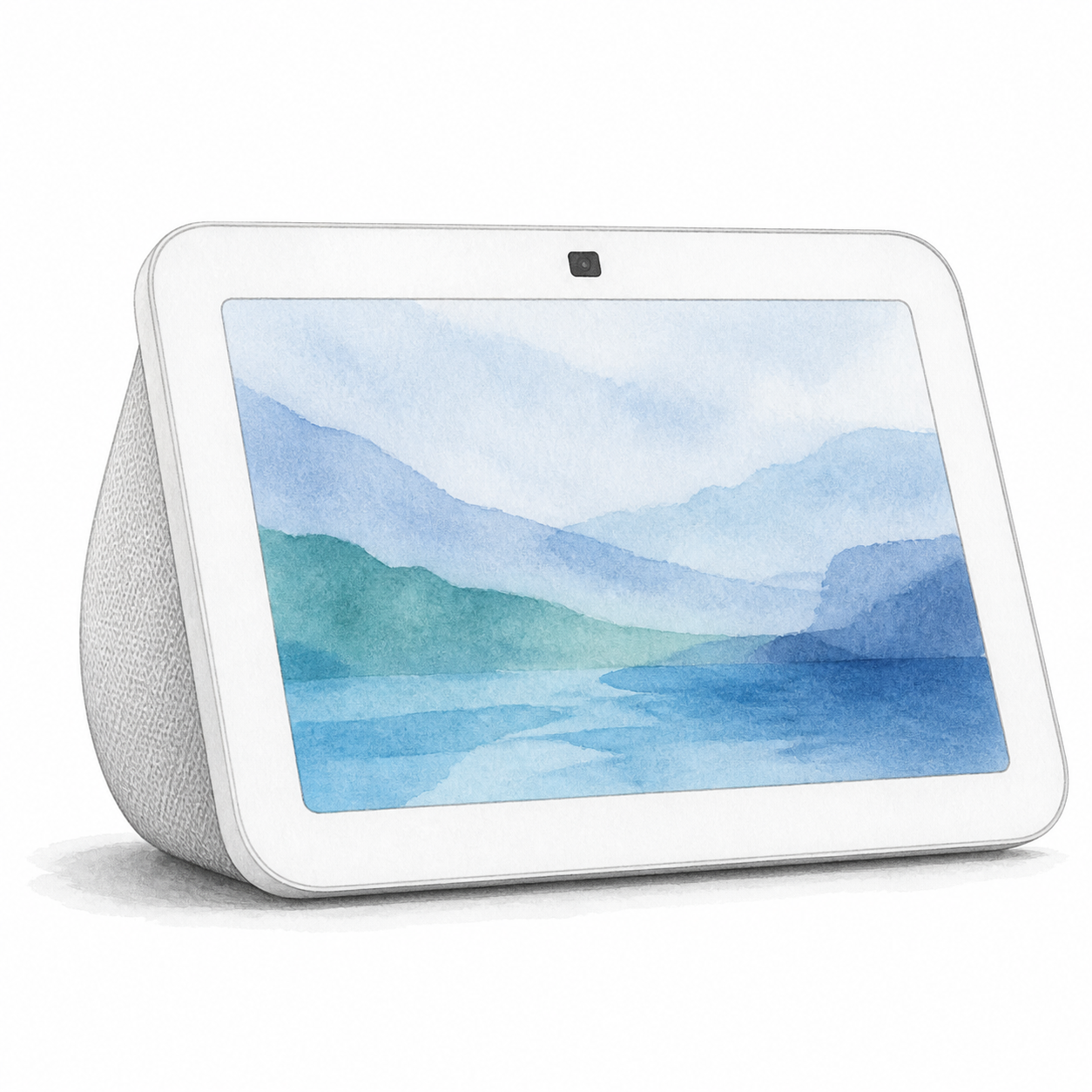
Echo Show 8 3rd Gen illustration — not a photo; sample screen
Amazon
Echo Show 8 3rd Gen
Power and app setup
Check third-generation model R85SD6 and its included adapter. Choose a heat-resistant surface away from sinks, steam and heat. Setup requires an Amazon account and internet-connected Wi-Fi; review household camera and microphone settings. The shutter does not establish cloud-free operation.
Setup checks & conditions
- Use the included power adapter in an accessible outlet and place the display on a heat-resistant surface away from sinks, steam and heat sources. Amazon's US safety guide identifies third-generation model R85SD6; confirm the unit and included adapter before buying.
- Have an Amazon account and your internet-connected Wi-Fi network name and password ready. Complete language, network and account setup on the display. This assessment covers initial display setup, not mounting accessories or configuring every connected smart-home device.
- Review the microphone/camera controls, built-in camera shutter and voice-history settings with the household. The shutter does not establish cloud-free operation. Check any optional service and subscription terms separately; hardware, firmware and individual device pairings have not been physically verified.