Quick verdict
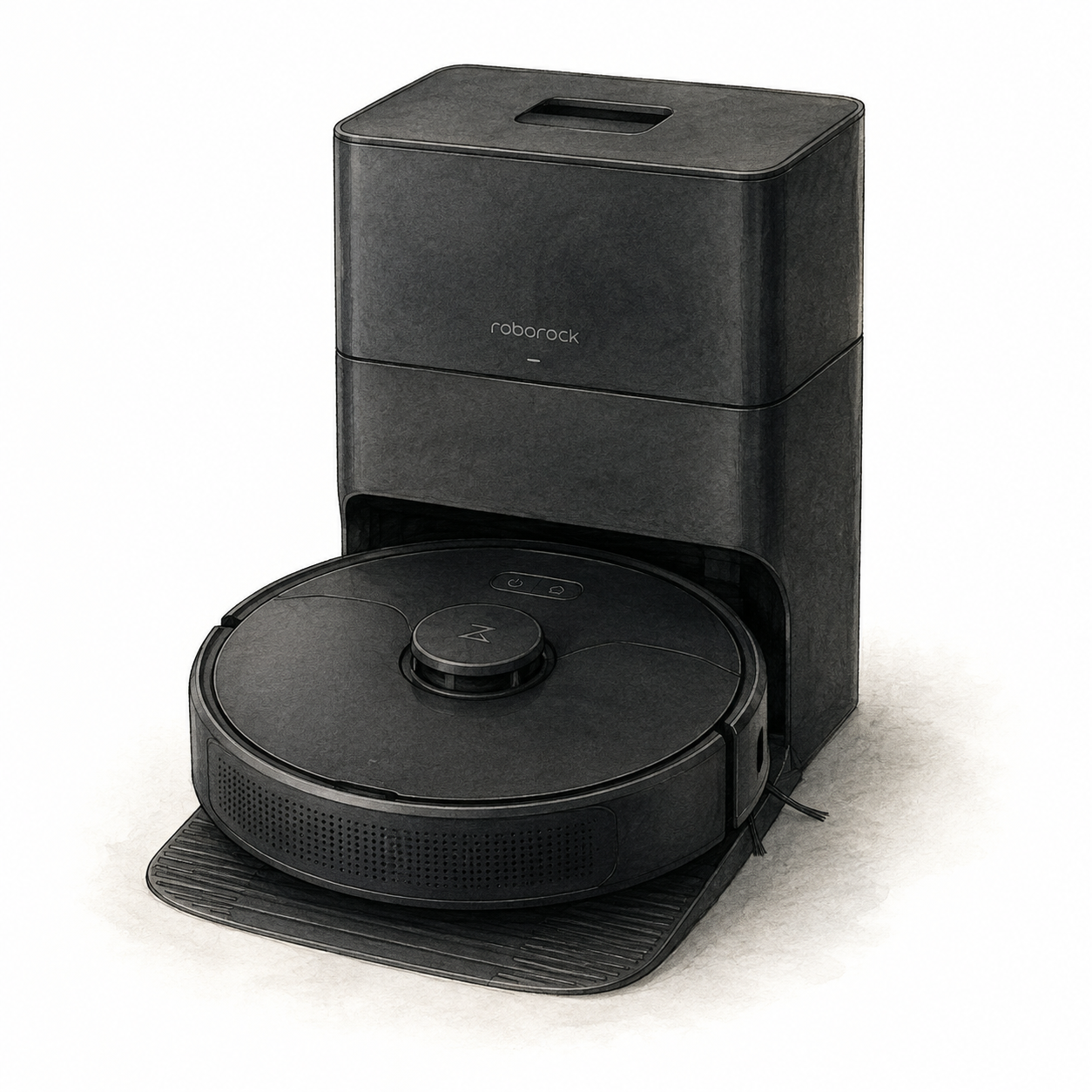
The original Roborock Q5+ is a candidate when mapped vacuuming and dock-based emptying are priorities. Roborock’s official Q5 page identifies Auto-Empty Dock Pure support, PreciSense Precision LiDAR, 3D Mapping, and custom routines. This is a document-based assessment of the vacuum-only model, not a physical cleaning test, a reliability measurement, or a ranking of all robot vacuums.
Specifications and setup notes
Setup depends on the floor plan as much as the app. Start by measuring the intended dock area and checking thresholds, rugs, cables, pet bowls, and low furniture. The Auto-Empty Dock Pure needs a practical location with access to power and room for the robot to return. Wi-Fi and app control can support scheduled cleaning, room naming, zones, and custom routines after the map is established.
PreciSense Precision LiDAR is the navigation approach documented for this model. Roborock also describes 3D Mapping, which can help shoppers understand how the system is intended to represent rooms and cleaning areas. That is useful context for planning, not a guarantee that a particular layout, obstacle, or dark corner will be handled identically in every household. The product profile does not document an obstacle-detection field for this model, so shoppers should not infer one from mapping terminology alone.
Pros and cons
The documented LiDAR mapping and dock arrangement are useful selection criteria. Roborock also names Alexa, Google Home, and Siri Shortcuts support; Siri Shortcuts should not be read as Apple HomeKit certification. Check the precise commands you need. Dock placement, app access, and consumables are tradeoffs. No current price, rating, subscription terms, or seller bundle has been verified here.
Comparison context
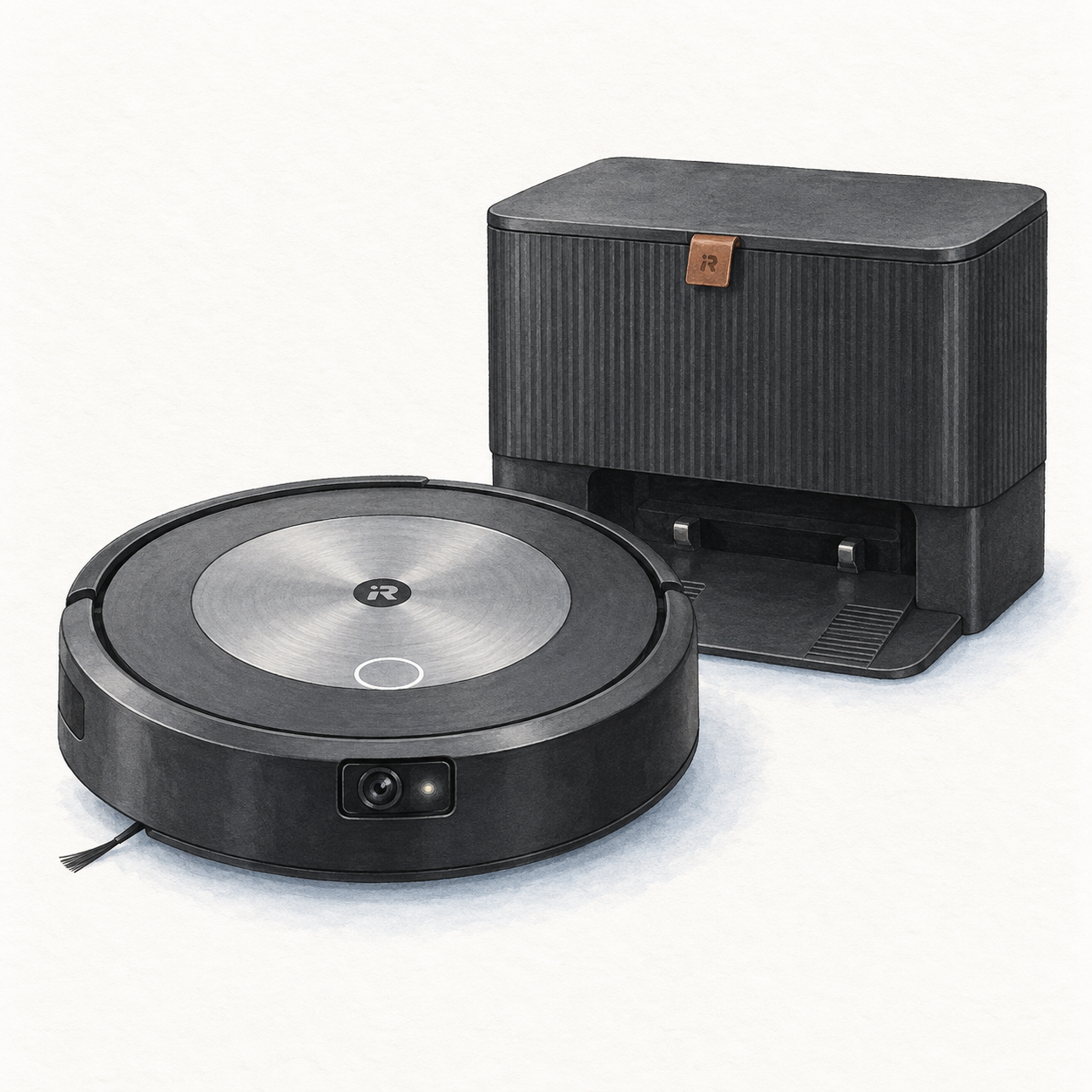
The manufacturers describe different navigation approaches: Q5+ has PreciSense Precision LiDAR; iRobot describes PrecisionVision and Imprint Smart Mapping for j7+. These feature names do not establish a cleaning-performance winner. Read the Roborock Q5+ vs Roomba j7+ comparison for planning context, while checking model-specific documentation rather than relying on catalog booleans or price snapshots.
Best fit in a real home
Consider the original Q5+ when you want mapped vacuuming and can reserve space for the emptying dock. Before shortlisting it, check the model and package evidence and installation requirements. The robot vacuum buying guide compares these requirements with the original j7+; it does not rank the wider market.
Neither the manufacturer’s mapping description nor this review establishes how well the Q5+ removes pet hair, handles a particular rug, or replaces other cleaning tasks. Those outcomes were not tested here.
Setup and ownership notes
Before buying, think about floor type, thresholds, rug edges, pet hair, furniture spacing, and where the charging area will live. The robot needs a realistic path through the home, and the dock needs enough clearance to remain accessible. App mapping and room naming are worth doing carefully because they can make scheduled cleaning and zone cleaning more useful. Revisit the map after furniture moves or a change in room layout rather than assuming the first setup will remain ideal forever.
The Q5+ manual instructs users to supervise the entire first cleaning route and use a secure physical barrier when operating in a raised area. Follow the manual’s preparation and dock-clearance instructions; a saved map is not a substitute for those precautions. Confirm replacement consumables, bag availability, and support terms before purchase.
Buying advice
Shortlist the original Q5+ for its documented mapping and emptying-dock configuration, then verify the specific app or voice commands you need. Alexa, Google Home, and Siri Shortcuts references do not establish universal compatibility or HomeKit support. The iRobot Roomba j7+ review describes another navigation approach, not proof of better obstacle handling in your home. Check the destination listing’s model, included dock, seller terms, price, and availability before buying.
Shoppers who need wet floor care should evaluate a separate mop/vacuum combination instead of assuming that a vacuum-only robot will cover that requirement. That is a buying-need distinction, not a claim about cleaning quality. The better choice depends on floor surfaces, clutter habits, dock space, preferred app workflow, and the current listing details.
FAQ
Does FlowHome earn a commission? Yes. As an Amazon Associate, FlowHome may earn from qualifying purchases.
Should I buy immediately? Check the original model, included dock, consumables, and current seller terms first. A historic price snapshot is not a current deal.
What should I check first? Confirm floor type, pet-hair needs, dock space, threshold height, replacement bag and filter costs, return policy, and whether vacuum-only cleaning meets the household’s needs.