Quick verdict
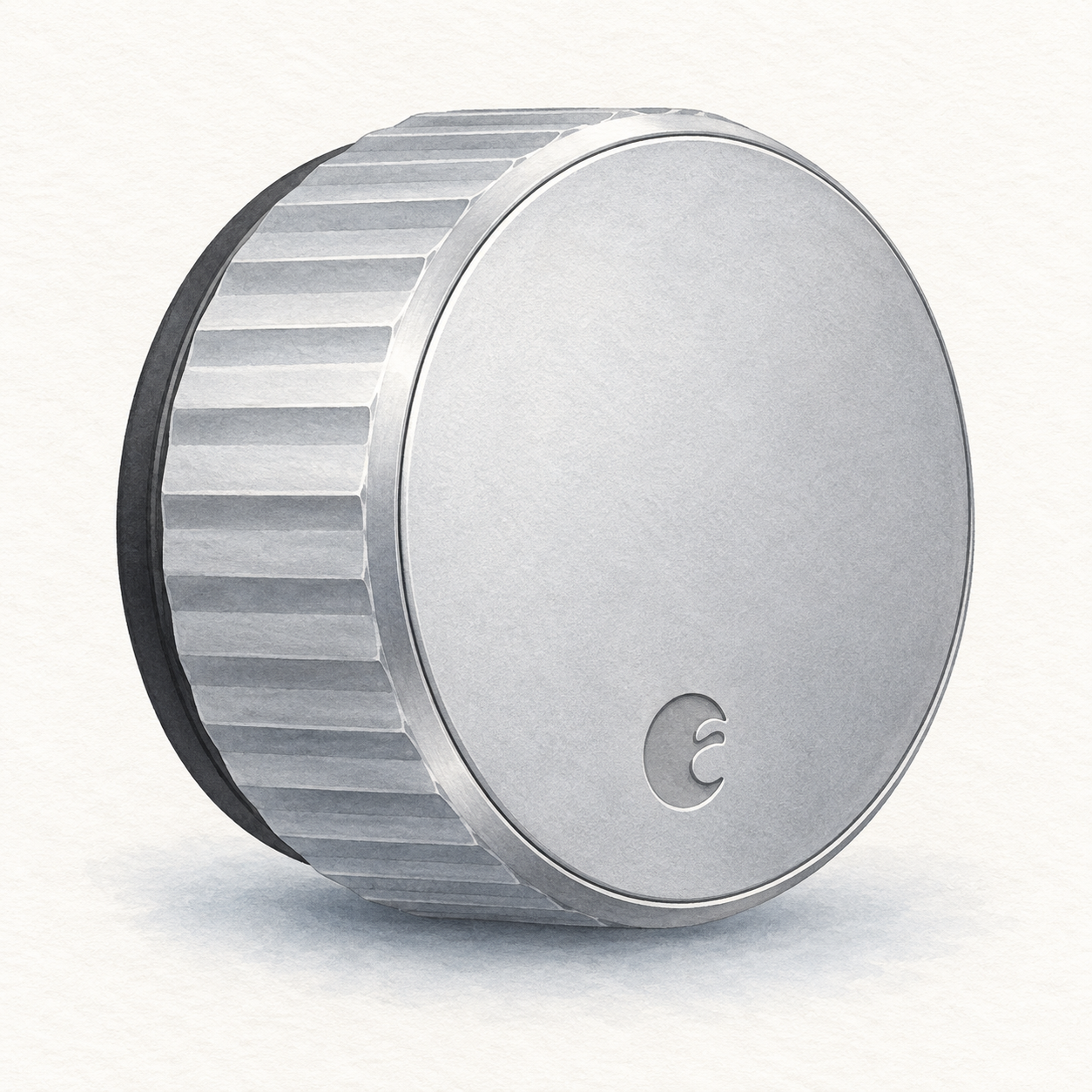
August Wi-Fi Smart Lock is a retrofit option for a compatible existing deadbolt. August documents installation inside the door while retaining exterior hardware and original keys. Renters still need to check their lease and obtain any required permission. This is document-based guidance, not a physical evaluation or a security certification.
Specifications and setup notes
The most important setup check is mechanical compatibility. Before buying, confirm your deadbolt type, door alignment, interior clearance, and whether the thumb-turn area has enough room. Smart locks fail as an experience when the door already sticks or requires extra force; fix that before adding automation.
August documents built-in Wi-Fi, Bluetooth, app operation, and Alexa, Google Home, and Apple HomeKit integration. Confirm the particular command, remote-access requirements, and account permissions you need; a platform label does not establish every automation.
Pros and cons
The documented retrofit format retains the exterior hardware and physical keys. The named platform integrations are starting points for checking the commands and access permissions you need, not evidence of universal compatibility or a measured convenience advantage. Battery maintenance, mechanical fit, and account permissions remain separate ownership responsibilities.
Comparison context
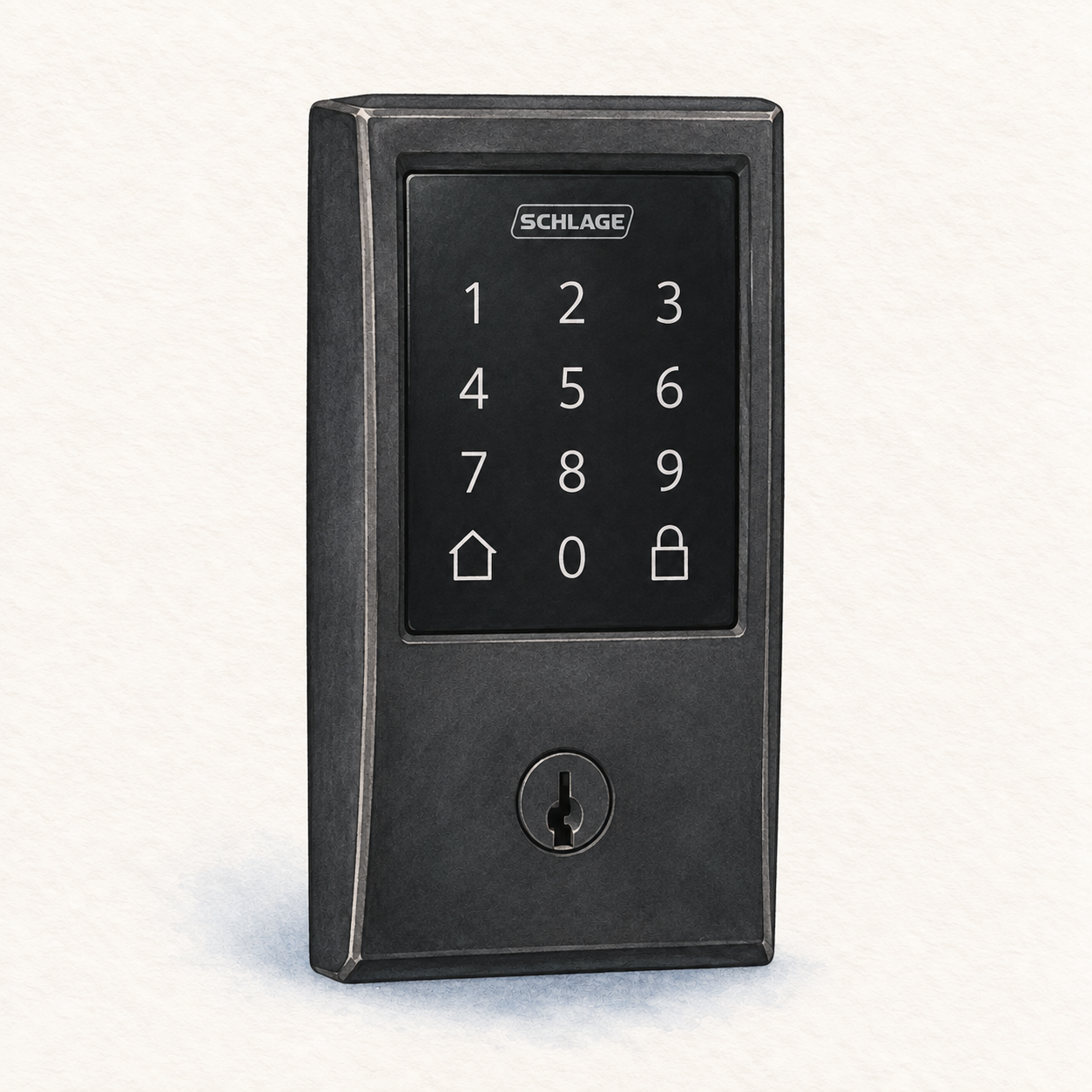
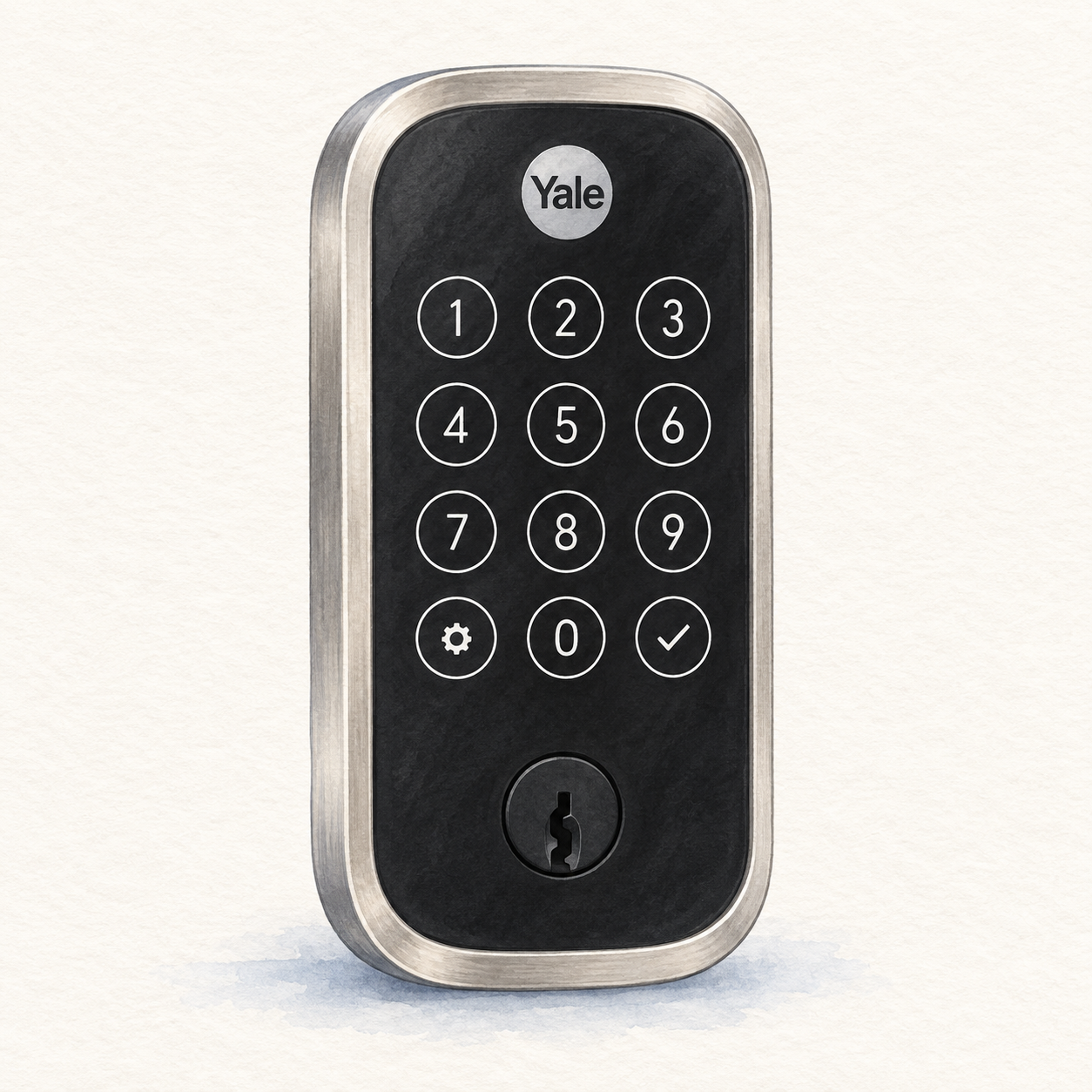
The comparison with a replacement deadbolt is about installation format, not measured reliability or security. August retains exterior hardware; a separate keypad accessory may be relevant if guests need code access without an app. Check the actual bundle.
Best fit in a real home
Consider the retrofit format when retaining the exterior hardware and original keys is a requirement. That design does not establish permission to modify a rented or shared door. Check the model evidence and installation requirements, including the actual deadbolt and mounting clearance, before selecting a seller package.
The tradeoff is that convenience depends on the existing deadbolt working smoothly. If the bolt rubs, catches, or needs the door to be lifted before locking, a smart motor will not magically fix that. FlowHome would treat door alignment as part of the purchase decision, not as an afterthought.
Buying advice
List the access methods each household member or guest needs: original key, app, or keypad. Confirm the exact supported permissions and any required accessory before choosing the bundle. If code access is essential, compare the complete keypad setup rather than assuming the retrofit lock alone provides it.
Before checkout, confirm the model number and accessories. The Wi-Fi model has built-in Wi-Fi; do not confuse it with older August products requiring a separate Wi-Fi bridge. Plan battery alerts and physical-key fallback. This article has not verified seller prices, ratings, battery endurance, or resistance to attack.
FAQ
Does FlowHome earn a commission? Yes. As an Amazon Associate, FlowHome may earn from qualifying purchases.
Who should buy it? Buyers who want smart locking while keeping the existing exterior hardware and physical keys.
What should I check first? Confirm deadbolt compatibility, door alignment, battery expectations, guest-access needs, and your preferred smart-home ecosystem.