Quick verdict
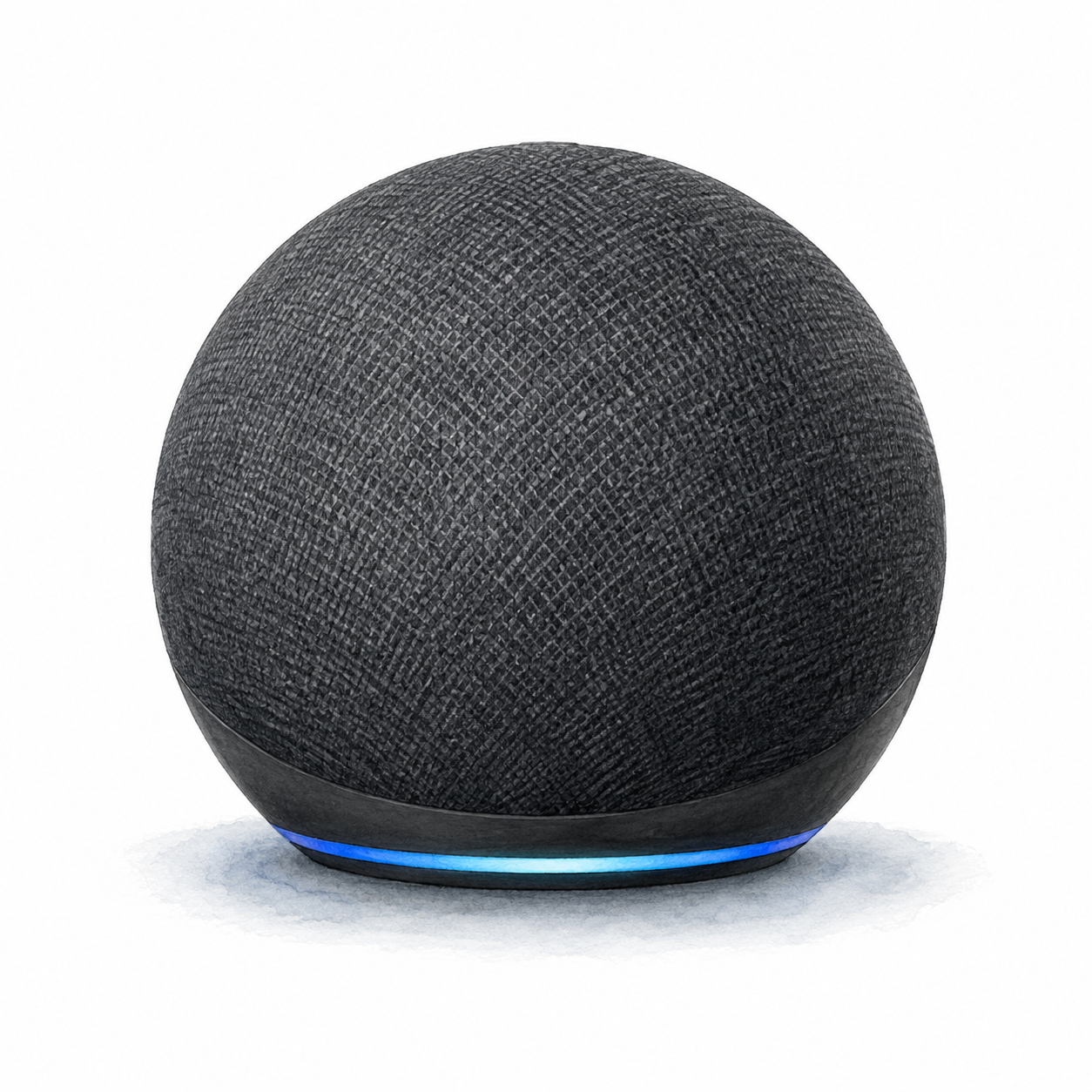
Echo Dot 5th Gen is a compact Alexa device to consider when voice access is useful in a particular room. Amazon’s guide documents setup through the Alexa app and a physical microphone button. This is a document-based assessment, not a listening test or a measurement of recognition accuracy.
Specifications and setup notes
Amazon lists this generation as a Matter controller for Alexa. That is different from being a controllable Matter accessory in another ecosystem. Matter-over-Thread devices require a separate Thread border router; confirm supported device types and software before choosing a combination. This is a documented capability, not a pairing test performed by FlowHome.
Setup is mostly about Wi-Fi quality, Amazon account access, room naming, and routine design. Put the speaker where voice commands naturally happen, then decide whether it should control lights, plugs, reminders, alarms, or household announcements. Also review privacy settings, microphone controls, and voice purchasing before giving it a permanent spot.
Pros and cons
The documented setup path and microphone control provide concrete starting points. Account access, app configuration, and linked-service permissions remain tradeoffs. Prices, customer ratings, adoption claims, and paid-service terms have not been verified here.
Comparison context
Compare a speaker with a display according to whether a screen is needed. Seek audio evidence for the exact models if music is the priority. This article does not establish that Echo Dot sounds better, recognizes speech better, or costs less than another model.
Best fit in a real home
Consider a voice-only device when there is a specific action you want to perform without using a screen. Check that action for the intended account, region, accessory, and linked service. This review has not measured convenience, room coverage, or the performance of a music system.
Choose a room after considering power, network access, microphone preferences, and the people sharing the space. The installation checklist covers initial setup, while the identity evidence separates manufacturer documentation from the unverified seller package. Familiarity with Alexa does not establish that setup or a particular routine will work as expected.
Setup and privacy notes
Before buying, decide which Amazon account should manage the device, who in the household can use voice purchasing or routines, and what privacy settings need to be adjusted. Review microphone controls, voice history settings, and child or guest access requirements. A smart speaker belongs inside the household’s privacy model regardless of its purchase price.
Buying advice
Choose a room and specific commands before comparing the current seller offer. Verify those functions and any linked subscriptions. Consider a display if visual feedback matters; seek independent audio evidence if sound quality is the deciding factor.
FAQ
Does FlowHome earn a commission? Yes. As an Amazon Associate, FlowHome may earn from qualifying purchases.
Should I buy immediately? Check functions, account requirements, current seller terms, and total cost first. A historical snapshot is not a current deal.
What should I check first? Confirm Alexa is your preferred assistant, choose the room, review privacy settings, check current bundle pricing, and compare it with larger Echo speakers if music quality is the main goal.