FlowHome may earn from qualifying Amazon purchases. Recommendations focus on intended use, documented requirements, and explicit limitations.

Best of FlowHome

Smart Lighting Buying Guide: Hue, Govee, and Wyze Room Control

Compare bulb and strip formats, documented control paths, exact models, and installation requirements.

Choose the fixture or mounting location before the ecosystem. This documentary guide compares formats and selected manufacturer guidance; it does not verify every seller model, current price, or comparative lighting performance.

By FlowHome Editorial Team

Published

Evidence basis: data evaluated

Smart Lighting
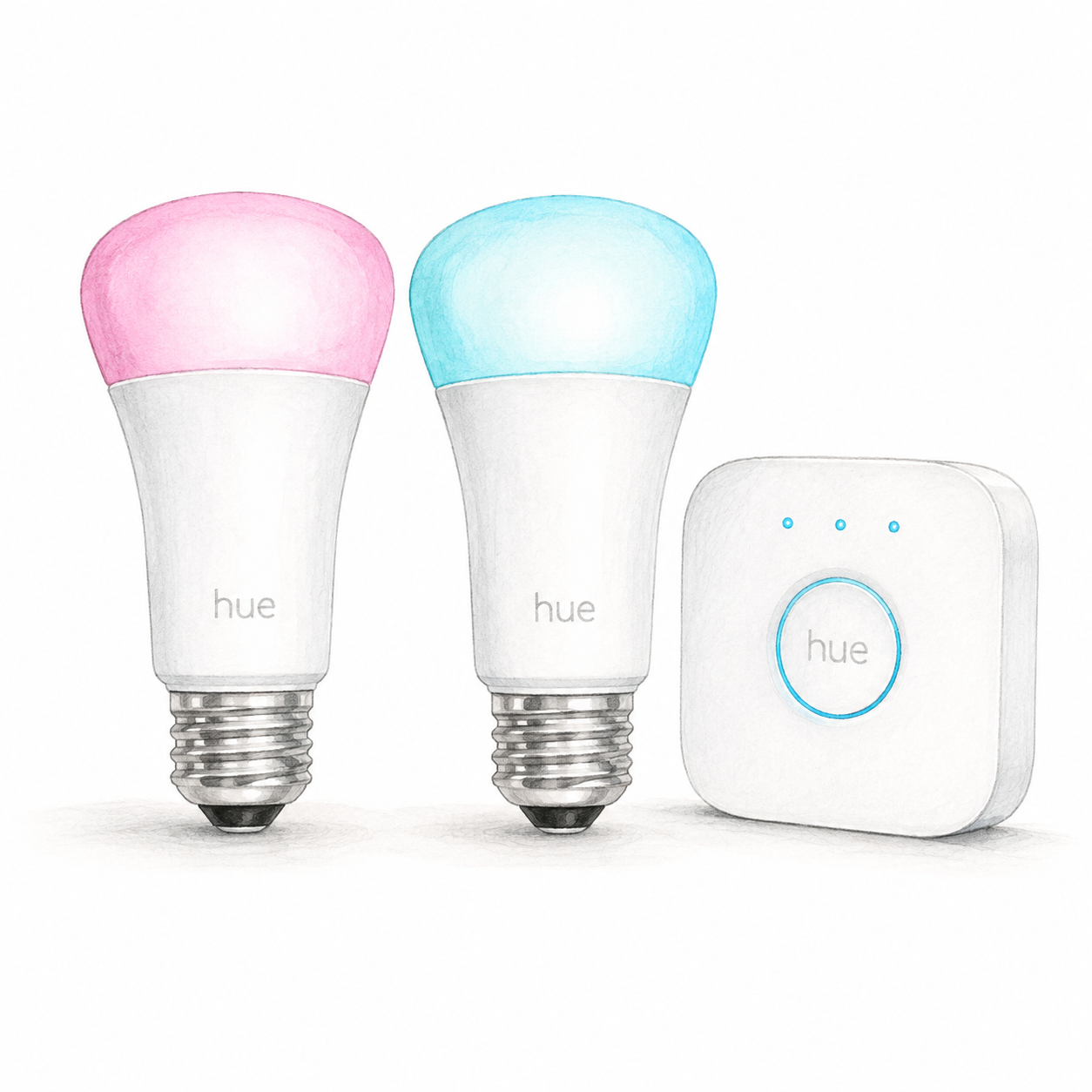
Illustration of two E26 color bulbs and a white square Hue Bridge from kit 562918; illustrative colors, not a product photo, cables and accessories omitted

Hue 562918 device illustration — not a photo; accessories omitted

Philips Hue

Philips Hue White and Color Starter Kit

Mounting or guided setup

Check suitable indoor E26 fixtures rated for these 110–130 V bulbs. The included Bridge needs power and a router Ethernet port.

Setup checks & conditions

First setup check

Check suitable indoor E26 fixtures rated for these 110–130 V bulbs. The included Bridge needs power and a router Ethernet port.

  • Confirm kit 562918 / UPC 046677562915 contains two E26 A19 color bulbs and a Hue Bridge. Check the existing fixtures against the bulb's 110-130 V and IP20 specifications before buying. This assessment covers replacement bulbs in suitable existing fixtures, not rewiring or outdoor installation.
  • Provide power for the Bridge and an available router Ethernet port. Connect the included Ethernet cable, install the Hue app and keep the phone on the same home network during setup. Follow the app to pair the Bridge and discover the powered bulbs.
  • The bulbs use Zigbee with the Bridge; the phone's Wi-Fi connection does not make these bulbs Wi-Fi devices. This profile does not cover Bridge Pro, migration of an existing system or native-Matter bulbs. Confirm the actual hardware, firmware and any assistant setup separately; no physical pairing test has been performed.
All setup checks & sources
Smart Lighting
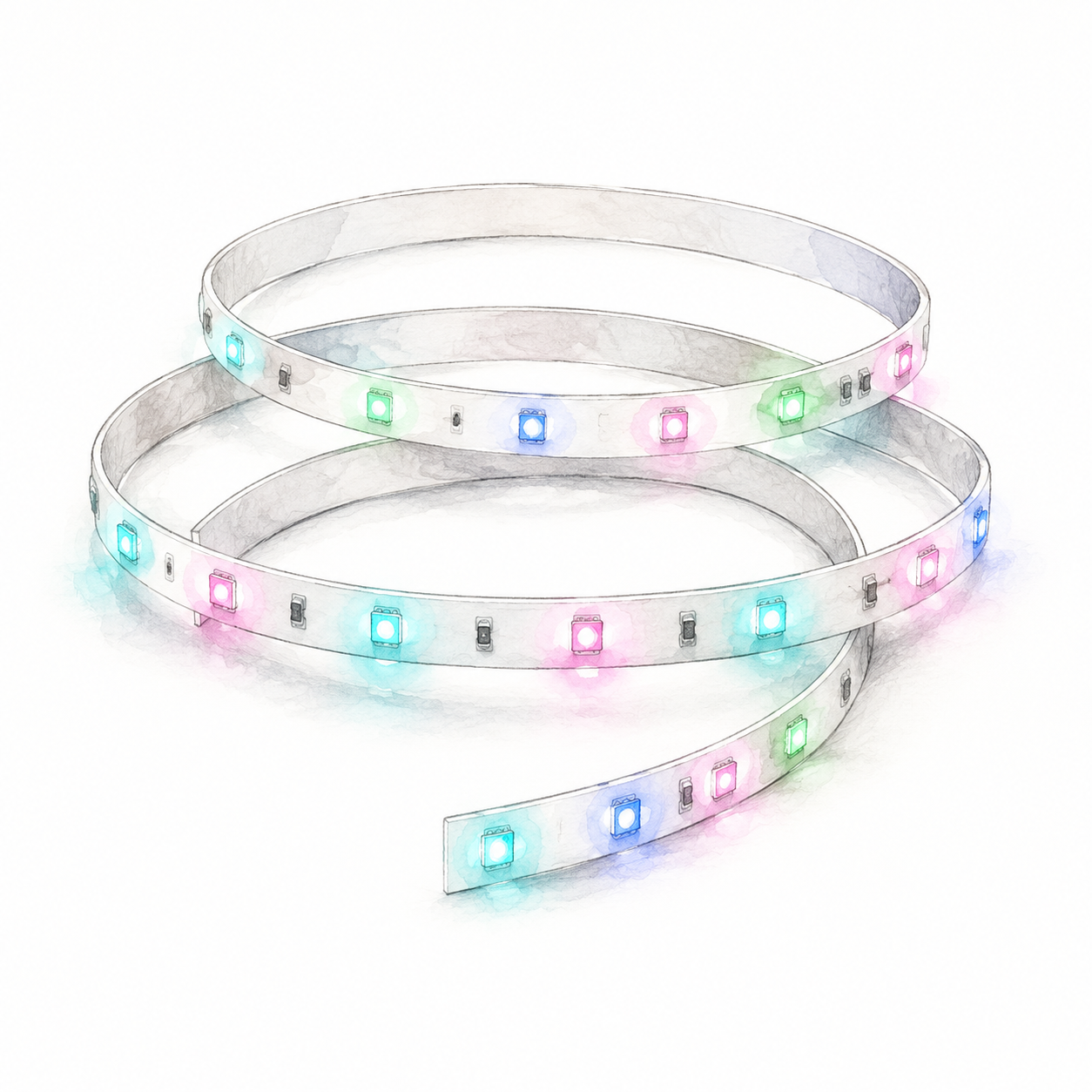
Illustration of a coiled section of the Govee H617C white RGBIC LED strip with separate colored LEDs; not a product photo or full kit

Govee H617C strip illustration — not a product photo or full kit

Govee

Govee RGBIC LED Strip Lights

Bluetooth-controlled RGBIC light strip

Mounting or guided setup

H617C is a fixed 10 m strip: do not cut or splice it. Use its matching 24 V adapter/controller. Control is Bluetooth through Govee Home, not direct Wi-Fi or Alexa; confirm the exact package.

Setup checks & conditions

The H617C row does not establish Wi-Fi, native Matter or Alexa support; do not transfer another strip's capabilities.

  • Plan space for the full 10 m (32.8 ft) H617C strip before mounting. Govee's model matrix marks this strip as not cuttable. Do not apply generic strip-cutting or splicing instructions to this model.
  • Use the matching supplied power adapter and controller; Govee specifies 24 V / 0.75 A for H617C. Its documented control path is Bluetooth with the Govee Home app, not direct Wi-Fi or Alexa. Confirm the exact H617C1D1 package and power hardware before buying.
  • Govee's general mounting guidance calls for a clean, dry surface and a planned cable route. Check the unit's instructions for the actual mounting surface and test the lights after placement. This estimate does not approve outdoor use, concealed wiring or custom power supplies; hardware and firmware have not been physically verified.
All setup checks & sources
Smart Lighting
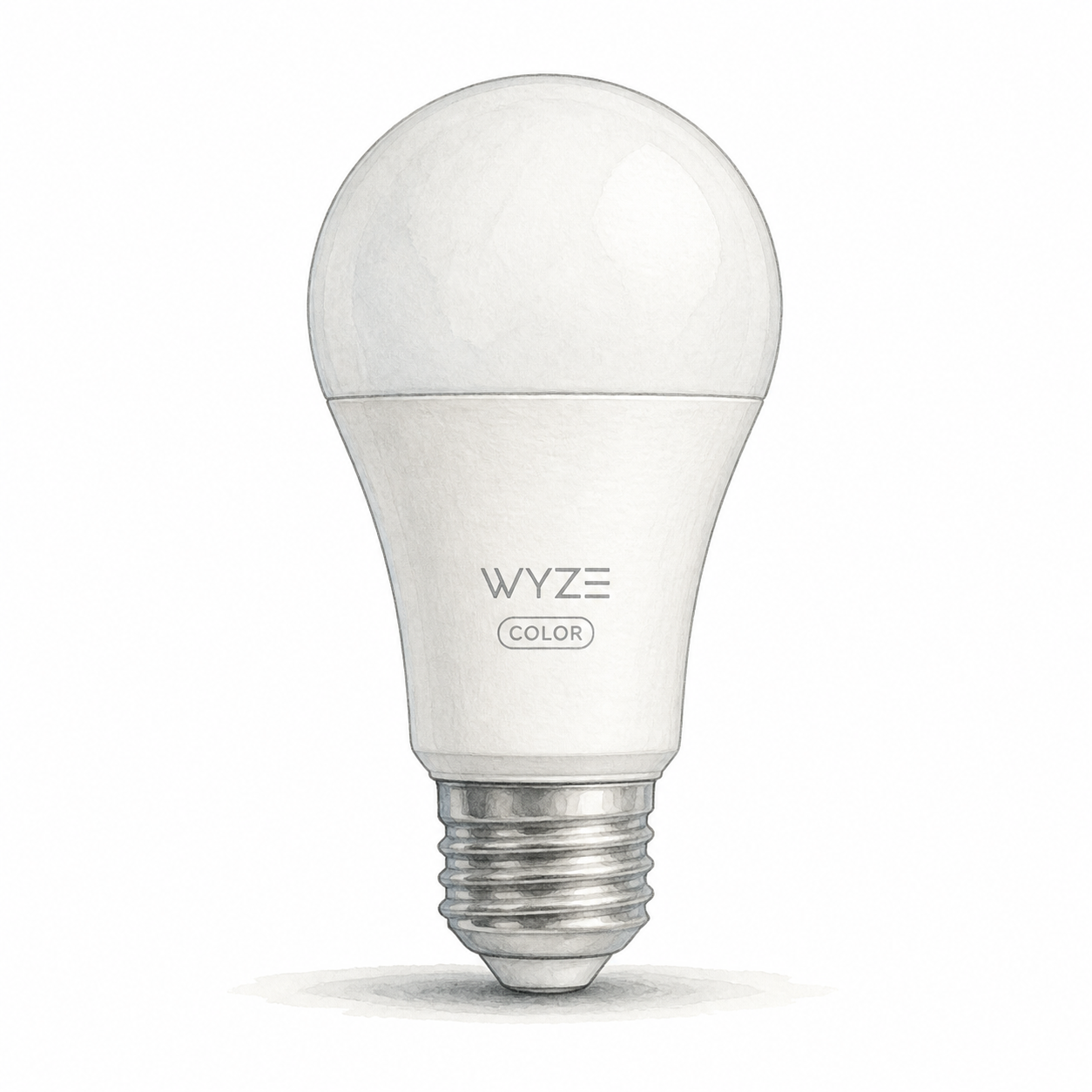
Illustration of one unlit Wyze Bulb Color A19 bulb with a white diffuser and E26 screw base; not a product photo or the complete seller multipack

Wyze Bulb Color illustration — one unit, not a photo or full pack

Wyze

Wyze Bulb Color

E26 replacement smart bulb

Power and app setup

Needs an E26 fixture and 120 V, 60 Hz supply; turn power off before fitting. Do not use external dimmers, enclosed or poorly ventilated fixtures, emergency lighting or direct water exposure. App dimming does not make a wall dimmer compatible.

Setup checks & conditions

The WLPA19C guide has fixture restrictions; app dimming does not imply external-dimmer compatibility.

  • The documented WLPA19C uses an E26 base and 120 V, 60 Hz supply. Turn power off before fitting or removing the bulb and follow the instructions for your fixture.
  • Do not use an external dimmer, a fully enclosed or poorly ventilated fixture, emergency lighting, or a location exposed directly to water. App dimming does not establish compatibility with a wall or lamp dimmer.
  • Smart setup uses a Wyze account, the Wyze app and 2.4 GHz Wi-Fi. Follow the app's Bluetooth and location permission prompts during pairing.
All setup checks & sources

Buying considerations

Editorial methodology and sources

We compare model-specific documentation, setup requirements, intended uses, and stated limitations. The sources and scope are recorded on each page. Commercial data is separate: current prices or customer ratings are not implied by a product recommendation. We do not run controlled lab tests or claim hands-on testing unless that is explicitly documented on the page.

No hands-on test or human review is recorded for this guide. Publication is not a verification date; check the linked product profiles for recorded price and rating dates.

References named in this guide are listed below. Their presence does not mean every claim has been independently reverified.

FlowHome may earn from qualifying purchases through affiliate links. Automation can assist with discovery and maintenance, but it does not replace editorial responsibility.

Read our editorial and corrections policy
Browse smart lighting category →Philips Hue Starter Kit 562918 Review: Two E26 Bulbs and Bridge Setup review →Read the Philips Hue vs Govee RGBIC vs Wyze lighting comparison →