
Motion Sensor
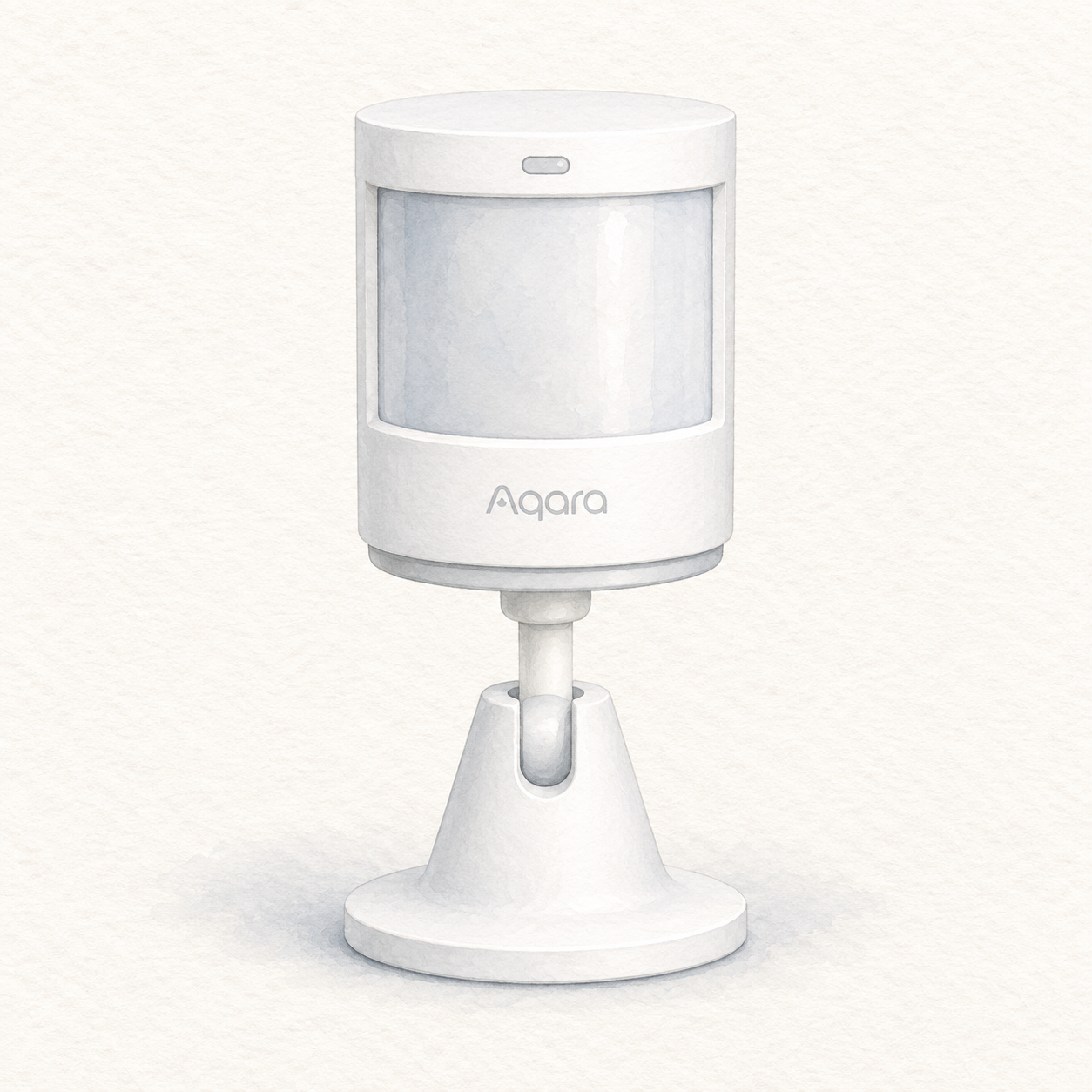
Aqara P1 and holder illustration — not a photo; hub not shown
Aqara
Aqara Motion Sensor P1
Zigbee motion and ambient-light sensor; requires a compatible Aqara Zigbee 3.0 hub
Mounting or guided setup
Requires an Aqara Zigbee 3.0 hub. Keep its CR2450 button batteries away from children; stop using it if the battery compartment will not close securely. This documentary assessment is not a security-system test or pairing guarantee.
Setup checks & conditions
This is a sensor accessory, not a hub or controller. No individual ecosystem pairing is certified here.
- Have an Aqara Zigbee 3.0 hub and Aqara Home app ready. Remove the battery insulating tab, add Motion Sensor P1 in the app and confirm communication with the hub before fixing the sensor in position.
- Use indoors, away from moisture and heat sources. Choose a clean, flat mounting surface and a detection direction; the manual recommends 1.2-2 m mounting height. Avoid glass, tile, marble, uneven wall coverings and facing heaters. Test detection at the intended location.
- Follow the MS-S02 manual for its two CR2450 button batteries; keep new and used batteries away from children and stop using a compartment that will not close securely. This is a documentary setup assessment, not a tested security system or a guarantee of ecosystem pairing.